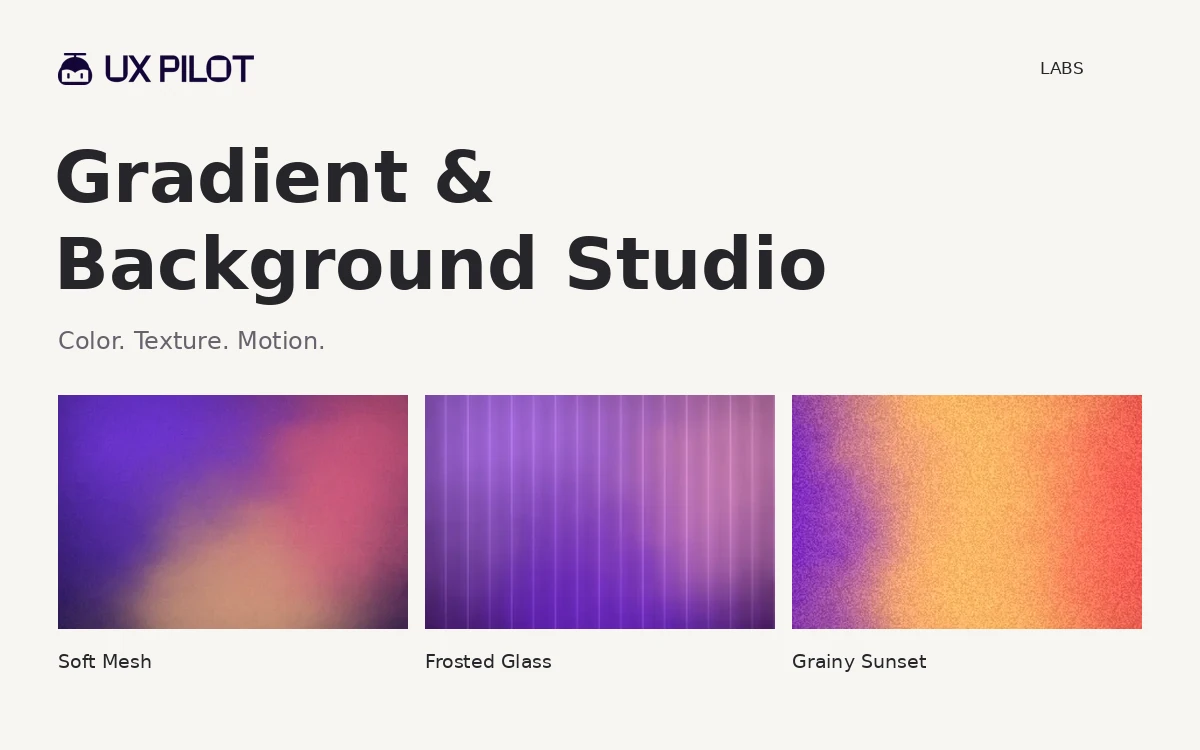
UX Pilot Gradient Generator – Gradients & Textured Backgrounds
A browser-based gradient studio with color, texture and motion controls, plus previews inside interface layouts.
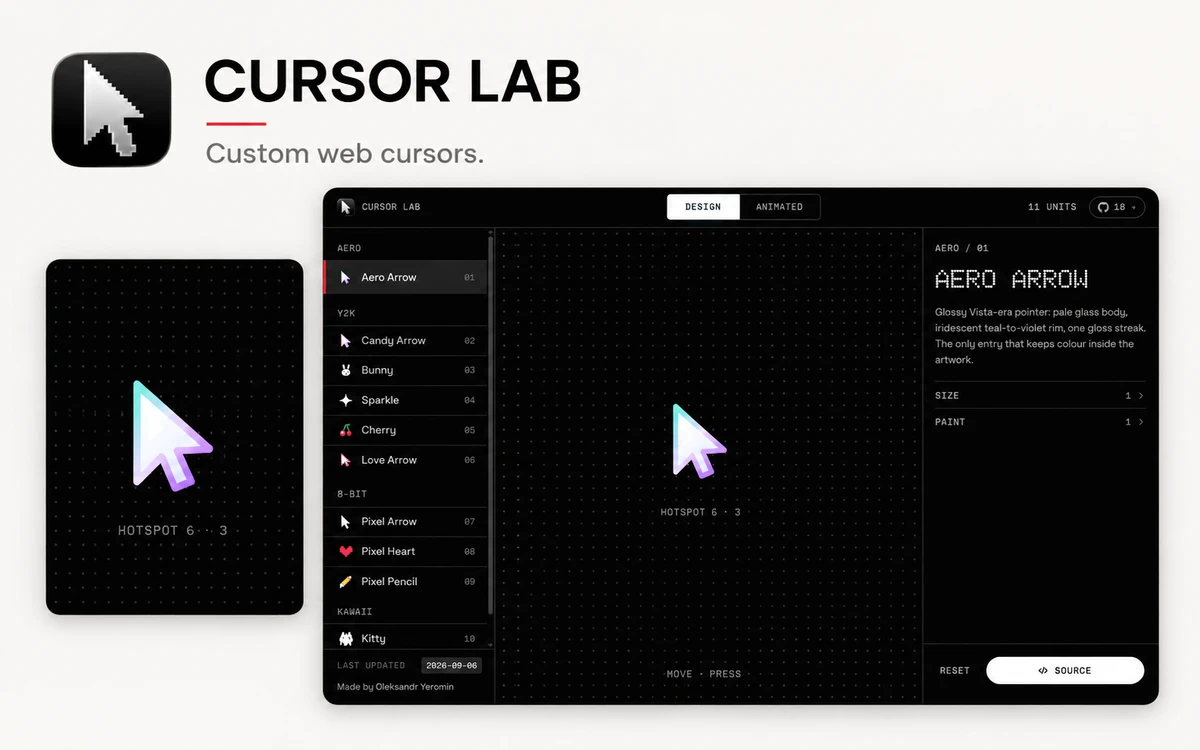
Cursor Lab is a workbench for choosing and tuning a cursor for a web interface. Its catalogue contains 28 options: 11 drawn cursors and 17 animated effects. Created by Oleksandr Yeromin, the browser tool lets visitors explore the catalogue, adjust parameters, and inspect code without registering. The Design tab groups drawn cursors into Aero, Y2K, 8-bit, and Kawaii styles. Examples include a glass-like arrow, a pixel heart, a pencil, and small characters. A large preview helps assess the shape, while size and colour controls adapt it to an interface. These designs use SVG through the CSS cursor property. The Animated tab groups effects by behaviour: Pointer changes the pointer, Trail leaves a trail, and Field makes the surrounding surface react. Examples include Dot & Ring, Silky Ribbon, Fluid Smoke, and ASCII Field. Each effect has its own controls for properties such as size, follow speed, colours, and gradients, with changes visible in the preview. Source opens a panel with JS, React, and CSS tabs. The code incorporates the current settings and can be copied for integration. The public repository also lets developers run the workbench locally without a build step and study how the effects are implemented. Cursor Lab is useful for portfolios, promotional websites, and interaction prototypes. Before using an effect in production, check pointer visibility, links and buttons, touch devices, performance, and reduced-motion preferences. Review the individual exported snippet for the safeguards your implementation needs.
The project code is MIT licensed (© 2026 Oleksandr Yeromin), allowing use, modification, and distribution, including commercial use, provided the copyright and licence notices remain in copies or substantial portions of the code. Fonts and third-party trademarks have their own terms.
Check the creator’s current terms before using this resource.A browser-based gradient studio with color, texture and motion controls, plus previews inside interface layouts.
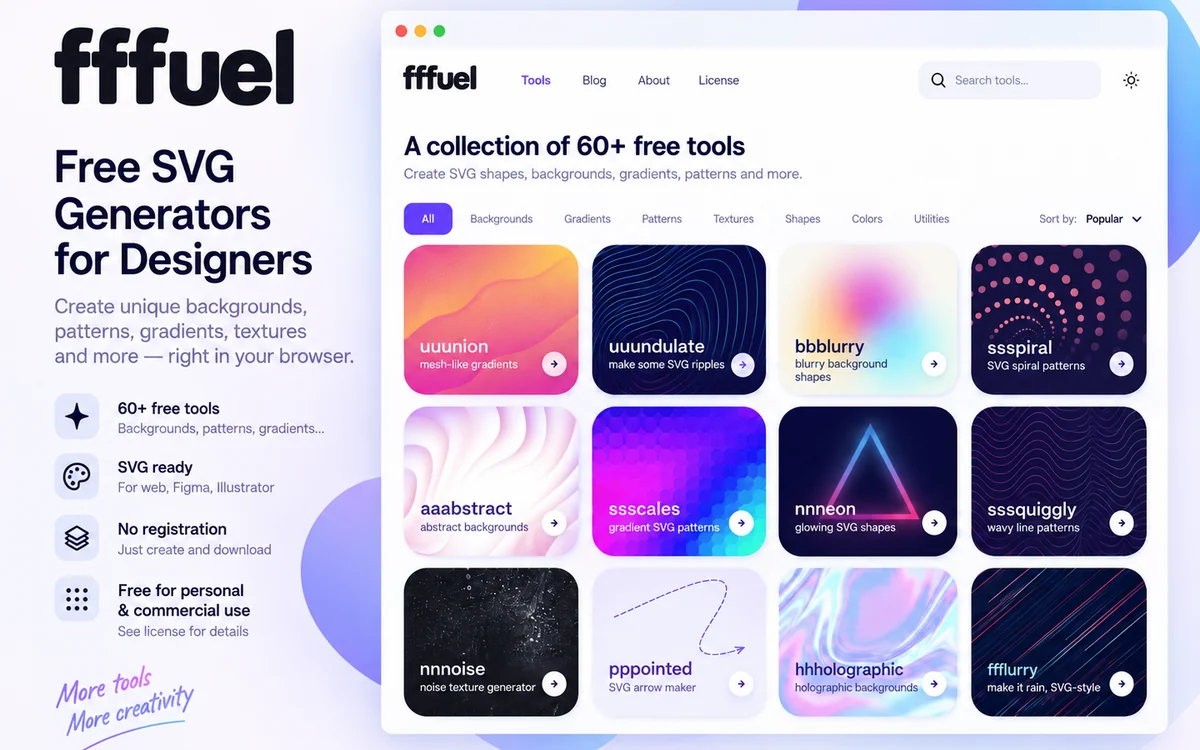
A collection of 60+ free browser-based tools for creating SVG backgrounds, gradients, patterns, textures, shapes and color palettes.
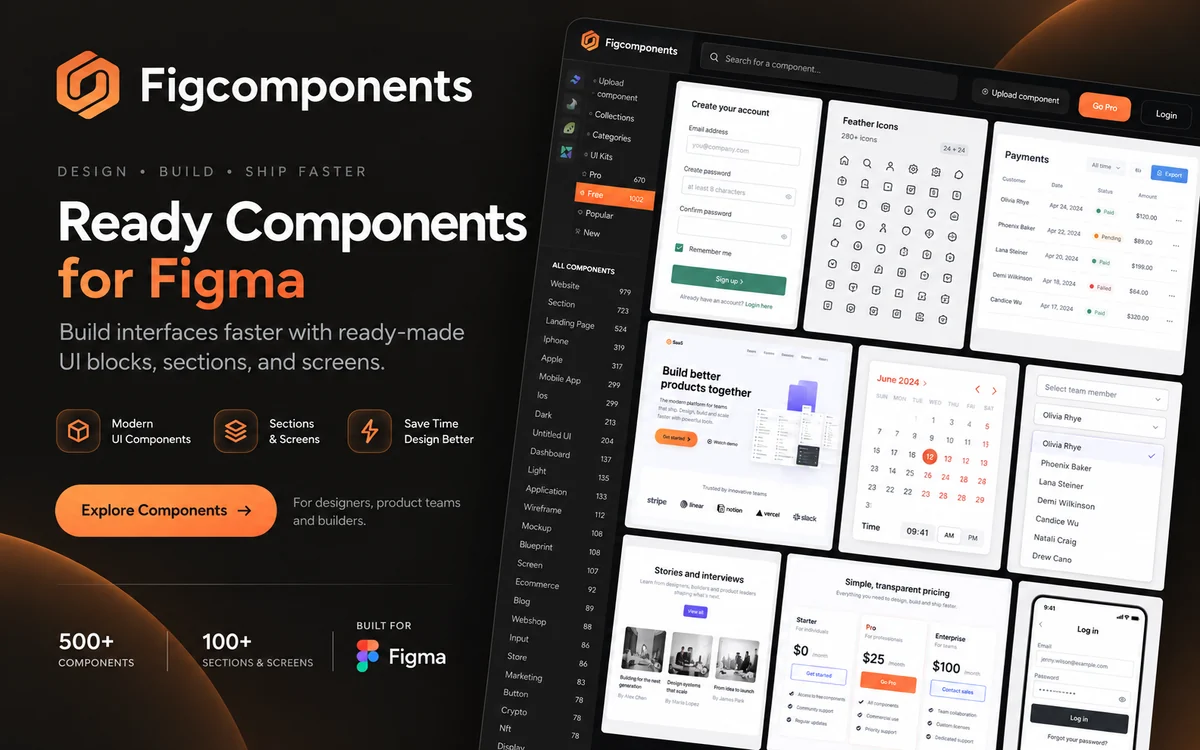
A large library of ready-made Figma components for websites, mobile apps, dashboards, landing pages, tables, forms and UI kits.