
AURA — VECTOR EDITOR BY DESLOVE
Free online vector editor.
Logos, SVG and graphics.
Create logos and vector graphics, edit SVG files and work with Bézier curves right in your browser. No installation — get started without an account.
Free · No installation · Get started right away
Sign in to open your own files, save projects and export.

THE AURA WORKSPACE
Edit SVG files, logos and vector graphics.All the tools — in one workspace.
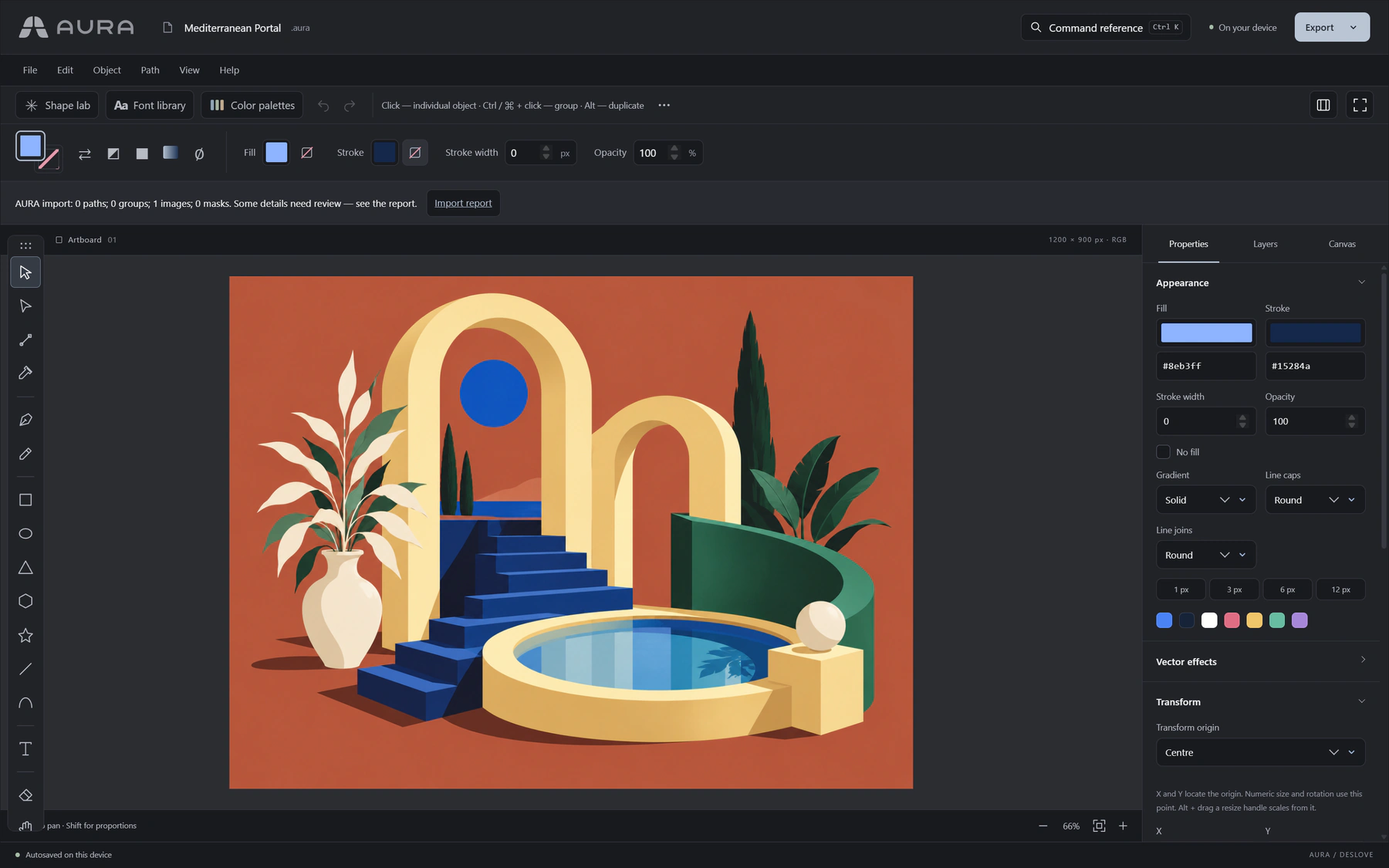
Work with vector paths, Bézier curves, layers, text, colors and shapes. Import SVG files, edit individual elements and export finished graphics right in Aura.
- SVG
- Bézier curves
- Layers
- Typography
- Colors
- Shapes
VECTOR EDITING TOOLS
From first path
to finished SVG.
Draw and reshape paths.
Draw with the pen tool and edit nodes and Bézier handles. Unite shapes, subtract parts, split paths and turn strokes into shapes.
Work with text and letterforms.
Adjust letter spacing and kerning, and place text along a path. Convert text to outlines to reshape individual letters by hand.
Control the whole composition.
Group objects, name, hide and lock layers. Use masks, gradients and guides, and work across multiple artboards.
Open, edit and export SVG.
Import SVG files and edit individual elements. Keep an editable Aura project and export finished vector graphics for logos, icons or your website.
BUILT-IN LIBRARIES
Shapes, fonts and palettes
already in the editor.
Build marks from geometric starting points, try fonts and choose colors right in Aura. The collection is continuously updated and expanded.
Shape Lab
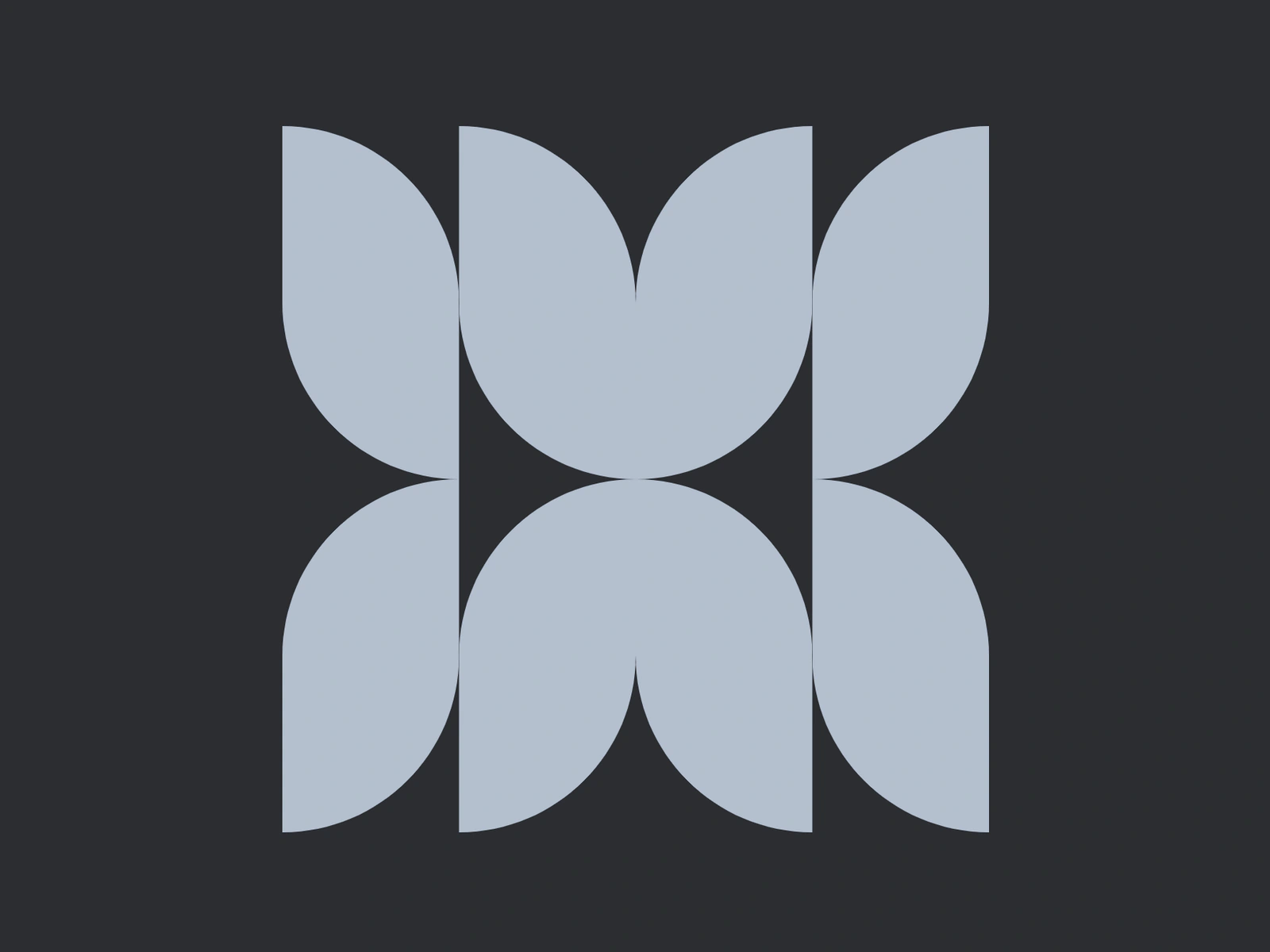
Choose a geometric starting point and adjust its modules, spacing, deformation, rotation and corner radius. Create your own variations and bring them onto the canvas as editable vector shapes.
Font Library
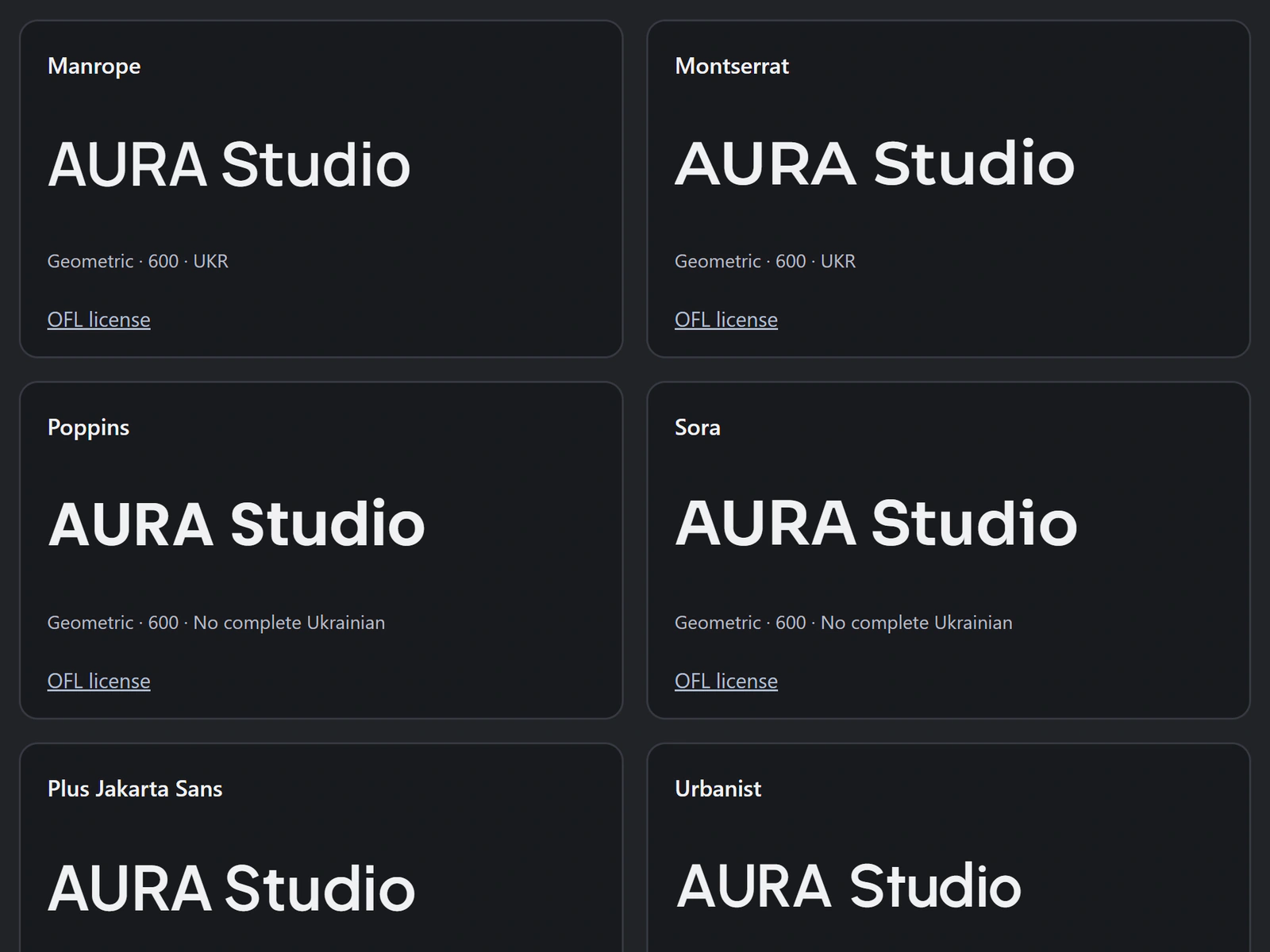
Try fonts on your own text, search by name or designer and choose a weight. All library fonts are free for personal and commercial designs under the SIL OFL.
Color Palettes
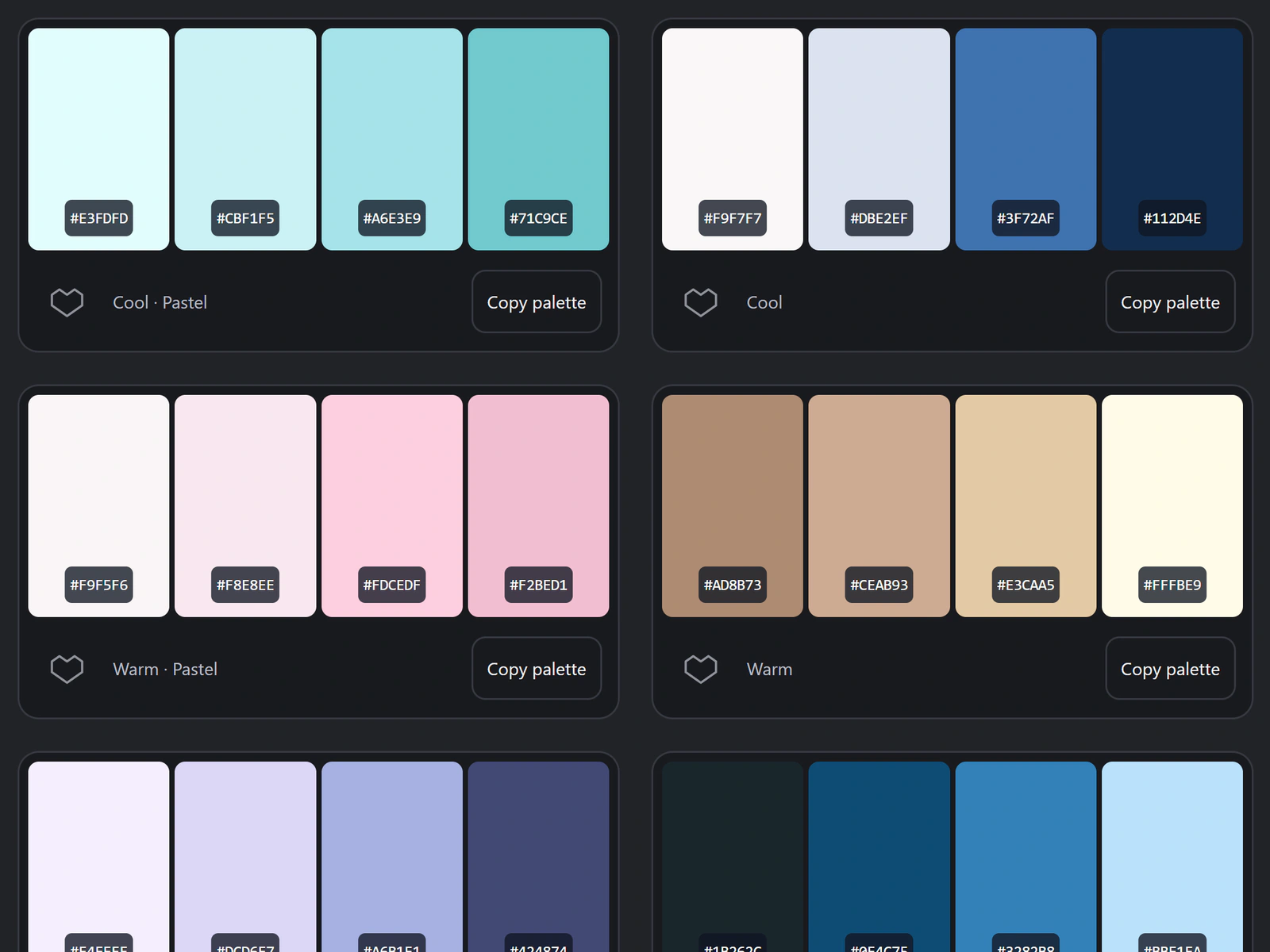
Find ready-made combinations by hue and mood. Save your favorite palettes, copy color codes and apply them to object fills and strokes.
FILES THAT FIT YOUR WORKFLOW
Edit an SVG.
Keep an editable original.
Use .aura for a project you want to return to. Open SVG and supported vector documents; export a vector file or a finished image when it is ready.
Open
- AURA
- SVG / SVGZ
- FIG
- AI
- EPS
- CDR
Save & export
- AURA
- SVG / SVGZ
- EPS
- PNG
- JPEG
- WebP
Compatibility depends on the file. Imported text may become outlines, and embedded images remain images. Aura does not promise a lossless round trip for every third-party format.
FROM AN IDEA TO YOUR OWN DESIGN
Create logos,
icons and graphics.
Start with your own idea or open a ready-made example. Change shapes, text and colors — and make the design your own.
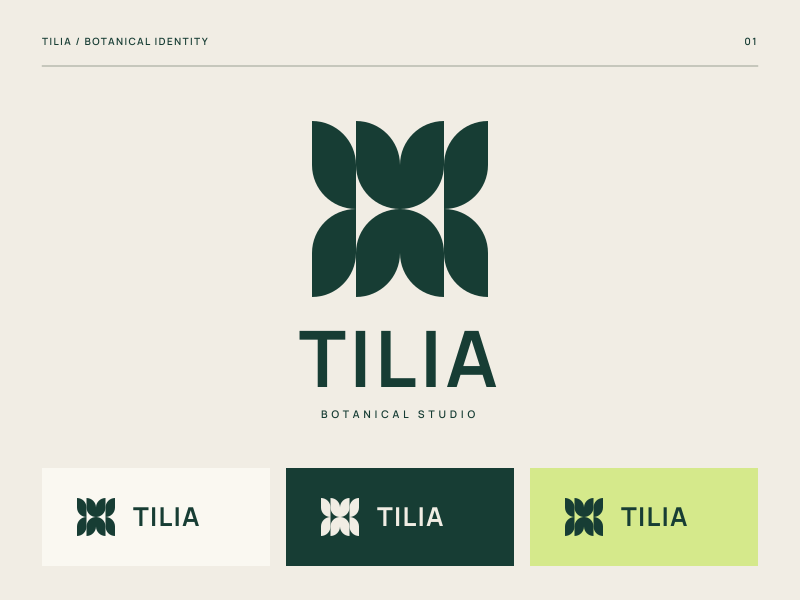
Logos and brand marks
Build a mark from geometric shapes, add a name and choose a typeface. Open the identity example and adapt it to your own brand.
Edit the logo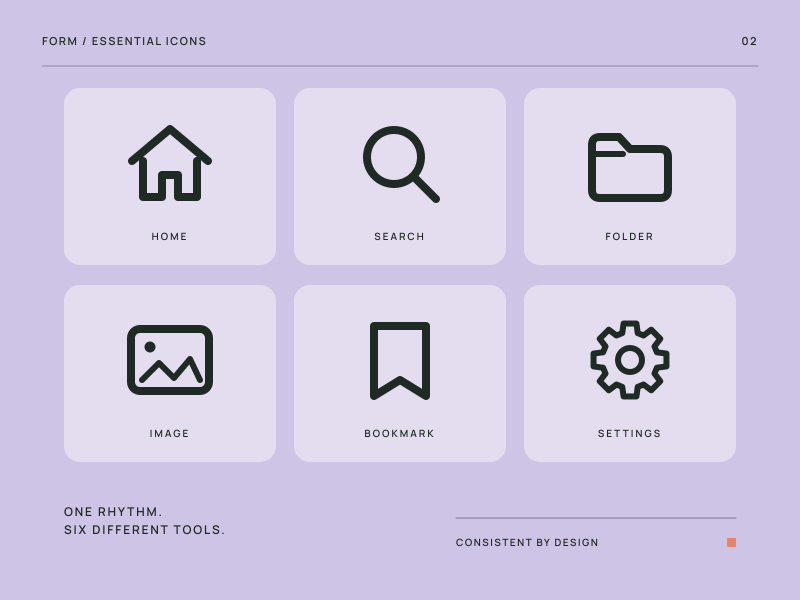
Icons and symbol sets
Work with paths, line weights and proportions. Create consistent sets for websites, apps and presentations.
Edit the icons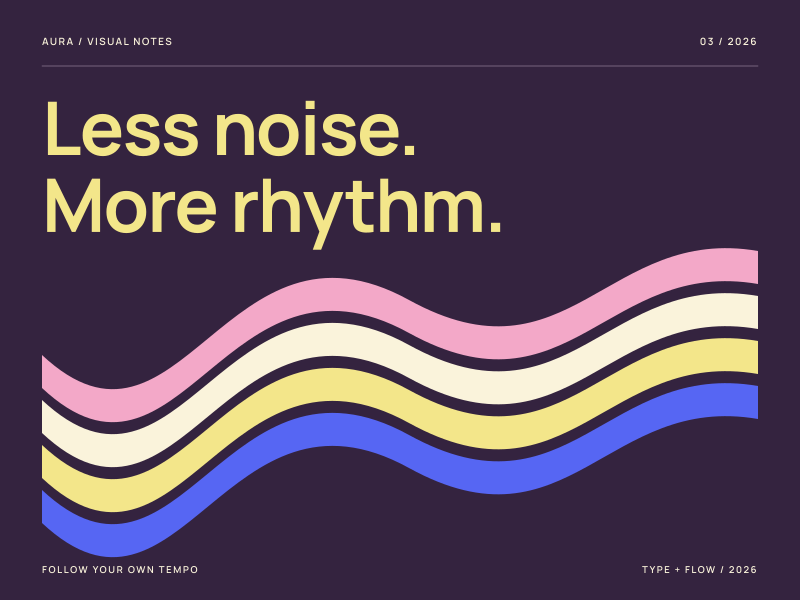
Posters and graphics
Combine expressive typography, vector shapes and color. Create posters, covers and graphics for your own publications.
Edit the posterEdit these examples without an account. Sign in to save and export your work.
CHOOSE WHERE YOU WORK
In your browser.
On your desktop.
Aura for the web
Open the editor in your browser and start designing. Sign in for file import and export. Some file conversions are processed on the Deslove server.
Open the editorAura for Windows
Aura for Windows is a free desktop vector editor. Edit and convert files on your computer and work offline after first activation with your Deslove account.
App Store and Google Play versions are planned. No release date has been announced.
GOOD TO KNOW
A few practical answers.
Is Aura really free?
The web editor and Aura for Windows are free. You can try the web editor’s drawing tools without an account. A free Deslove account is required to open your own files, save projects and export. In the Windows edition, an account is required for first activation, after which you can work offline.
Can I use Aura to create a logo?
Yes. The generator in Shape Lab includes 141 base symbols. Adjust modules, spacing, rotation, deformation and corner radius to quickly explore thousands of different combinations and find a starting point for your own mark. Bring your chosen variation onto the canvas, refine its parts, choose a typeface and colors, and export your finished logo as a scalable SVG.
Can I edit SVG, Illustrator or CorelDRAW files?
Aura opens SVG and supported AI, EPS, PDF, CDR and other file variants. Compatibility depends on the features used in the source document. Text may become outlines; images do not automatically turn into vectors. Keep the original file and check the import report.
Where does my work go?
Editing takes place in your browser. Temporary recovery drafts are stored on the same device, not in a cloud project library. Some imports and exports send the document to the Deslove server for conversion. The Windows edition performs conversion locally. Save important work to a file; recovery drafts are not a backup.
Will I lose my draft when I sign in?
When you use the sign-in action in Aura, the editor first keeps a copy of your work on this device and returns you to it after login. Keep using the same browser and tab. If browser storage is unavailable or full, Aura warns you before leaving.
Is there a Mac, iPhone or Android app?
The web edition can be opened from a compatible browser; its full workspace is best on a computer. The Aura desktop edition runs on Windows. Dedicated macOS, App Store and Google Play versions are not available yet.
Your vector Aura.
Turn ideas into logos, icons and graphics. Right in your browser — no installation needed.
Open the editor