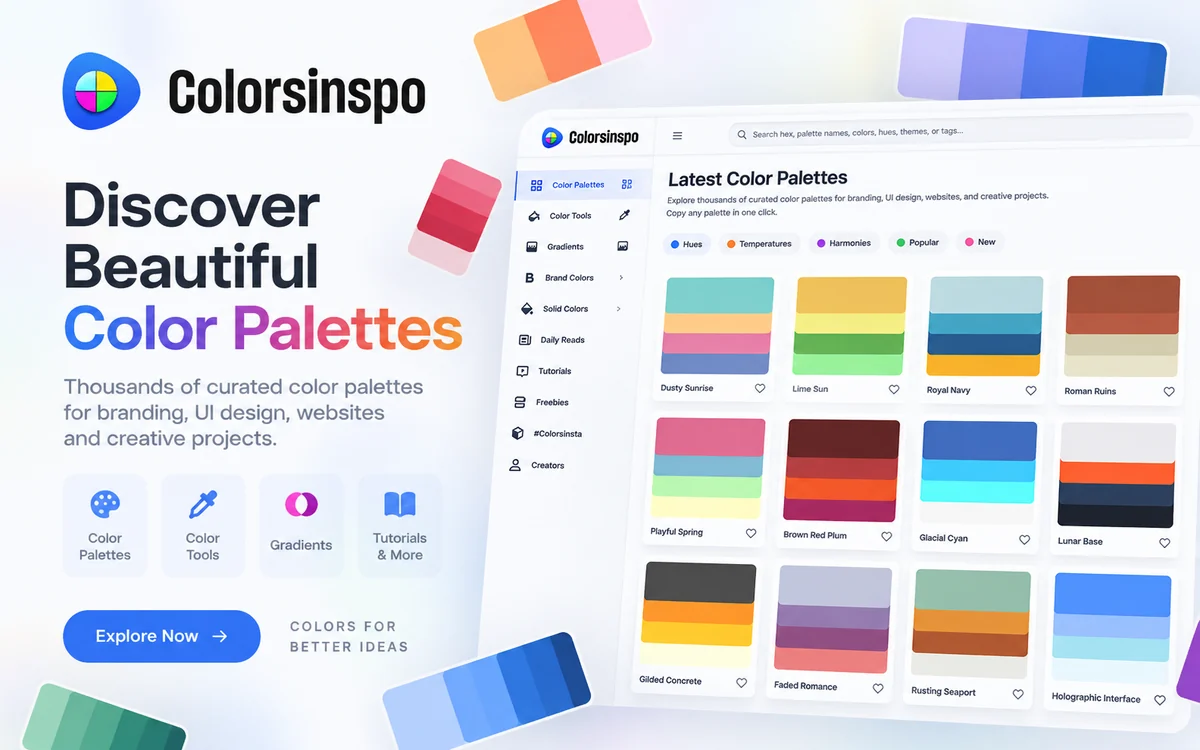
Colorsinspo — Color Palettes, Gradients & Design Tools
A free platform with thousands of curated color palettes, generators, gradients, contrast tools, tutorials and other resources for designers.
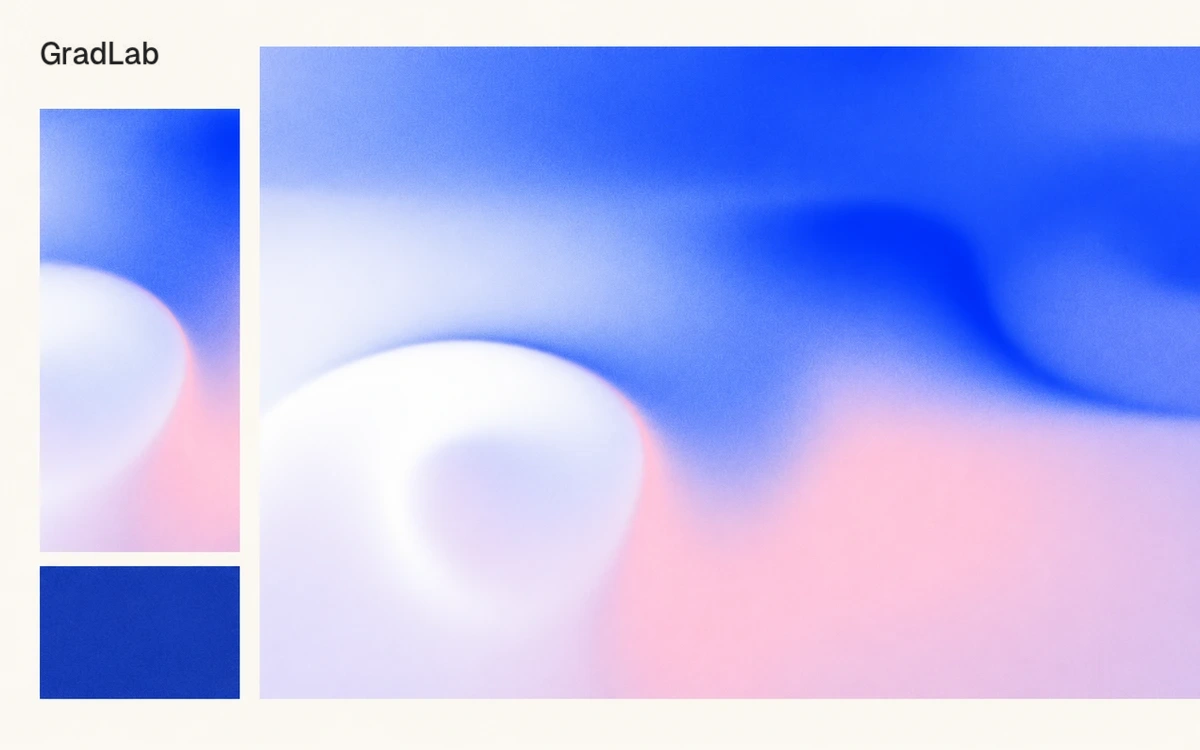
GradLab creates gradient backgrounds for websites, presentations, posters and social graphics. It renders the image in your browser with WebGL and updates the canvas as you adjust the controls. Three built-in presets provide starting compositions that you can adapt to your own palette and format. A palette can contain two to eight colors. Enter HEX values, reorder swatches or sample colors from a reference image. Blending is available in RGB, OKLab and OKLCH, with OKLCH selected by default. Comparing these spaces is useful when refining transitions between brand colors. Shape & Flow offers 13 algorithms, ranging from smooth waves and noise fields to vortices, concentric contours and geometric glows. Scale, speed, distortion and shape controls help establish the background's character. Add grain, a halftone treatment or a character grid that responds to pointer movement for a more textured result. Export a still as PNG, a moving composition as MP4, or a standalone HTML file containing the shader and settings for use on a website. PNG and video offer 1×, 2× and 3× export scales, with actual output dimensions displayed in the interface. MP4 is encoded frame by frame in H.264 at 30 fps. Transparent PNG backgrounds are not currently supported. The tool is free, requires no account and adds no watermark. It needs WebGL, while MP4 also requires a compatible WebCodecs H.264 encoder; the documentation recommends Chrome or Edge. Higher export scales demand more processing, so test a small file before committing to a large output. Settings are not automatically preserved when you close or refresh the page. Save the result through HTML export, or use Param Code to recover the configuration later. Param Code restoration requires internet access and does not restore an uploaded background image, canvas dimensions or export scale. The official FAQ permits commercial use of exported files.
The official FAQ permits commercial use of exported PNG, video and HTML files without watermarks or usage restrictions. This permission concerns exported output; you still need the necessary rights to uploaded images and other third-party material. Source: https://docs.gradlab.app/faq
Check the creator’s current terms before using this resource.A free platform with thousands of curated color palettes, generators, gradients, contrast tools, tutorials and other resources for designers.
A browser-based gradient studio with color, texture and motion controls, plus previews inside interface layouts.
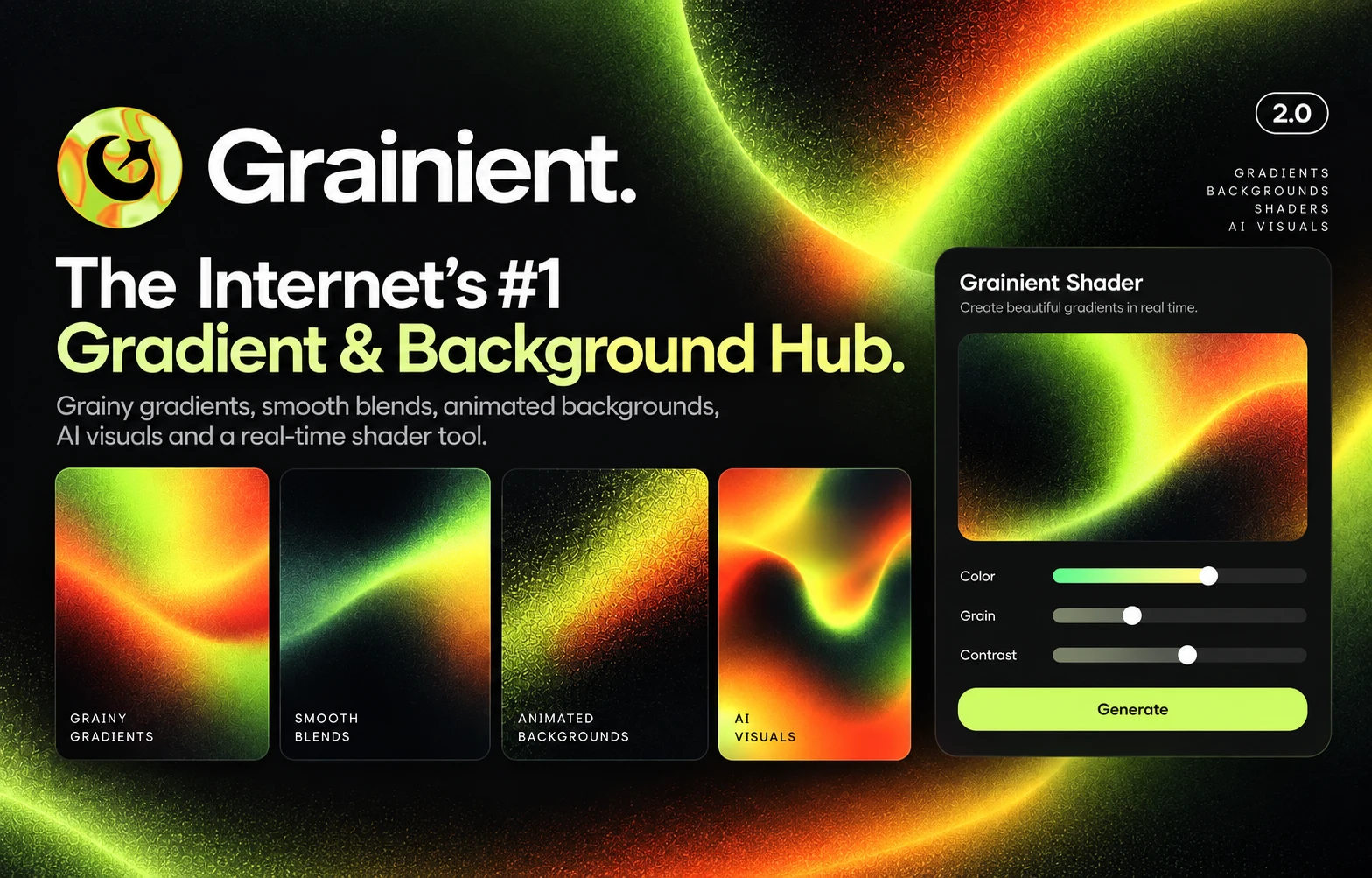
A collection of grainy, smooth and animated gradients, AI backgrounds and a real-time shader tool for modern web visuals.