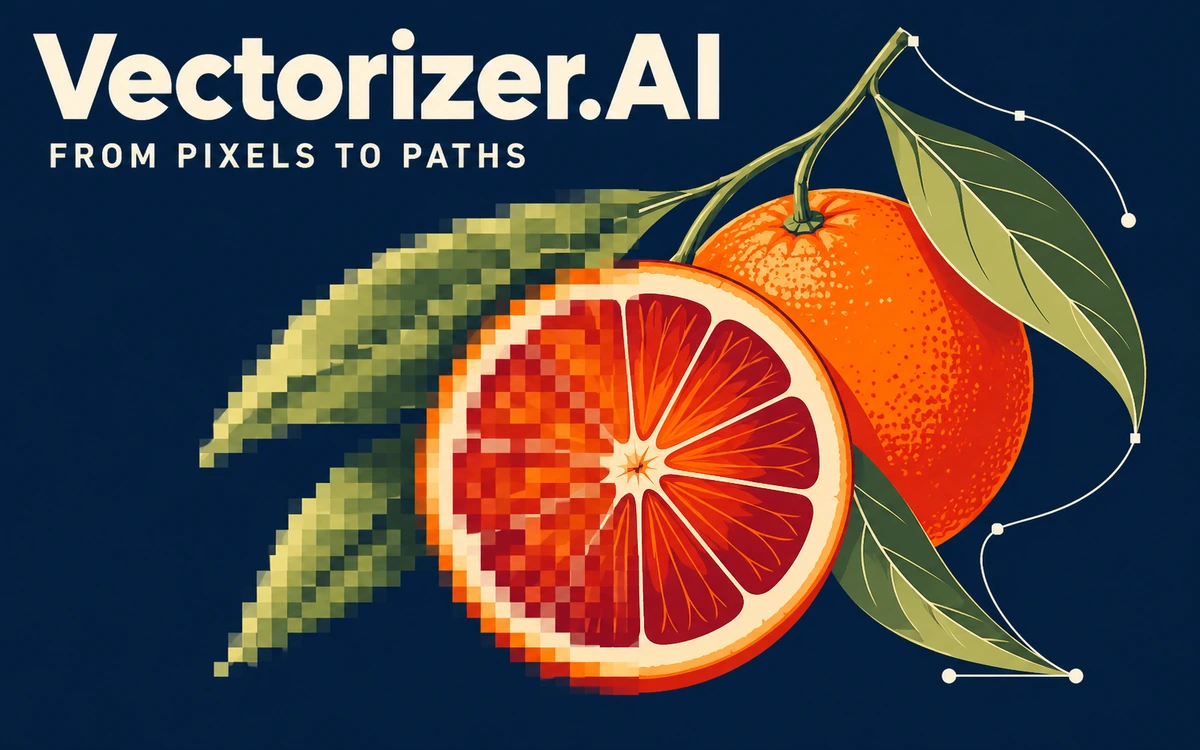
Vectorizer.AI: convert raster images to vectors
Online vectorization for logos, illustrations, and sketches, with previews and configurable SVG, EPS, PDF, and DXF exports.
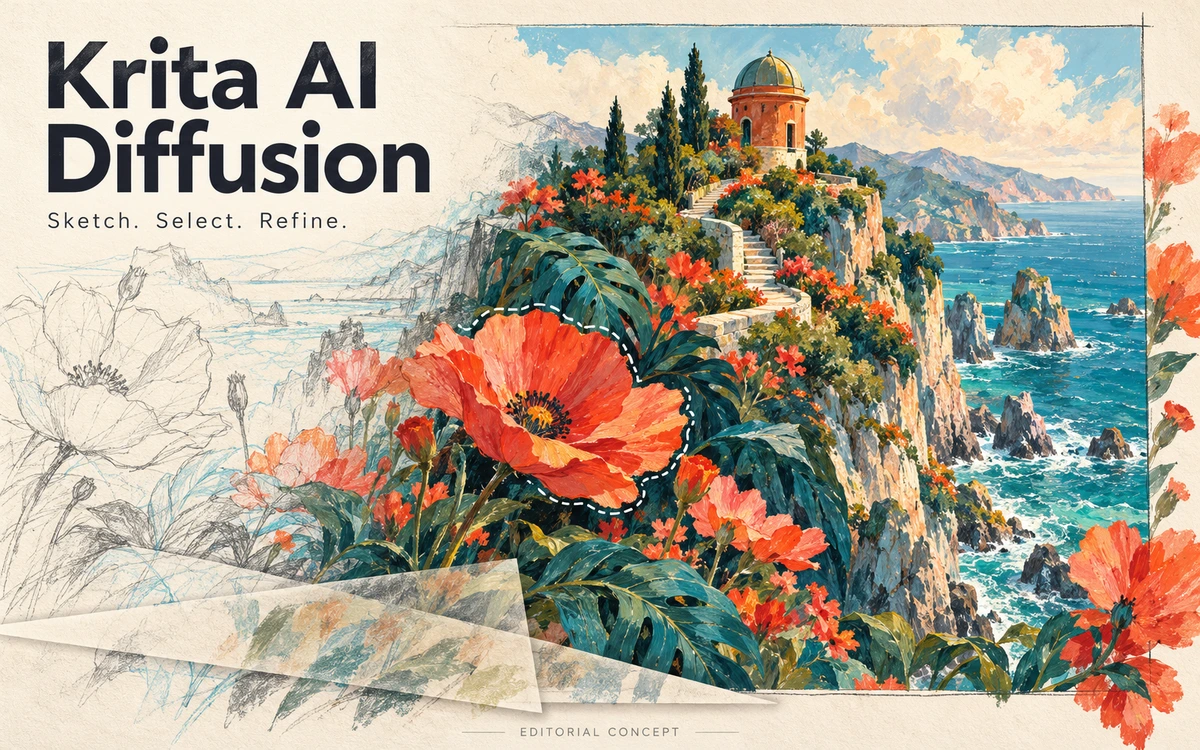
Krita AI Diffusion, also called Generative AI for Krita, brings AI tools into painting and editing workflows inside Krita. The plugin combines manual changes with generation while retaining control over parts of a composition. It is a third-party project installed separately from the main application. You can restrict generation to a selection, fill empty areas, expand the canvas, or add and remove objects. Refinement modes modify existing content with adjustable strength. This suits illustrators who want to develop their own sketches gradually and assess each local change independently. Guide compositions through sketches, line art, reference images, depth maps, and poses. Regions and layers can carry individual text descriptions. Live canvas interpretation, upscaling, queued jobs, and generation history provide additional ways to compare alternatives while continuing work on an image. The plugin is free and open source, but local generation requires models, setup, and suitable hardware. Windows, Linux, and macOS are supported, with speed depending on the GPU and workflow. An optional paid Interstice cloud service offers trial tokens and usage-based computing without requiring a local GPU. Local offline operation avoids sending your work to the cloud service. Other connected providers have their own privacy policies. GPL-3.0 covers the plugin code; model, LoRA, and source-image rights must be checked separately, particularly before using results commercially or delivering work to a client.
The plugin code is GPL-3.0; local use is free and cloud computing is optional and separately paid. Models and LoRAs carry their own licenses. Interstice claims no ownership of inputs or results and limits temporary image storage to two days; other providers may have different policies.
Check the creator’s current terms before using this resource.Online vectorization for logos, illustrations, and sketches, with previews and configurable SVG, EPS, PDF, and DXF exports.
An AI design platform for generating images, vectors, icons and mockups with built-in editing, upscaling and SVG export.
A curated library of free AI-generated photos, illustrations and 3D visuals with search, filters and built-in editing tools.