Sliick – Free 3D Device Mockups
A browser editor for presenting screenshots and videos in 3D phone and tablet mockups, with ready-made scenes and local exports.
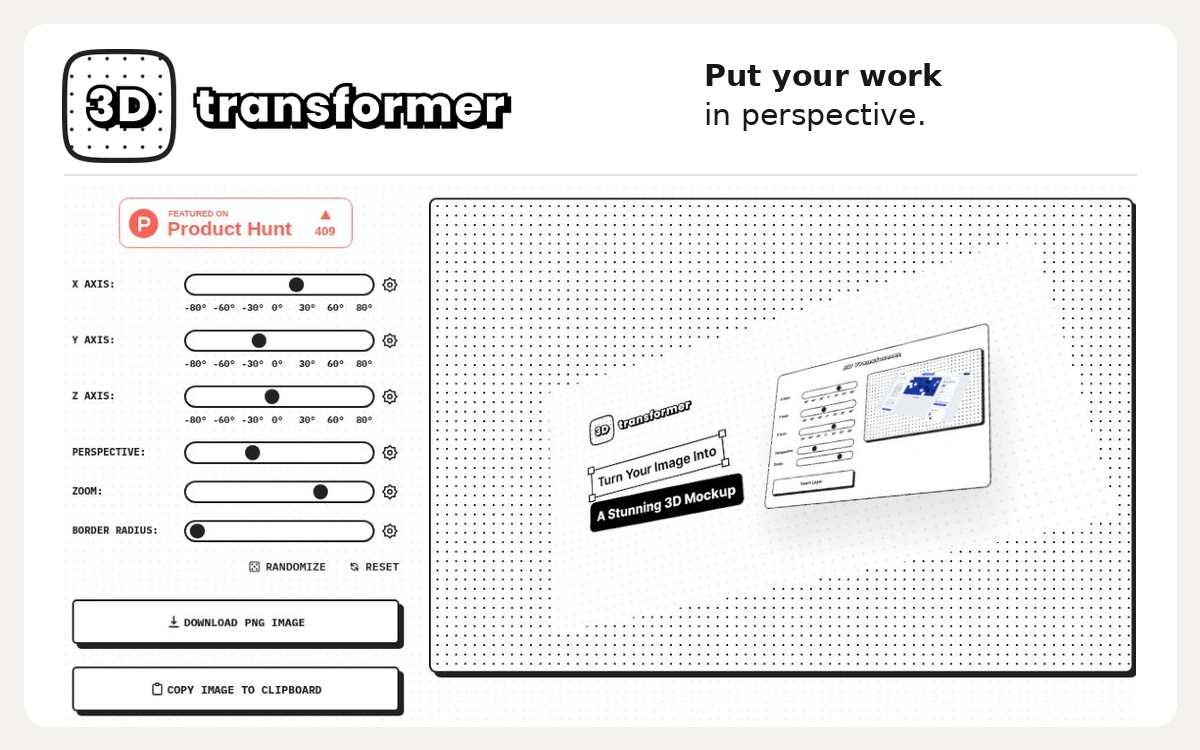
3D Transformer is Jim Raptis’s browser tool for giving a flat image an angled, three-dimensional presentation. It is useful for showing an interface, illustration or product screen in a landing-page hero, presentation or portfolio case study. The result is a perspective treatment of an existing image rather than a newly modelled object. The editor has separate X, Y and Z rotation sliders, plus controls for perspective, zoom and border radius. Changes appear in the preview, so you can compare a gentle tilt with a more dramatic angle. Randomize provides a quick starting point, while Reset helps you return to a neutral setup when an experiment becomes difficult to control. Start with a clear export of your own design, upload it and adjust one axis at a time. Leave enough room around the composition and check whether small text remains readable at its intended display size. The interface offers PNG download and copying the image to the clipboard; check that the exported file opens correctly and keep your editable source separately. The web editor is available without a paid plan or sign-in prompt in the inspected workflow, and the maker describes the tool as free. The homepage also points to a Figma plugin for working with designs in Figma. Check that plugin’s current listing before relying on its compatibility or additional features; the browser version is enough for trying the basic perspective workflow. For a portfolio, create a restrained perspective view as the opening visual and include a straight-on screen elsewhere so people can inspect the design. Use images you created or have permission to edit and publish. No dedicated reuse licence was found on the inspected public page, so free access should not be treated as permission to reuse the site’s branding, demo artwork or other people’s designs.
Free web tool. No dedicated reuse or open-source licence was found on the inspected public page. Use images you own or are licensed to edit and publish; site branding and demo artwork are not unrestricted assets.
Check the creator’s current terms before using this resource.A browser editor for presenting screenshots and videos in 3D phone and tablet mockups, with ready-made scenes and local exports.
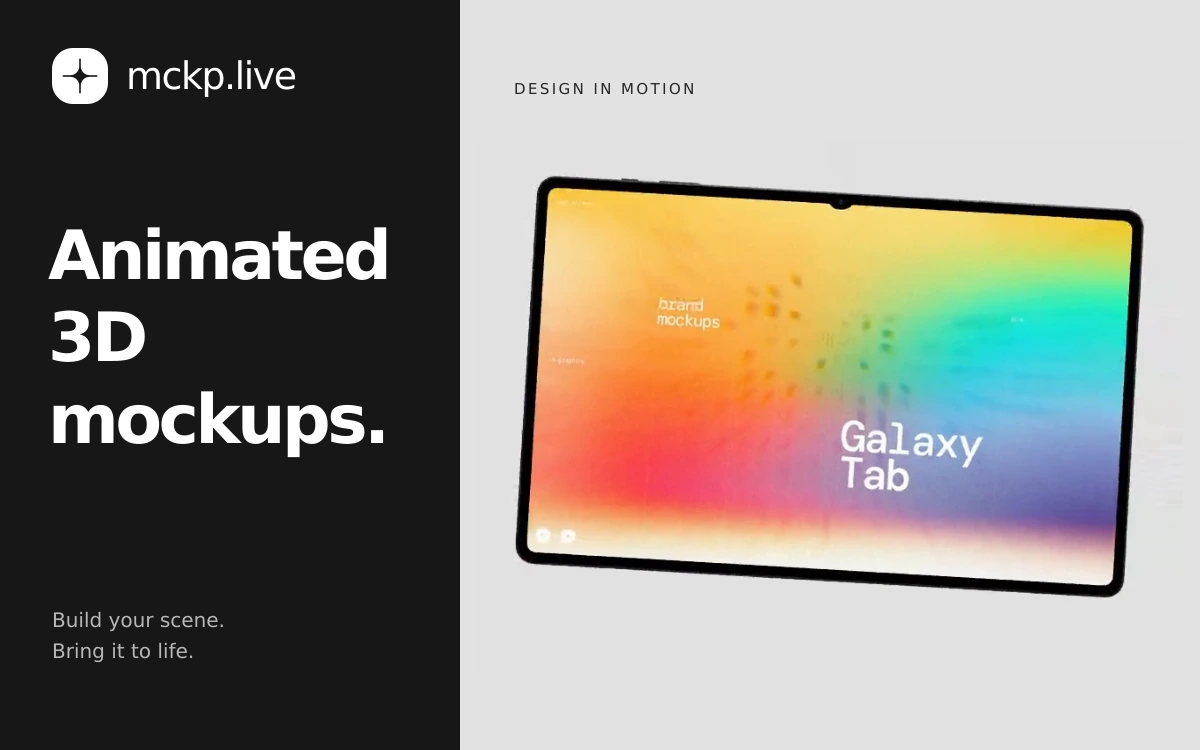
A browser-based tool by ls.graphics for animated device mockups with your own screens, video exports and interactive website embeds.
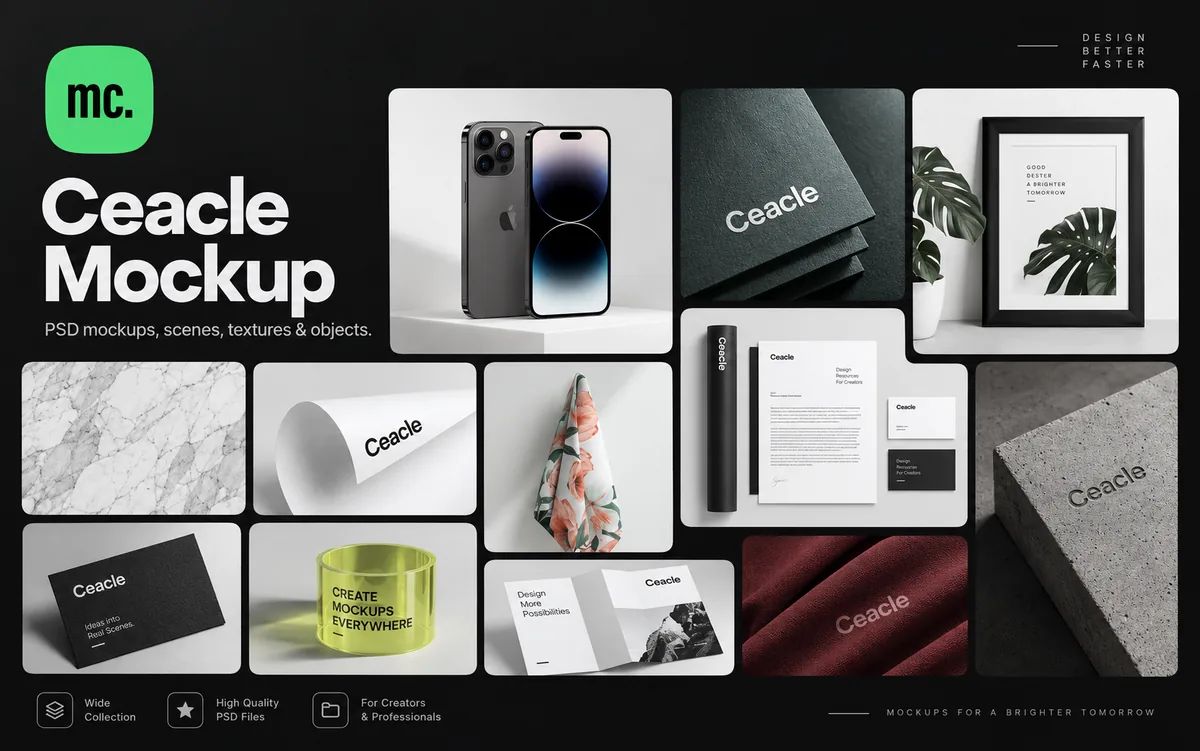
A large library of PSD mockups, scenes, textures and individual assets for building custom branding and design presentations.