mckp.live – Animated 3D Mockups
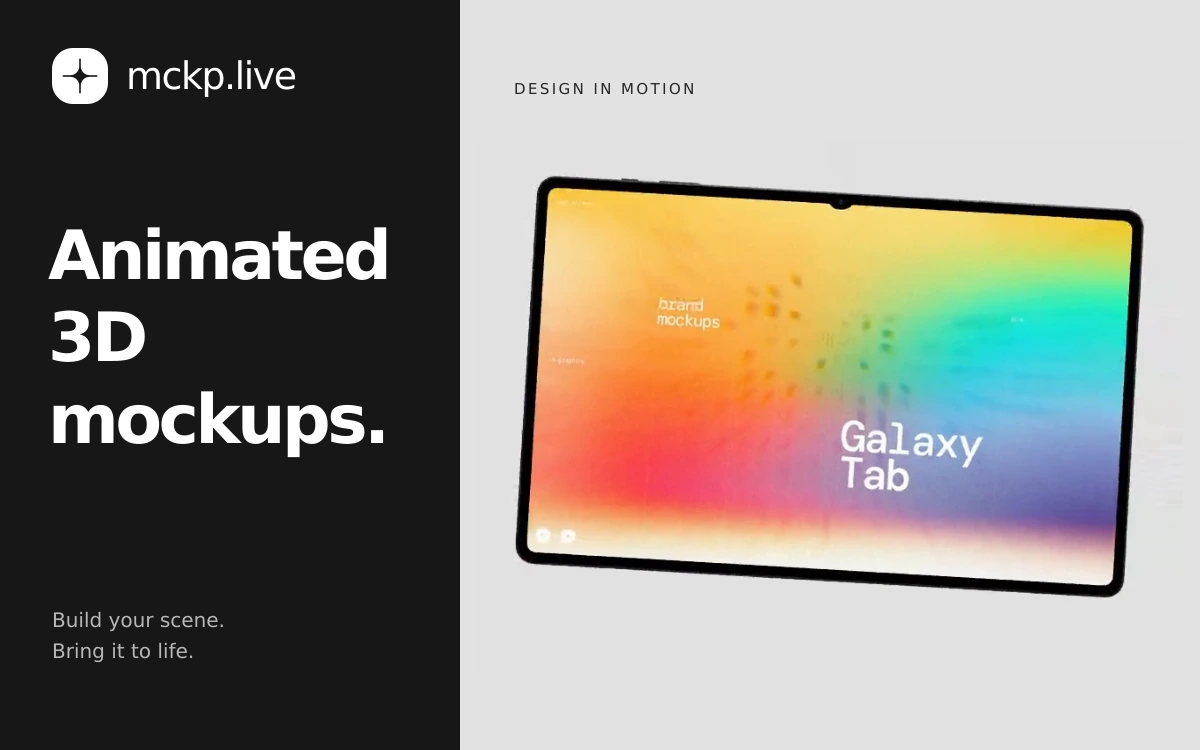
A browser-based tool by ls.graphics for animated device mockups with your own screens, video exports and interactive website embeds.

Sliick, made by Liinks, turns an app or website screenshot into a polished device presentation. Add your own image or video to a device screen, then arrange a scene around it without opening a separate 3D application. It is useful for portfolio work, product pages and posts introducing a new interface. The editor includes iPhone, Android phone and iPad models in portrait or landscape orientation. You can adjust the finish, size, rotation and position, crop the screen content and leave space for the front-facing camera. Multiple-device layouts let you present several screens together. Scene presets offer different visual directions, including layered paper, chrome, wireframes, tiles, clouds and architectural forms. You can add geometric objects, then move, rotate and recolor them. Lighting presets provide another way to change the mood without rebuilding the composition. Sliick supports still images and videos on device screens, with motion controls and camera-path recording. PNG and video exports are available, and the canvas can be formatted for landscape presentations, square posts or vertical stories. The service describes itself as completely free, with local rendering and watermark-free exports. The editor states that uploaded files stay on your device. The 3D preview requires a WebGL-capable browser, and video-export capabilities depend on the browser.
The service advertises free use and watermark-free exports. A separate public license for its models and preset scenes was not found. Use your own images and videos or assets you have permission to use; free access does not transfer rights to third-party content.
Check the creator’s current terms before using this resource.A browser-based tool by ls.graphics for animated device mockups with your own screens, video exports and interactive website embeds.
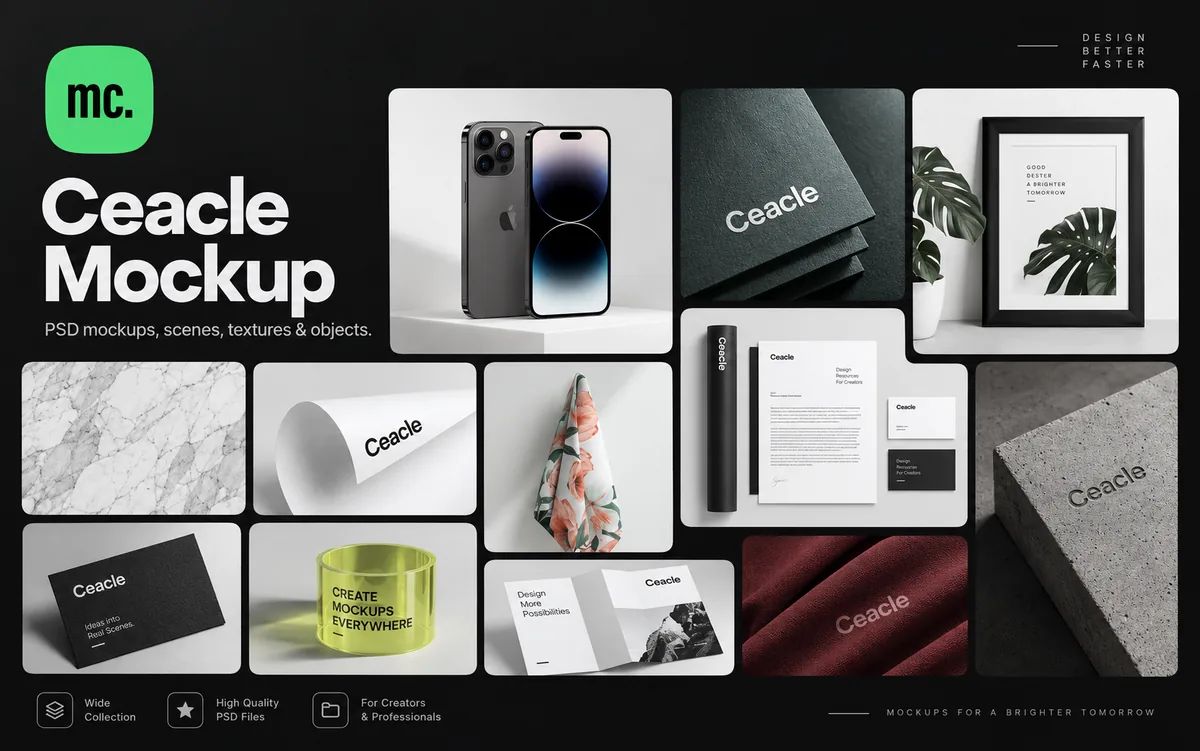
A large library of PSD mockups, scenes, textures and individual assets for building custom branding and design presentations.
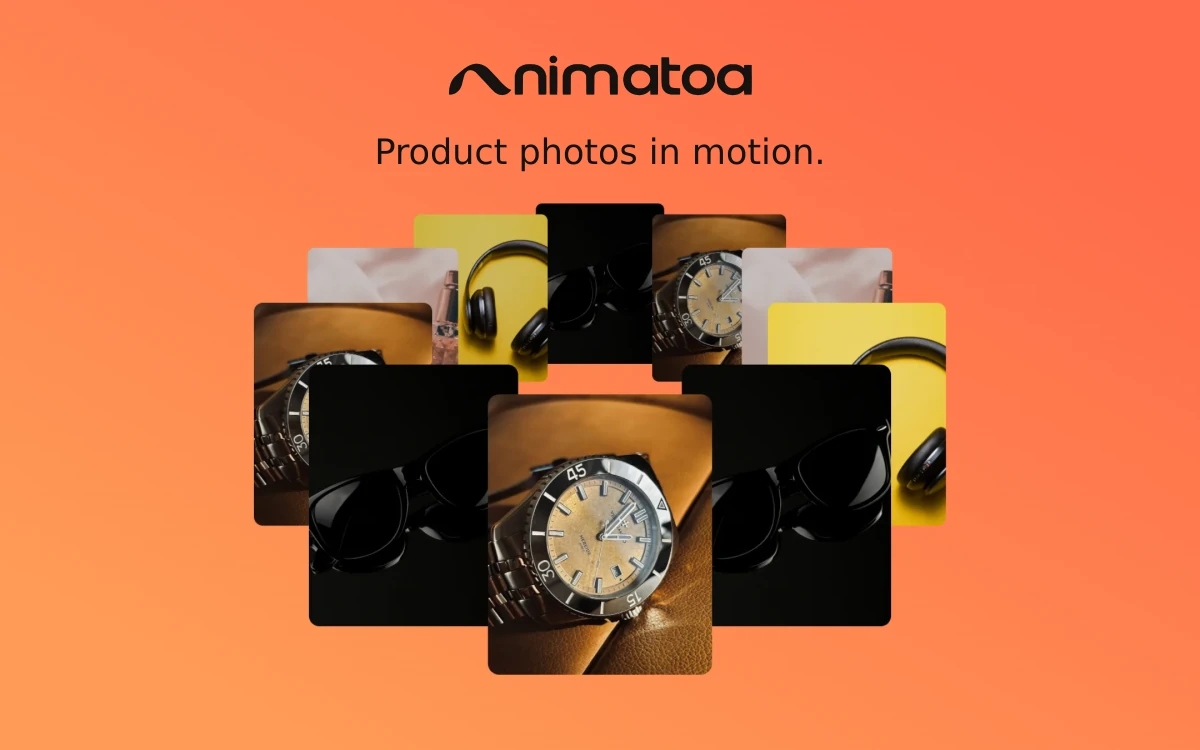
A browser-based tool for turning photos, GIFs and video clips into animated product showcases with 3D perspective, image effects and music.