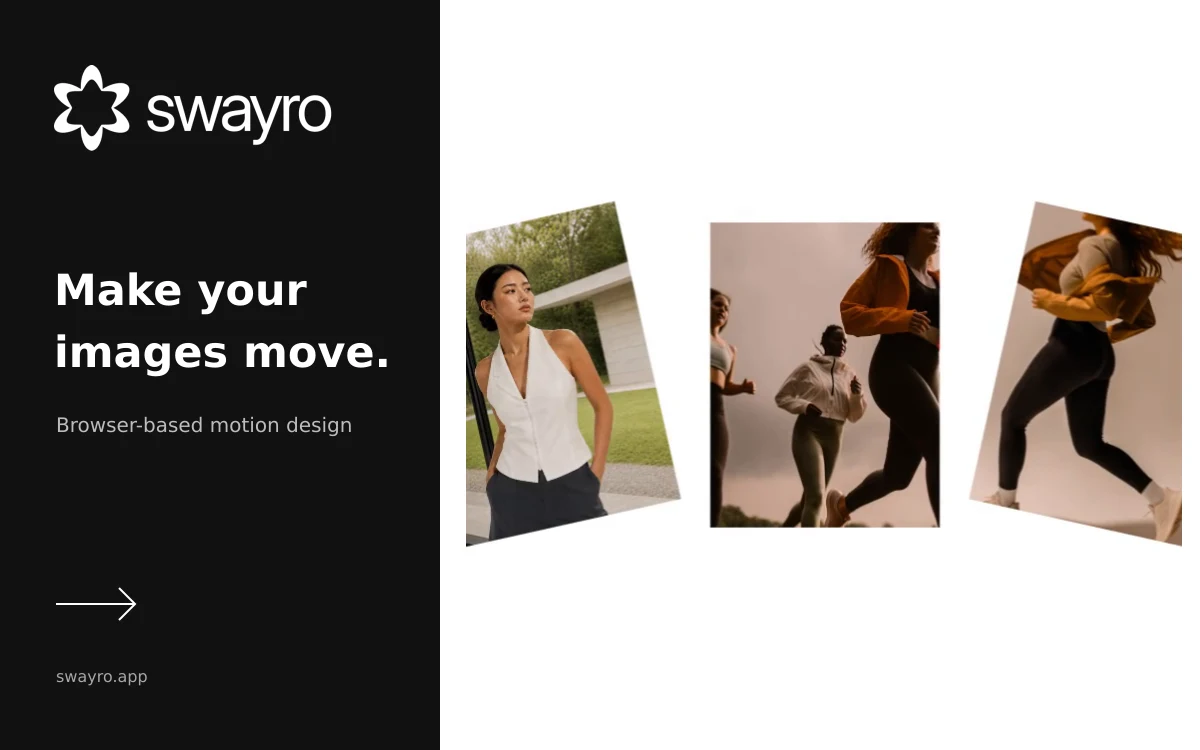
Swayro – Browser-Based Motion Design
A browser editor that turns photos and screenshots into animated videos using customizable motion templates and local rendering.
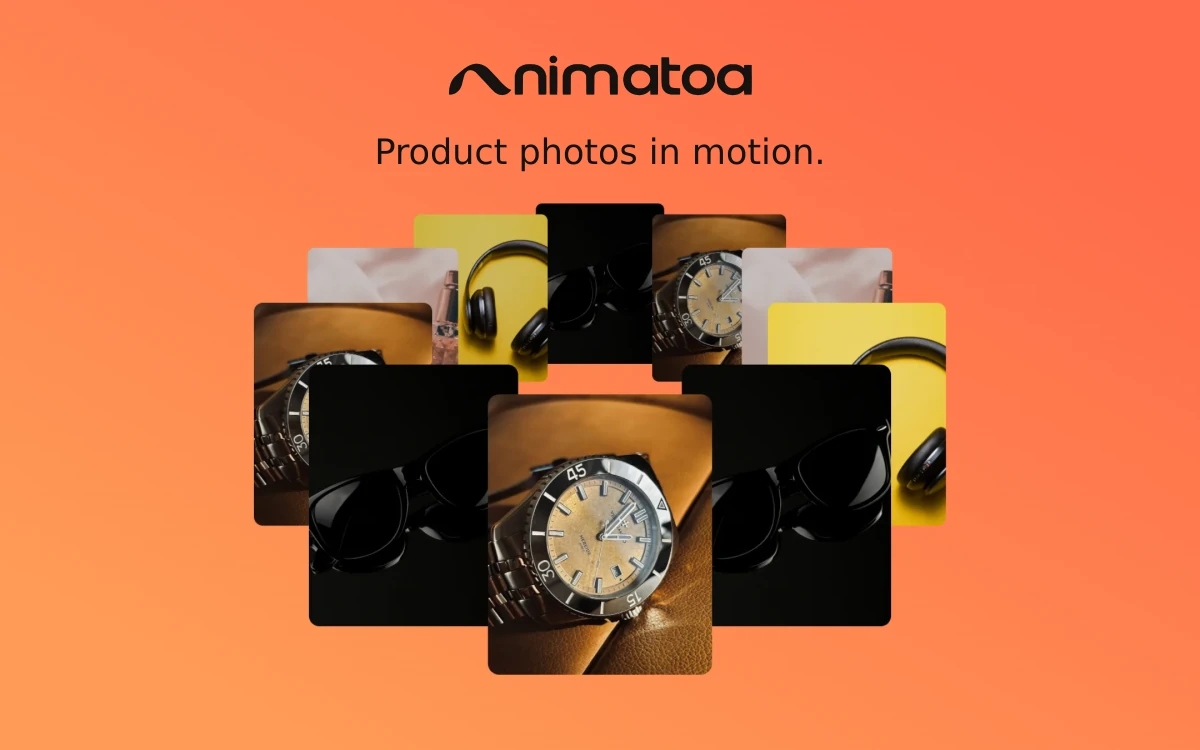
Animatoa gives product photos and launch visuals a sense of movement without building an animation from scratch. Choose a scene, add your own media and adjust how it moves. It is useful for short product presentations, store videos and social content, including client work that needs a moving showcase rather than a full video edit. The template library includes carousels, orbiting arrangements, isometric layouts, card stacks and reveal transitions. You can adjust speed, scale and other motion settings, with keyframes available for more control. Still-photo effects offer additional directions, including blueprint, risograph, painted and glitch treatments. Photos can sit alongside GIFs and your own MP4, WebM or MOV clips in the same scene. Video plays inside the animated arrangement; Animatoa does not cut or trim the source footage, so prepare the segment you want beforehand. For sound, choose a background track, add your own music or use audio from one of the clips. Previewing, rendering and exporting happen on your device. According to the service, media stays local unless you choose to sync a project to the cloud with Pro. Finished animations can be exported as MP4 or WebM in a chosen aspect ratio, making the same idea usable across different placements. You can preview templates and effects without signing up, while export requires a free account. Free includes 720p video with a small watermark, using free templates and a starter set of effects. Pro unlocks the full library, watermark-free output, multiple aspect ratios in one export, cloud sync and higher resolutions. The highest supported resolution depends on your device and browser.
Exported videos may be used commercially on Free and Pro. You must have the necessary rights to your photos, video and music. Free output has a watermark and a 720p limit; advanced features require Pro. Terms: https://animatoa.com/terms
Check the creator’s current terms before using this resource.A browser editor that turns photos and screenshots into animated videos using customizable motion templates and local rendering.
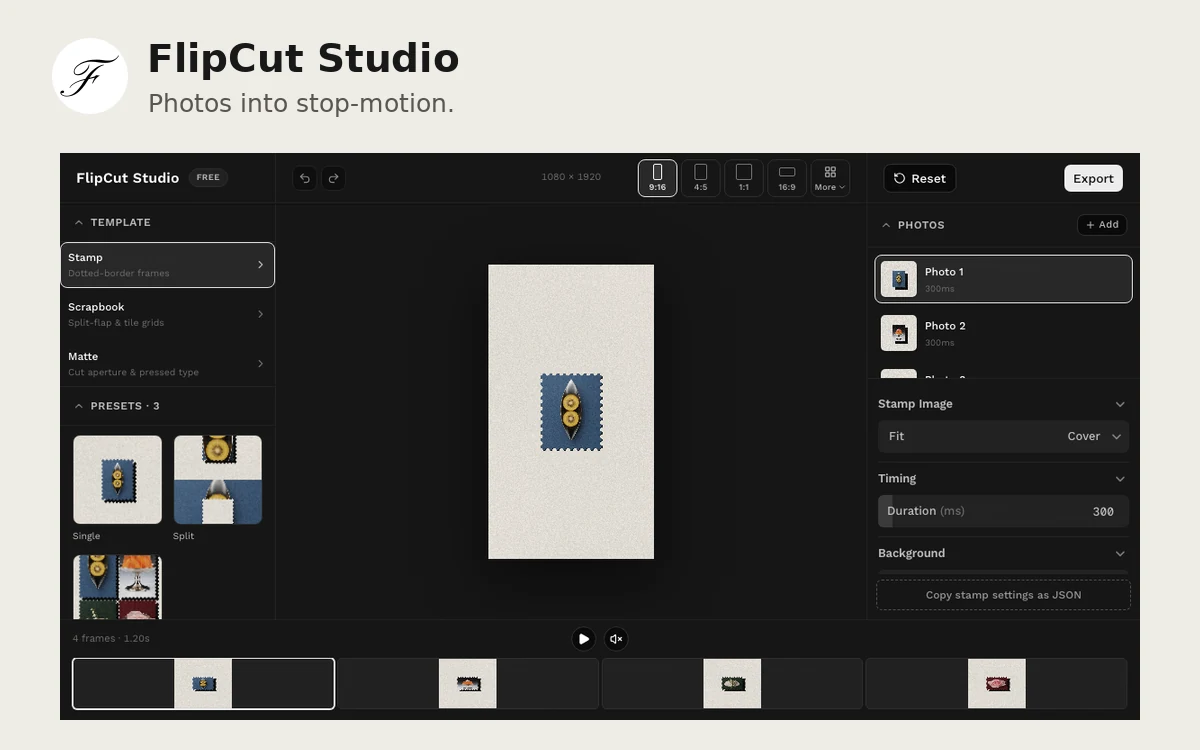
A browser editor for turning photos into stop-motion videos with stamp frames, paper mattes and split-flap transitions, then exporting the result as MP4.
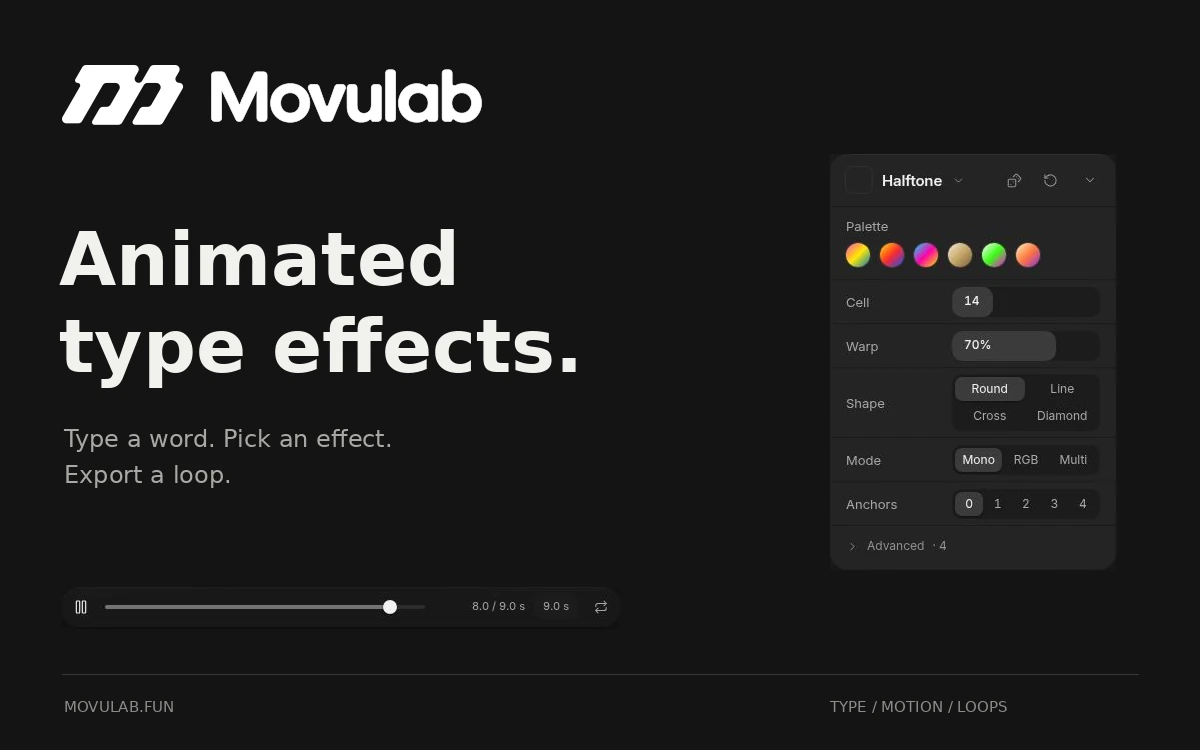
A browser editor that turns text and SVG artwork into looping animations with chrome, halftone, glitch and other effects.