Loguitoc – SVG Logo and Typography Animator
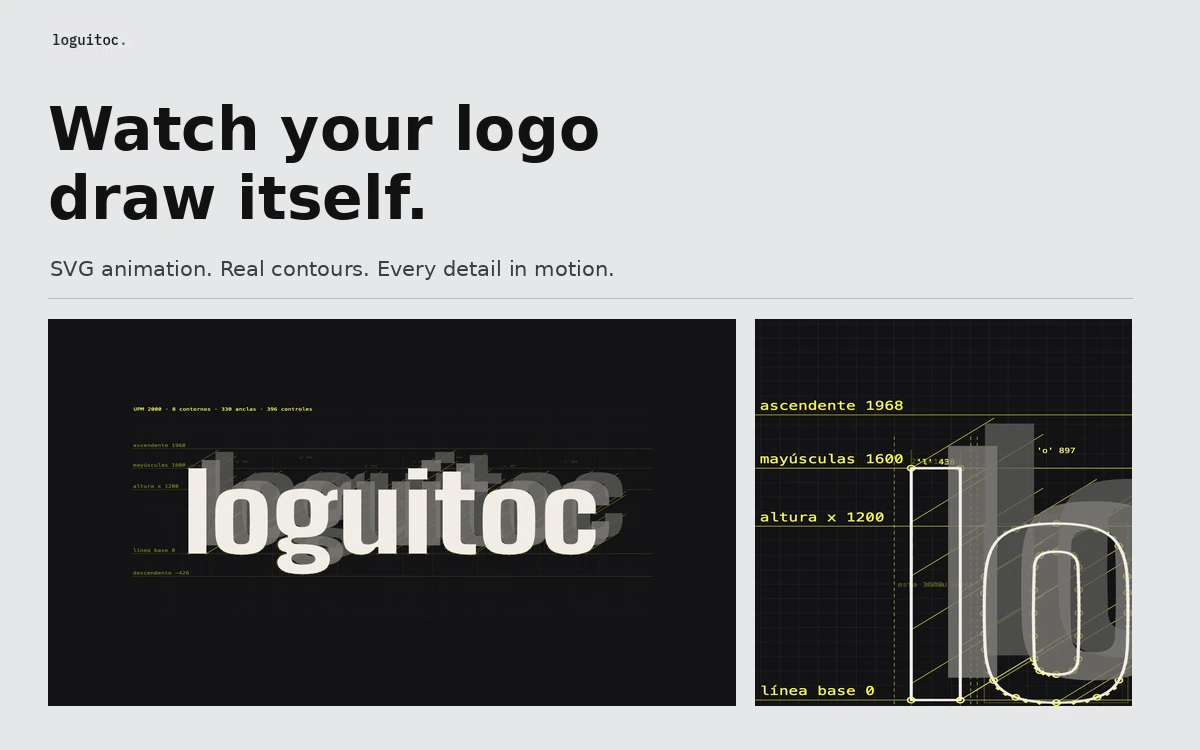
A free browser tool that animates SVG artwork and text with contours, Bézier anchors and construction guides, then exports MP4 up to 4K, animated SVG or PNG.
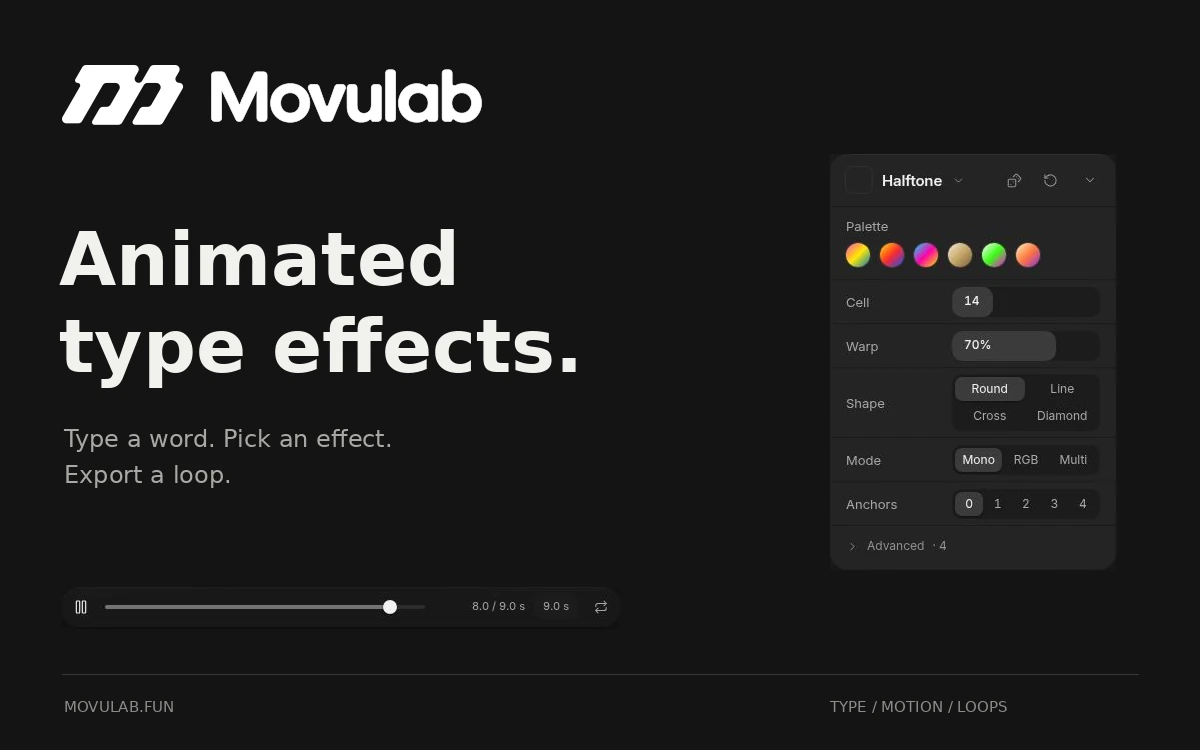
Movulab lets you animate a short piece of text directly in your browser. Enter your words, choose an effect and adjust the motion to build a loop. It is a useful place to experiment with headlines, titles, typographic posters and graphics for social media. The effects include Chrome, Acid Blur, Halftone, Heat Blur, Glitch, Ink Bleed, Cross Stitch, ASCII, Neon, Liquid Warp, Echo and Dither. Each has its own controls: Halftone, for example, offers palettes, cell size, warping and different dot shapes. Presets give you a starting point, while the individual settings let you refine the result. Text controls cover font selection, size, case, tracking, line spacing, skew and position. You can use a solid fill, several gradient types and a stroke. The editor also accepts SVG artwork in place of text. The Motion panel includes Breathe, Pulse and Scan presets, loop duration, direction, stagger and curve settings. Timing can be set in seconds or synced to BPM. A dedicated loop-seam control helps you check the transition between the end and the beginning. The export panel offers MP4, GIF, transparent WebM and zipped PNG frames for further editing. You can also share a design through a link. Movulab is free, with optional support for its creator. The editor requires a browser with WebGL2 support.
The editor is free to use. No separate public licence for exported artwork was found during review. Follow the licences for any fonts or SVG artwork you use; free access to the tool does not itself grant rights to third-party material.
Check the creator’s current terms before using this resource.A free browser tool that animates SVG artwork and text with contours, Bézier anchors and construction guides, then exports MP4 up to 4K, animated SVG or PNG.
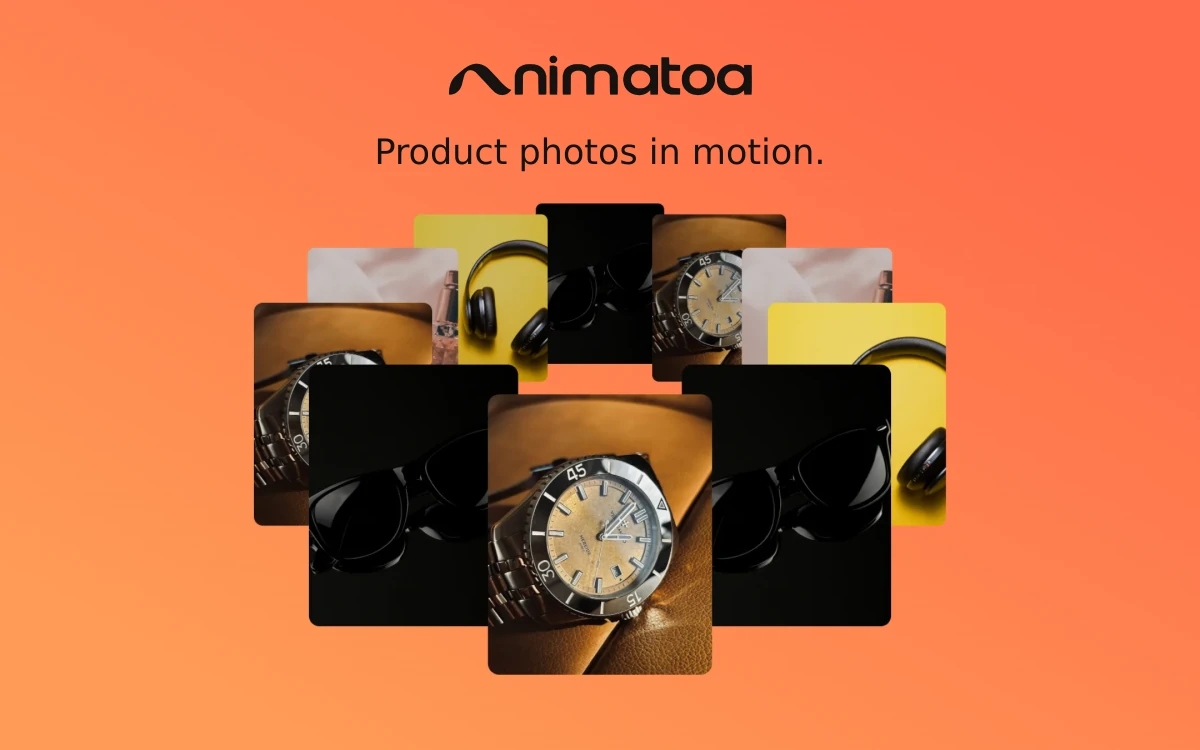
A browser-based tool for turning photos, GIFs and video clips into animated product showcases with 3D perspective, image effects and music.
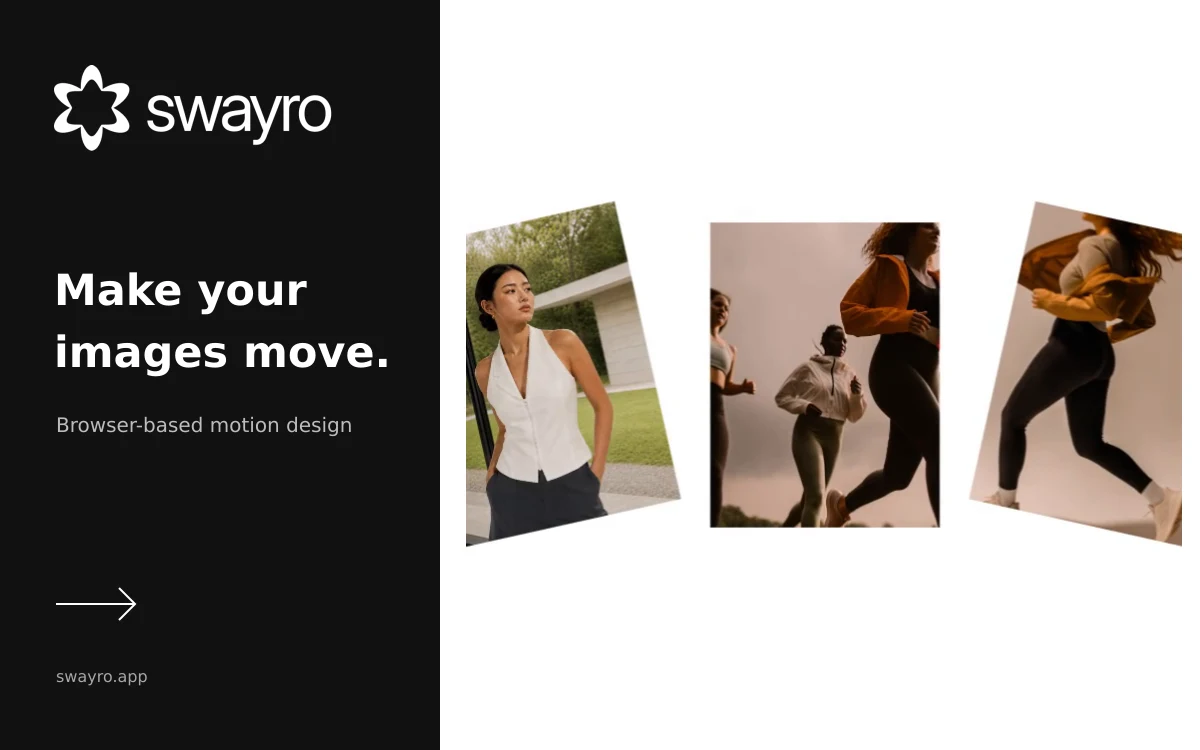
A browser editor that turns photos and screenshots into animated videos using customizable motion templates and local rendering.