Movulab – Animated Typography in Your Browser
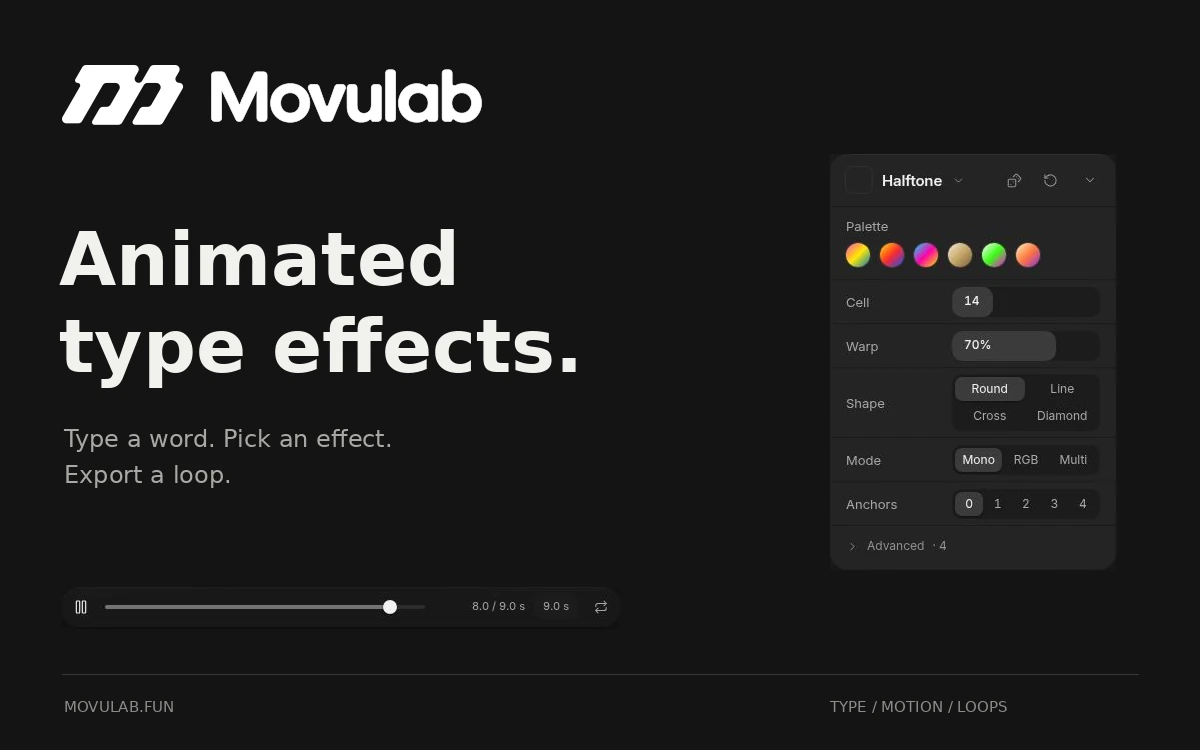
A browser editor that turns text and SVG artwork into looping animations with chrome, halftone, glitch and other effects.
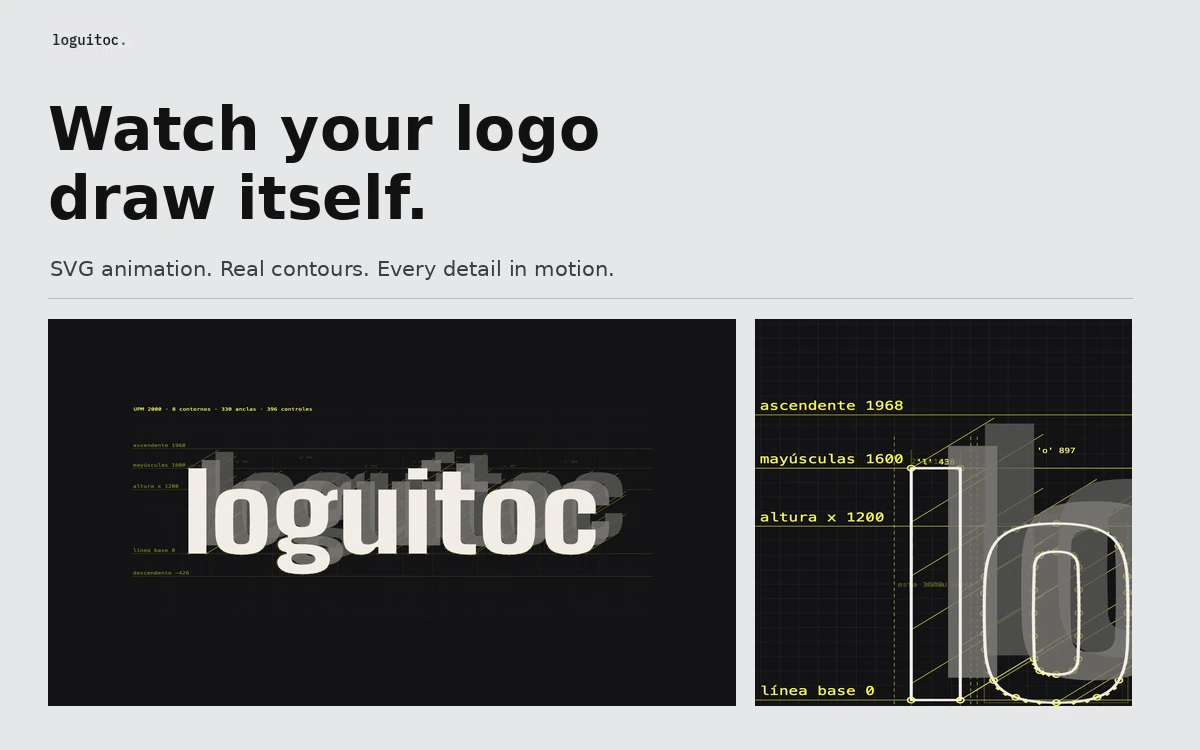
Loguitoc turns a static logo into an animation of its construction. Add an SVG or type a word, and the tool traces its contours until the finished mark appears. It is useful for identity presentations, lettering studies and short portfolio videos that show how a design is built. The animation uses the actual vector data in your file. You can reveal Bézier anchors and handles, reference lines, letter heights, construction circles, dimensions and labels. Each visual layer has its own switch, so the result can stay clean and minimal or become a detailed technical drawing. Templates include Blueprint build, 3D mesh and Ink on paper. The editor lets you adjust the palette, background, contour thickness and duration, then add zoom, rotation and text. It supports SVG artwork, typed text and your own font file. Several projects can also be arranged as scenes and exported together as a single video. Export options include MP4 video up to 4K, animated SVG and PNG stills. Landscape 16:9, portrait 9:16 and square 1:1 versions can be rendered in one pass. Basic contour animation needs no manual keyframing, while the timeline gives you more control over movement and pacing. The tool is free, runs in the browser and requires no account. According to its developer, SVGs, fonts and video rendering are processed locally without uploading your artwork to a server; work in progress is saved in browser storage. Export speed depends on your computer, with recent Chrome, Edge and Safari recommended.
The tool is free. Embedded editor fonts are labelled OFL. You need the appropriate rights to any logos, SVGs and fonts you use; free access to the service does not change their licences. The reviewed pages do not state a separate general licence for exported work.
Check the creator’s current terms before using this resource.A browser editor that turns text and SVG artwork into looping animations with chrome, halftone, glitch and other effects.
A browser-based tool for creating SVG and Lottie animations with timelines, keyframes, morphing, motion paths, interactive triggers and production-ready exports.
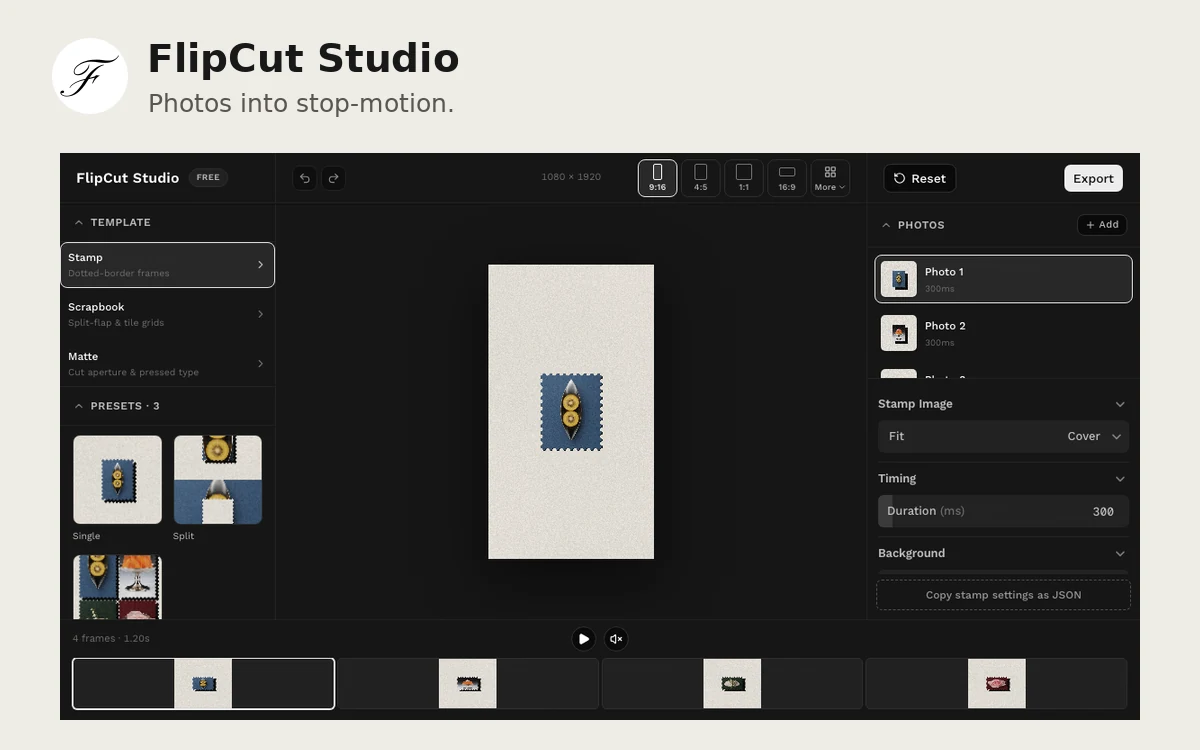
A browser editor for turning photos into stop-motion videos with stamp frames, paper mattes and split-flap transitions, then exporting the result as MP4.