Valessa – 3D Logo Visualizer
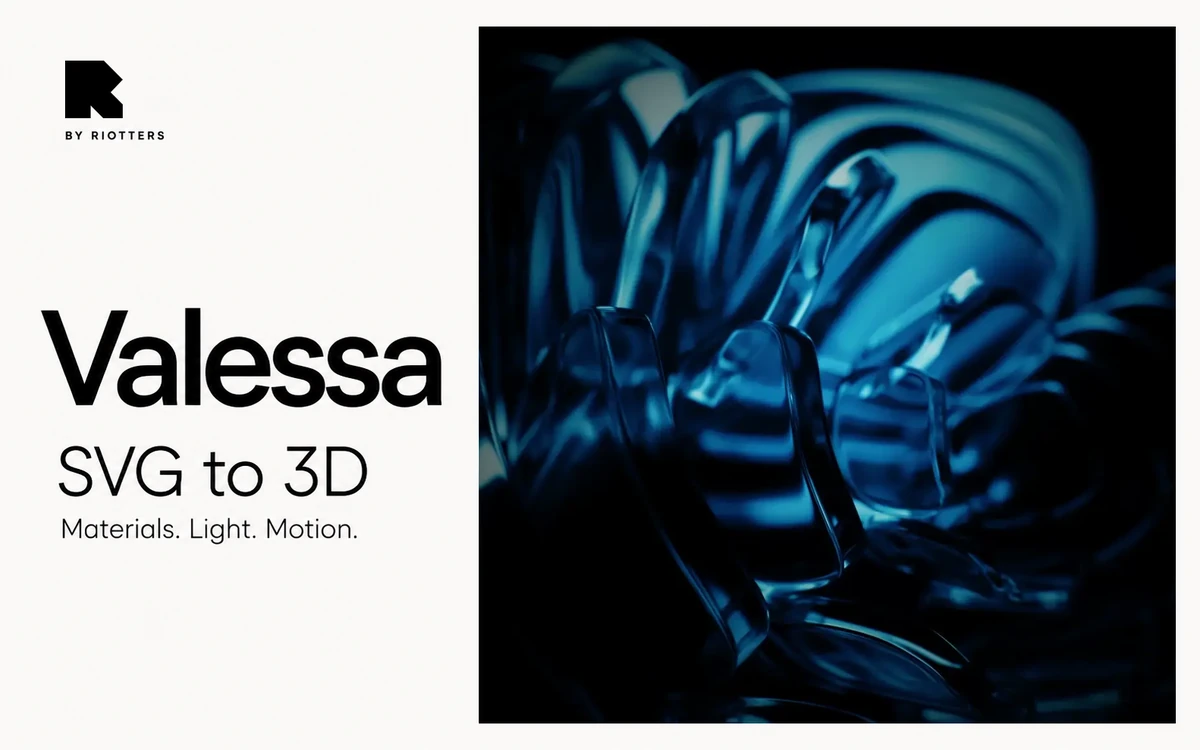
A free browser-based tool by Riotters for turning SVG artwork into 3D forms and styling scenes with materials, lighting and animation.
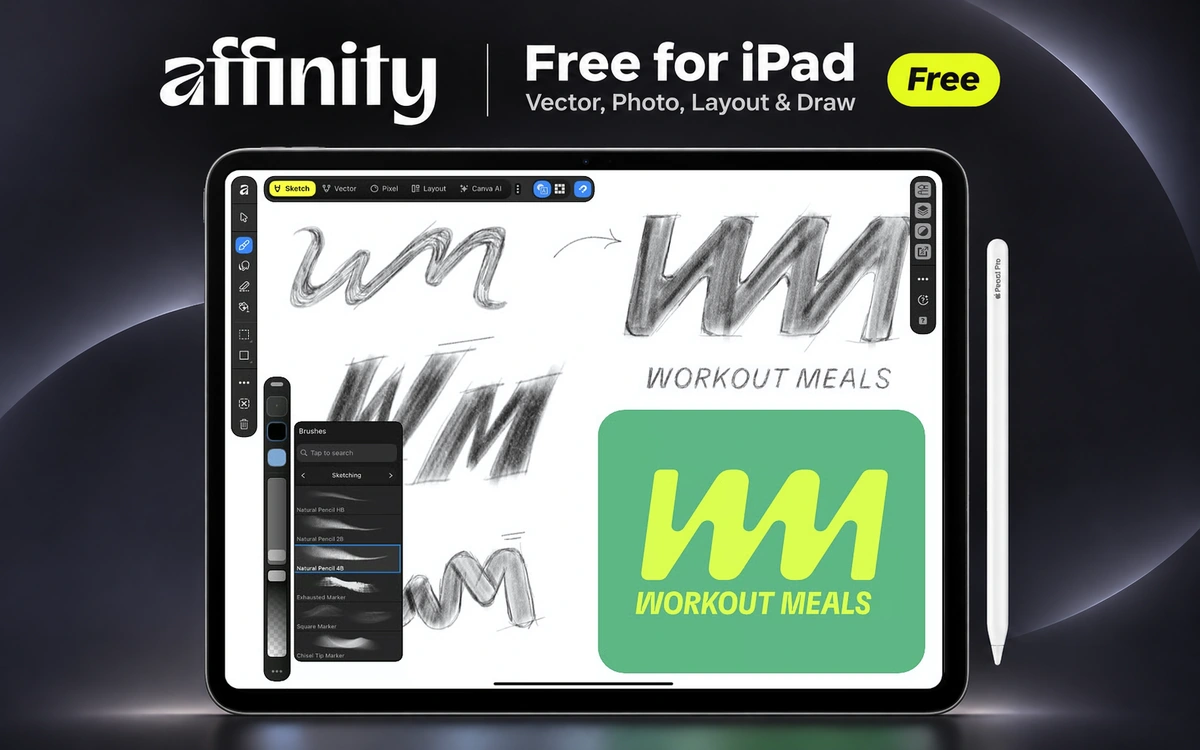
The new Affinity for iPad brings the jobs that once meant switching between Designer, Photo and Publisher into a single app. Drawing, vector graphics, photo editing and page layout all work in the same document. Canva now offers the core app free to individuals, with a free Canva account required to sign in. You can sketch a logo with Apple Pencil, tidy the curves and nodes in Vector, then add images and text without opening another app. Sketch includes more than 350 brushes. Pixel handles RAW files, layers, masks and retouching, while Layout helps with posters, brochures and longer documents. It's useful for illustration, branding and everyday graphic design work on the tablet. Affinity opens PSD, AI, PDF, SVG, INDD and IDML files, with export options including PNG, JPEG, WebP, SVG and PDF. The four studios share the same .af format, compatible with the new desktop Affinity. Much of the editor can be used offline after activation. There's no time limit or paid export gate on the core tools for individuals. A Canva premium subscription is only needed if you want the extra Canva AI Studio features. For regular vector editing, photo work, sketching and layouts, the free account is enough.
Affinity for iPad is free for individuals, including core Sketch, Vector, Pixel and Layout tools and exports. A Canva account is required. Canva AI Studio needs a paid plan; separate organizational terms may apply.
Check the creator’s current terms before using this resource.A free browser-based tool by Riotters for turning SVG artwork into 3D forms and styling scenes with materials, lighting and animation.
A large brand asset database for finding up-to-date logos, colors, fonts, icons and company information across millions of brands.
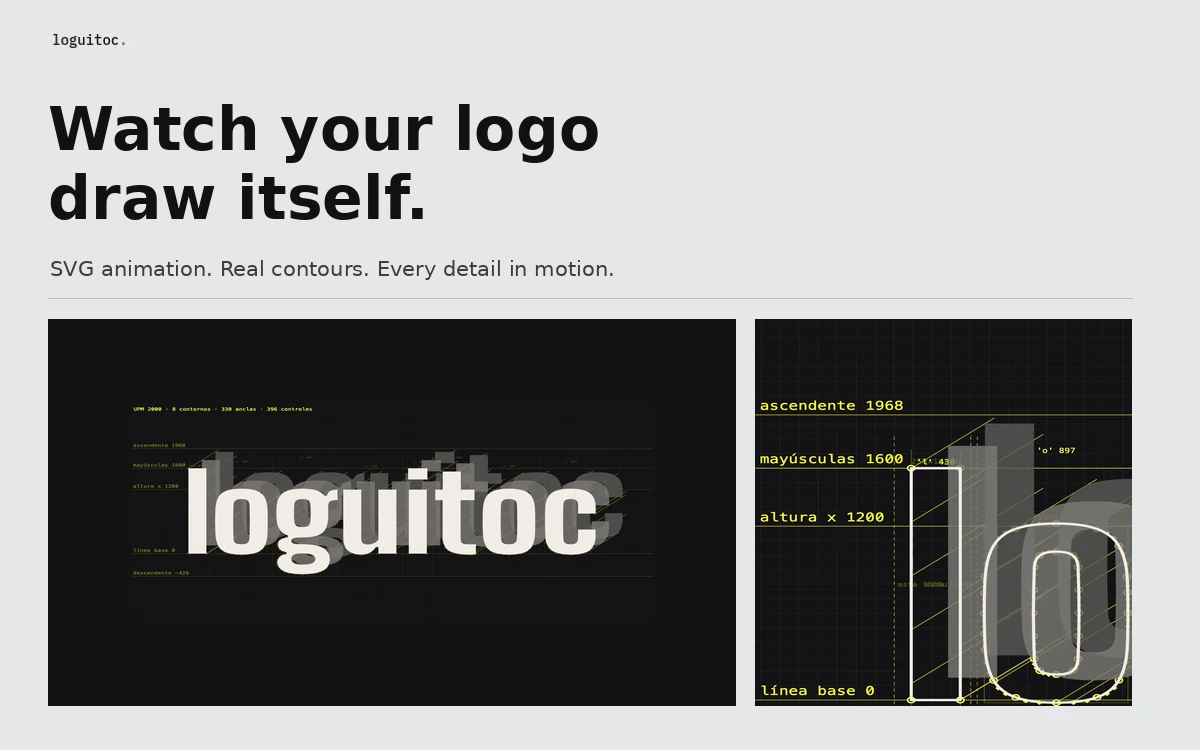
A free browser tool that animates SVG artwork and text with contours, Bézier anchors and construction guides, then exports MP4 up to 4K, animated SVG or PNG.