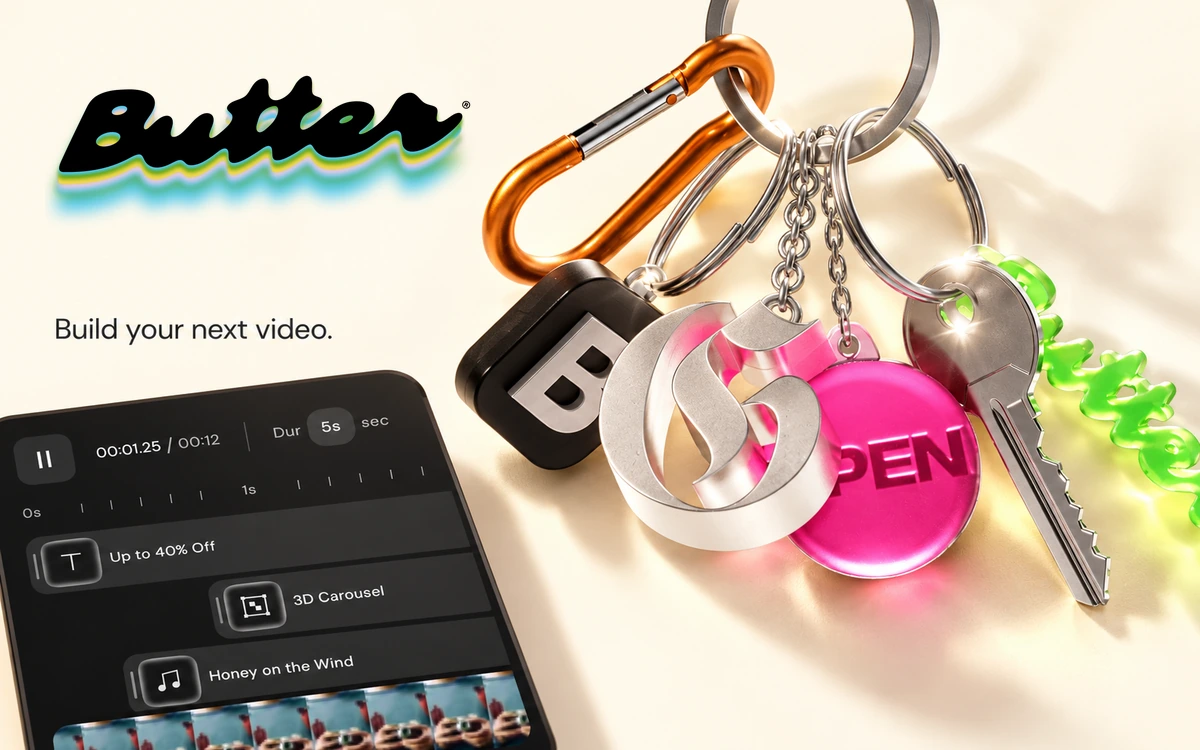
Butter — video editing with customizable design blocks
Edit videos, combine motion blocks and effects, and build content variations in a browser-based editor.
DaVinci Resolve combines the main stages of video post-production in one application. Organize footage, assemble a sequence, adjust the image and prepare audio without repeatedly transferring the project between separate programs. It is relevant to short videos, project presentations and longer productions alike. Dedicated pages separate the tasks: Edit and Cut handle editing, Color handles grading, Fusion provides effects and Fairlight supports audio work. For a first project, focus on importing media, arranging a timeline, trimming and exporting. Add the more advanced tools as your needs become clearer. For visual consistency, compare shots and balance exposure, white balance and saturation. Color work can establish a mood, but it also helps reduce distracting differences between source clips. A coherent edit and clear sound are useful foundations before spending time on elaborate effects. The free edition offers a substantial toolset. Blackmagic describes support for virtually all 8-bit video formats up to 60 frames per second and Ultra HD 3840 × 2160. Actual codec compatibility depends on your operating system and software version, so check the technical requirements for your footage. Paid Studio adds capabilities including selected AI tools, noise reduction and support for more demanding formats. Not every feature on the general product page belongs to the free edition. You still need appropriate rights for the footage, music and other material used in your production.
Proprietary software with a free edition and paid DaVinci Resolve Studio. Features and format support vary by edition and operating system.
Check the creator’s current terms before using this resource.Edit videos, combine motion blocks and effects, and build content variations in a browser-based editor.
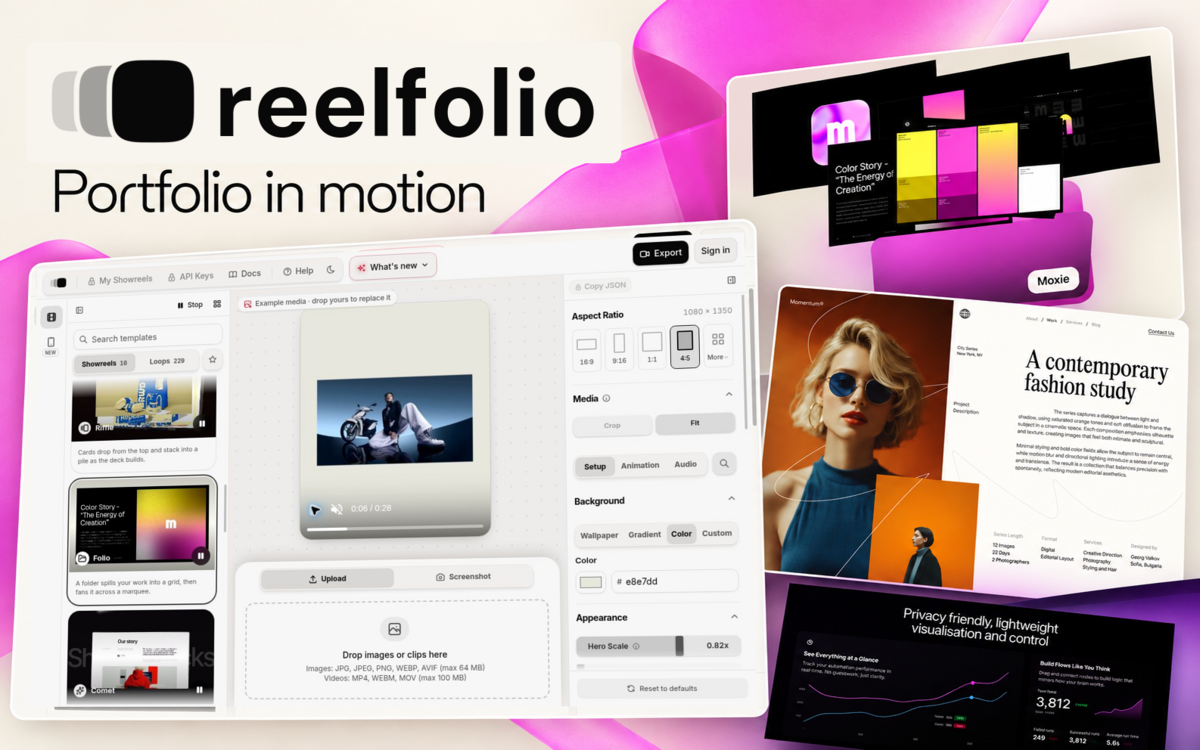
A browser editor that turns photos and screenshots into animated videos using customizable motion templates and local rendering.
Turn screenshots and clips into animated presentations of your work. Template previews are free; rendering and exporting require paid access.