Canva Brush – AI Design Editing in Canva
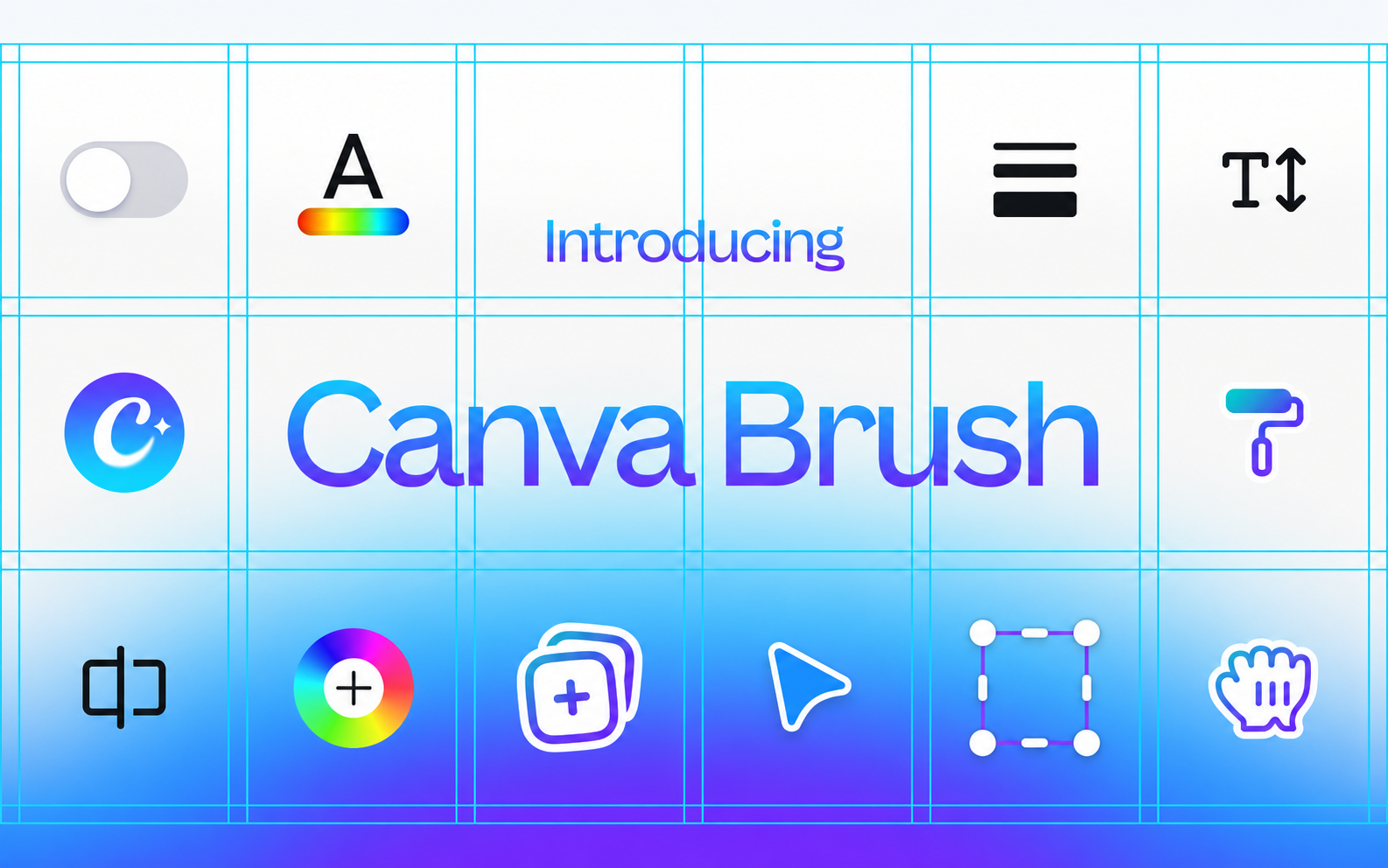
AI model for editing Canva designs with prompts: change colours, text and multi-page layouts or adapt graphics. Available with Canva Pro.
Discover useful things. Build your library. Share your finds.
AI model for editing Canva designs with prompts: change colours, text and multi-page layouts or adapt graphics. Available with Canva Pro.
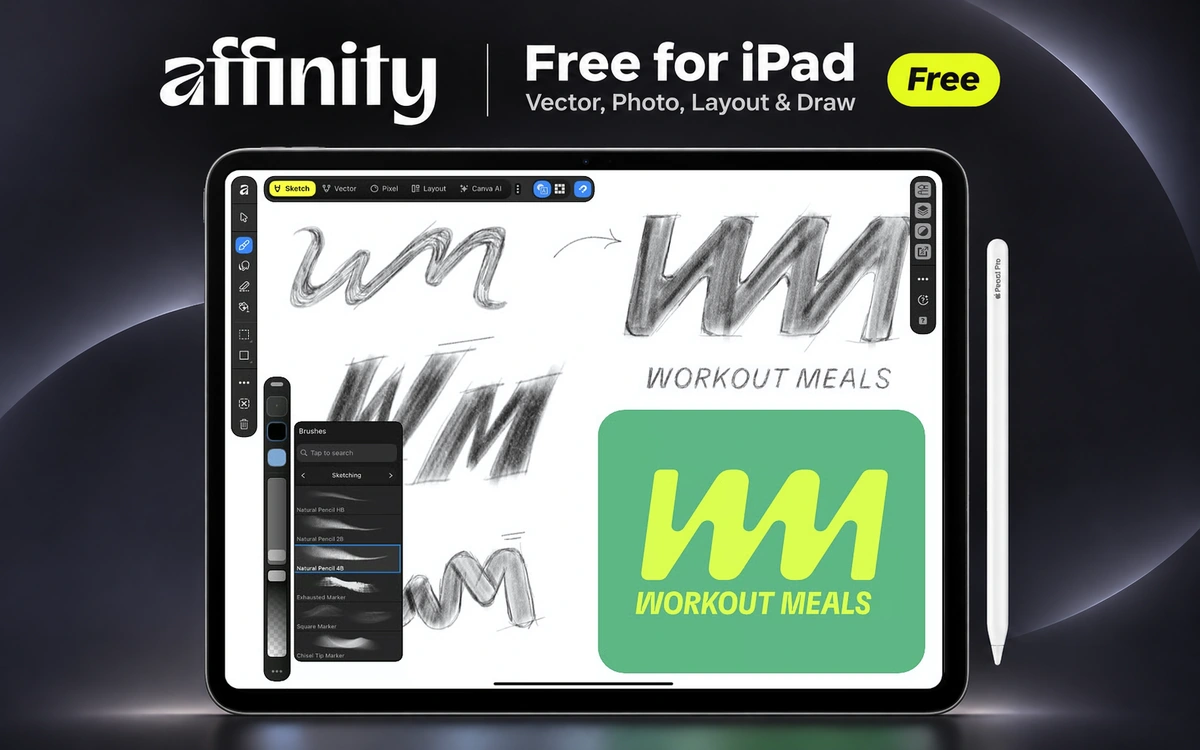
Free graphic design app for iPad, combining vector design, logo creation, illustration, photo editing and page layout with Apple Pencil.
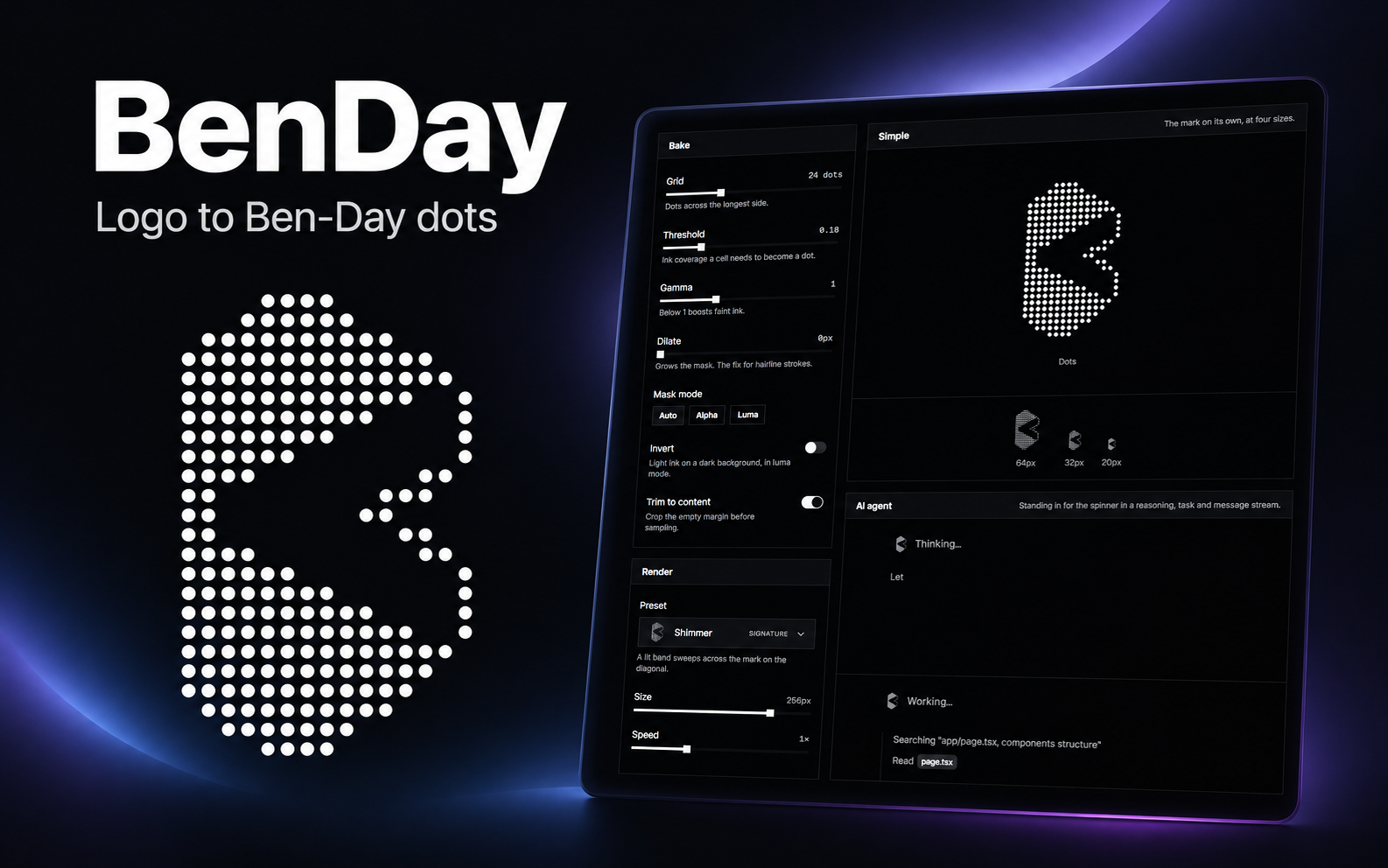
Turn your logo into an animated dot-based loading indicator with 21 presets, a playground and an open-source React component.
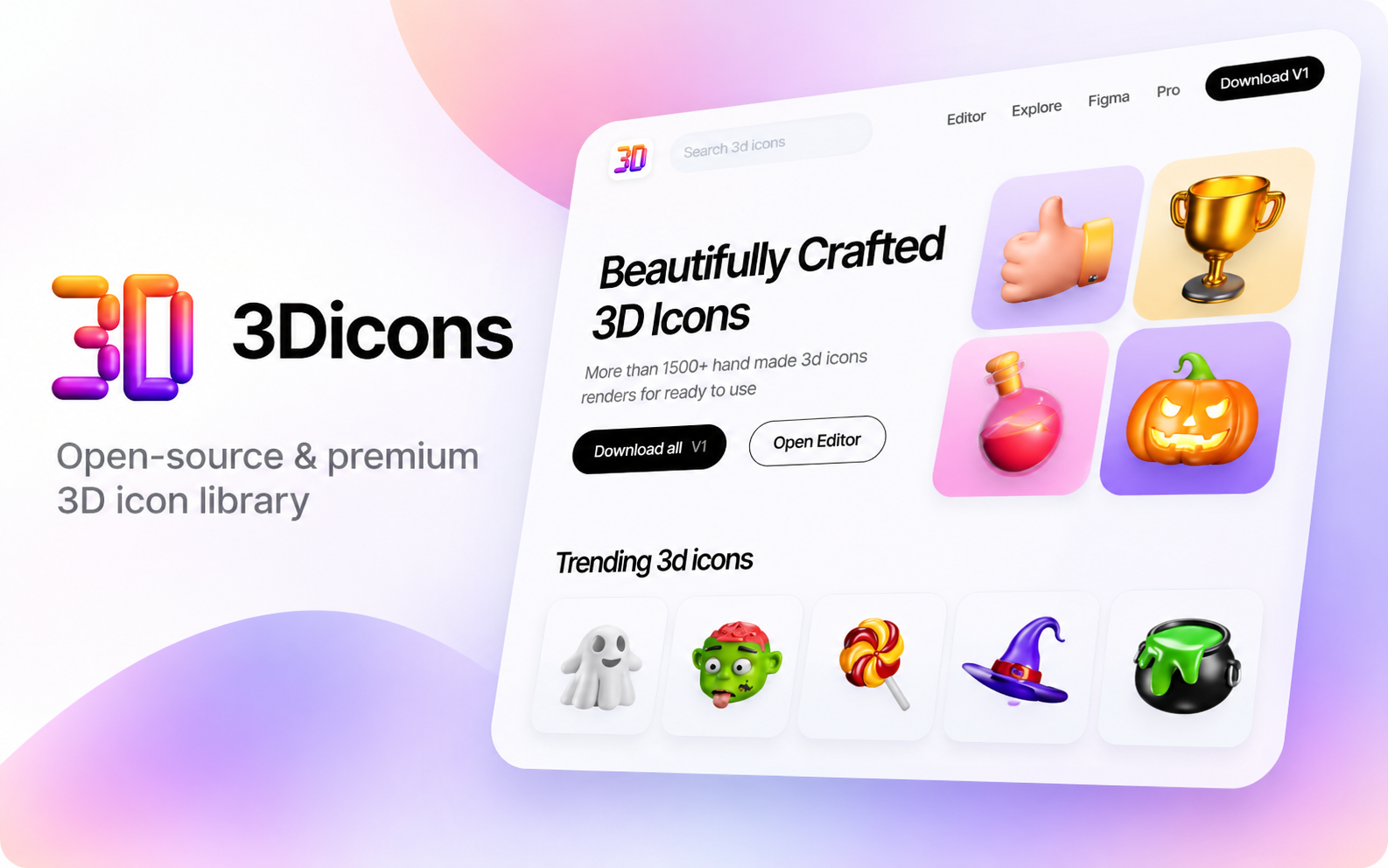
Free 3D icons for websites, presentations and interfaces, plus a Figma plugin and an online editor with optional Pro features.
Turn a hamburger menu into a close icon, or one arrow into another, without a hard cut. Morphicons does the SVG animation.
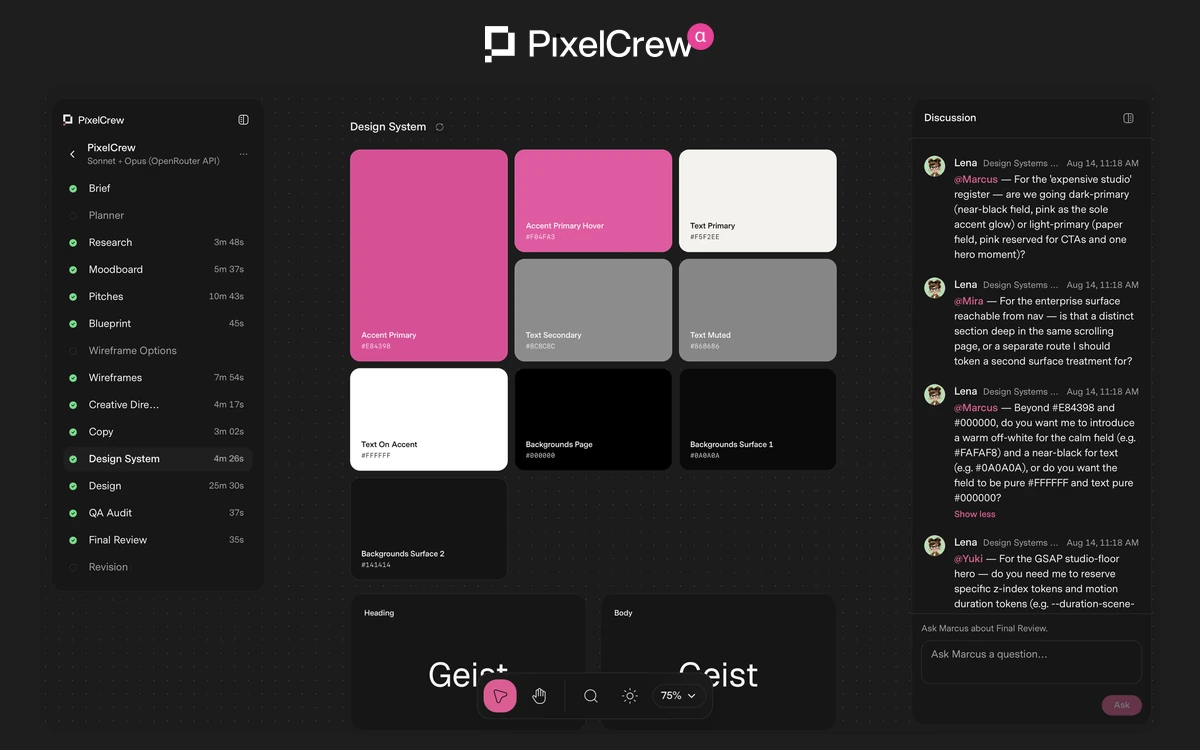
A team of AI agents that turns a written brief into wireframes, a design system and HTML pages with Tailwind CSS.
A Google Labs tool that turns text prompts or images into web and app interfaces, with Figma and HTML/CSS export.
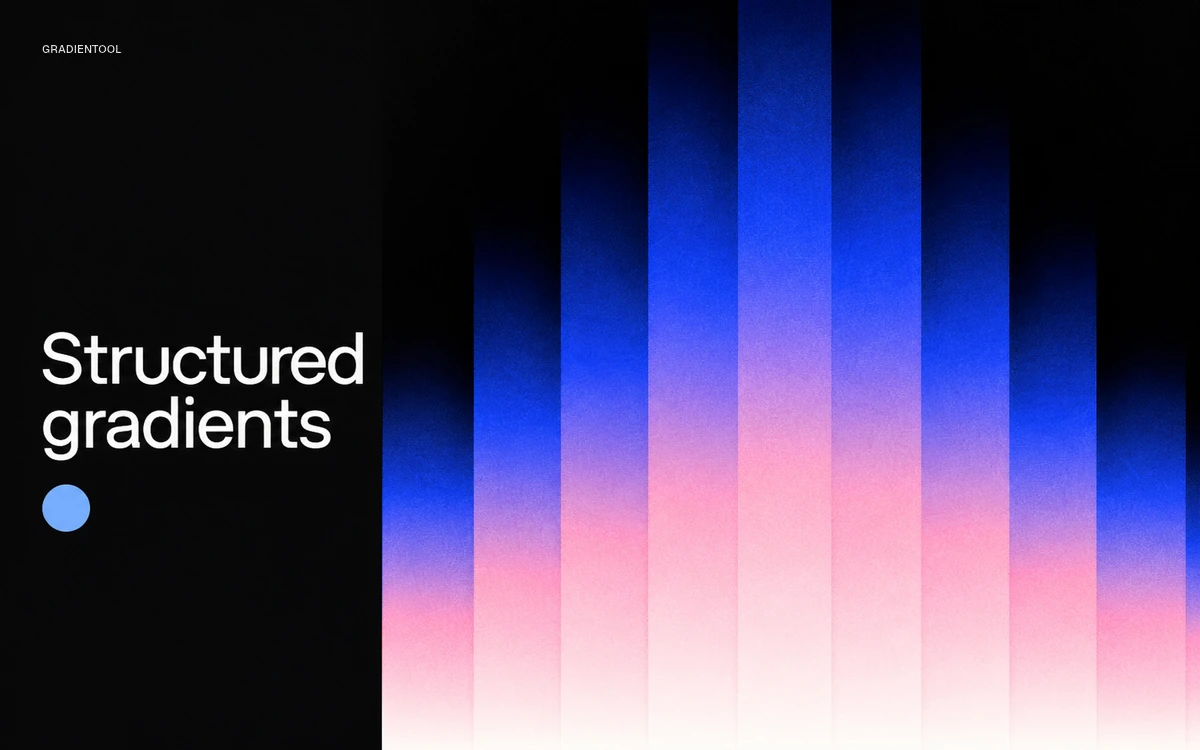
Build structured gradient compositions, refine their geometry, colour and texture, and export the result.
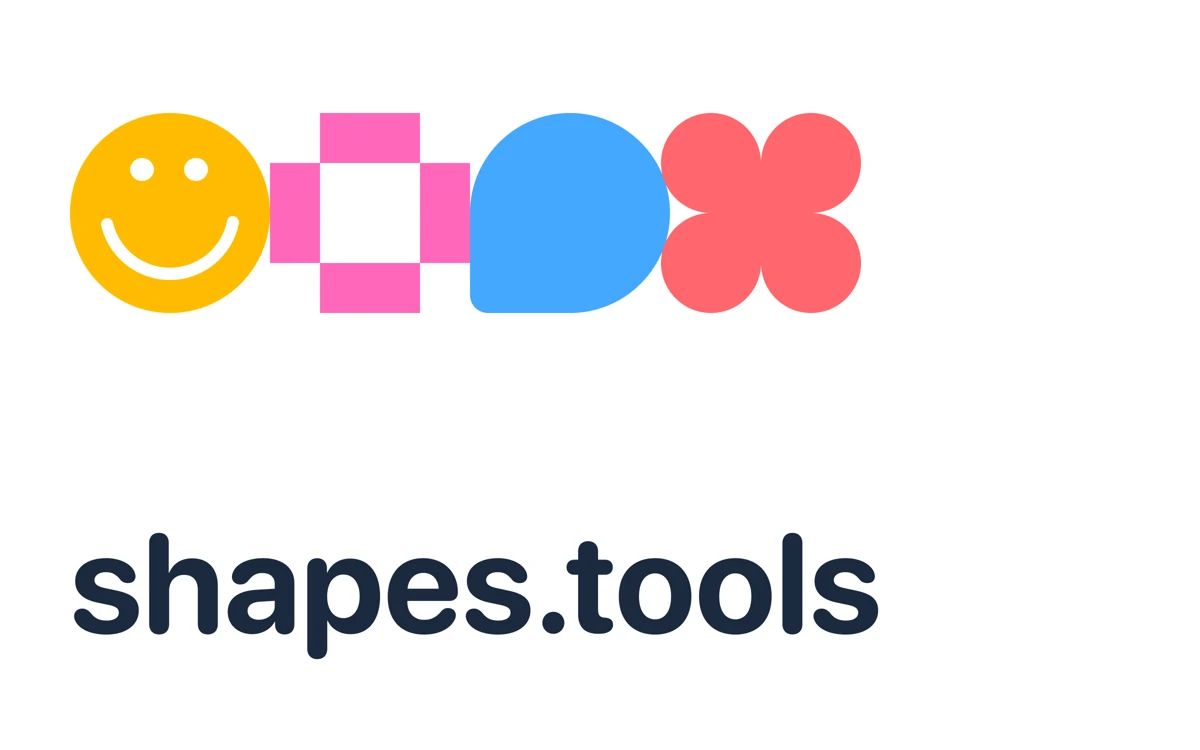
Generate geometric, star-like and floral shapes, choose a color, and copy or download the result as SVG.
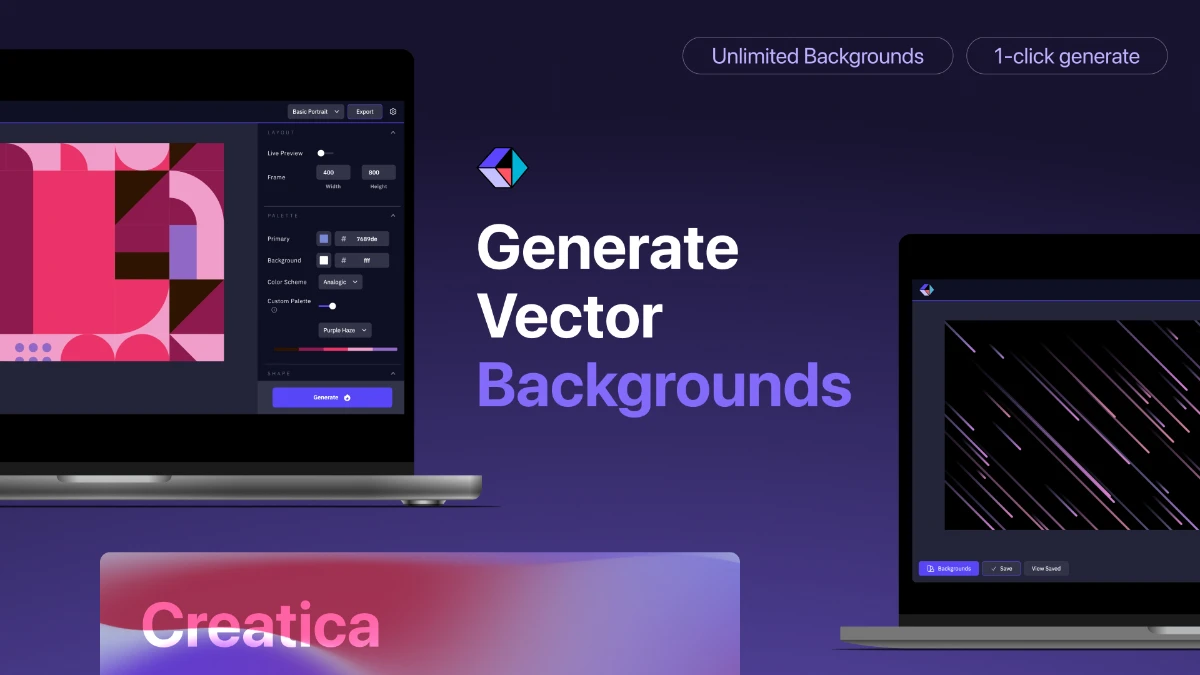
A free editor for abstract backgrounds and patterns, with adjustable colours, shapes and SVG or PNG export.
An English-language publication reviewing brand identities, packaging and logos, with themed collections and a paid plan for unlimited access.
An AI tool for creating and comparing UI designs on an infinite canvas, with a public design-prompt library and a limited free plan.
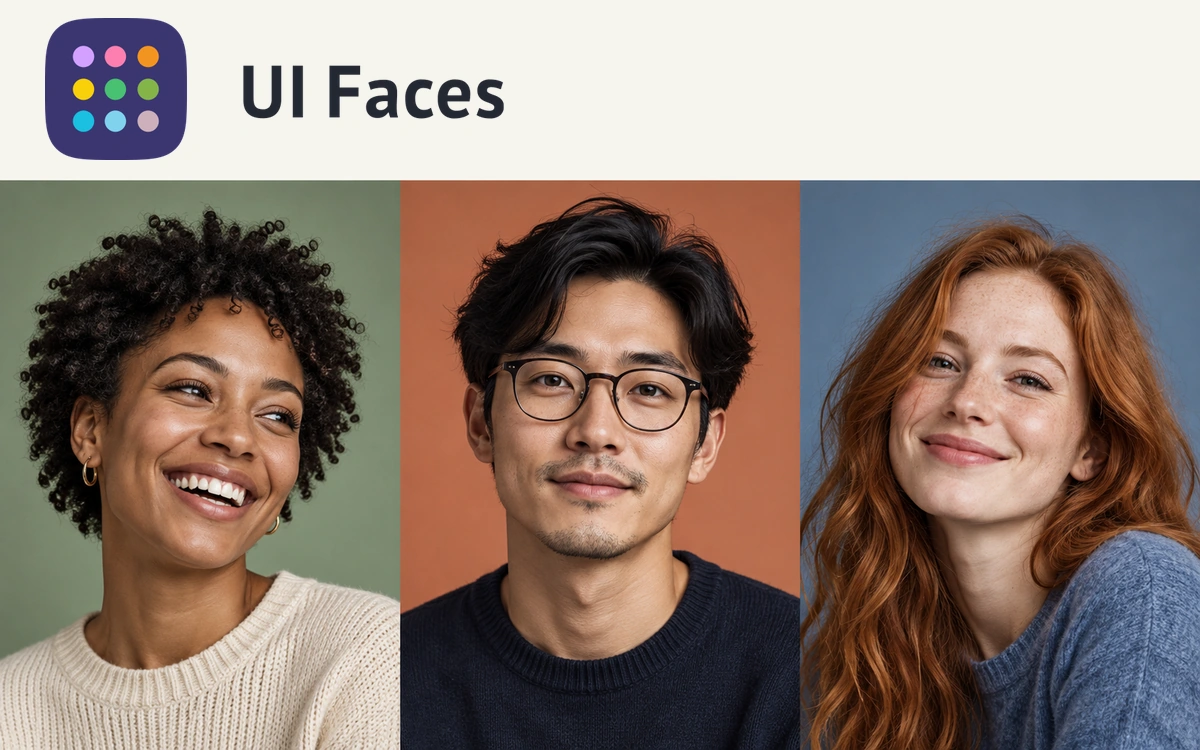
A curated library of AI-generated avatars for mockups and prototypes, with free individual downloads and paid collections.
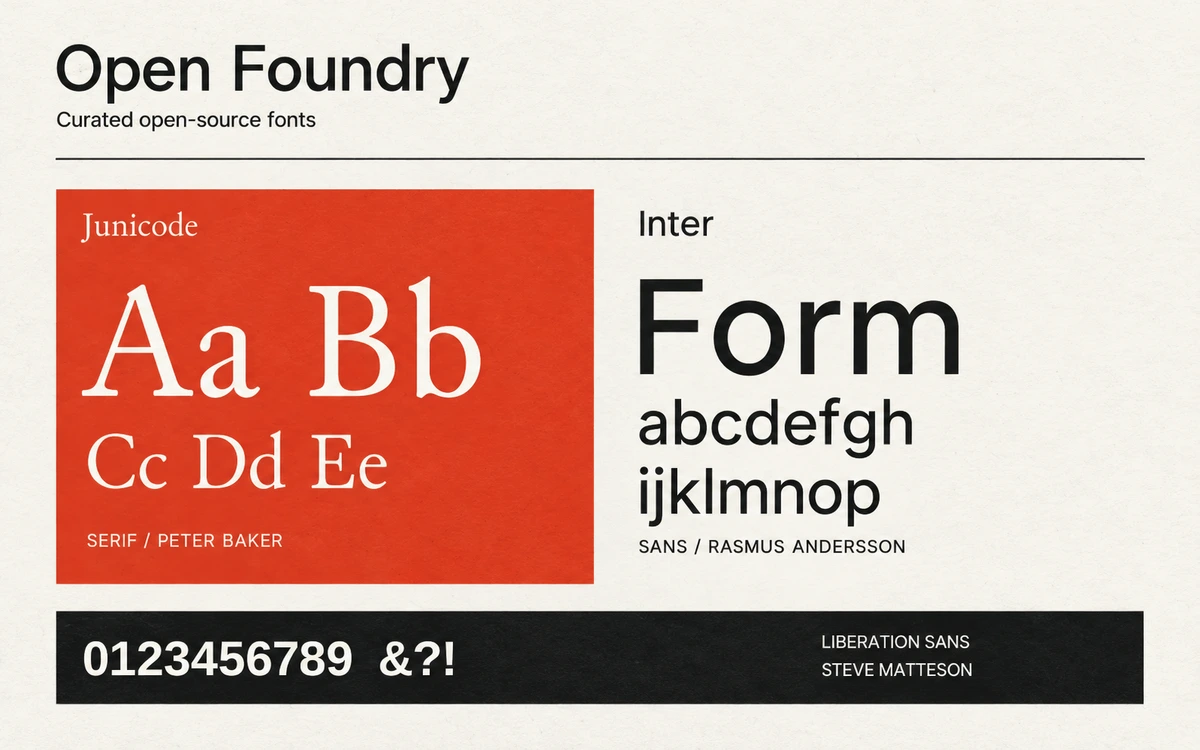
A free font collection with visual specimens, designer credits, licence information and links to the original projects.
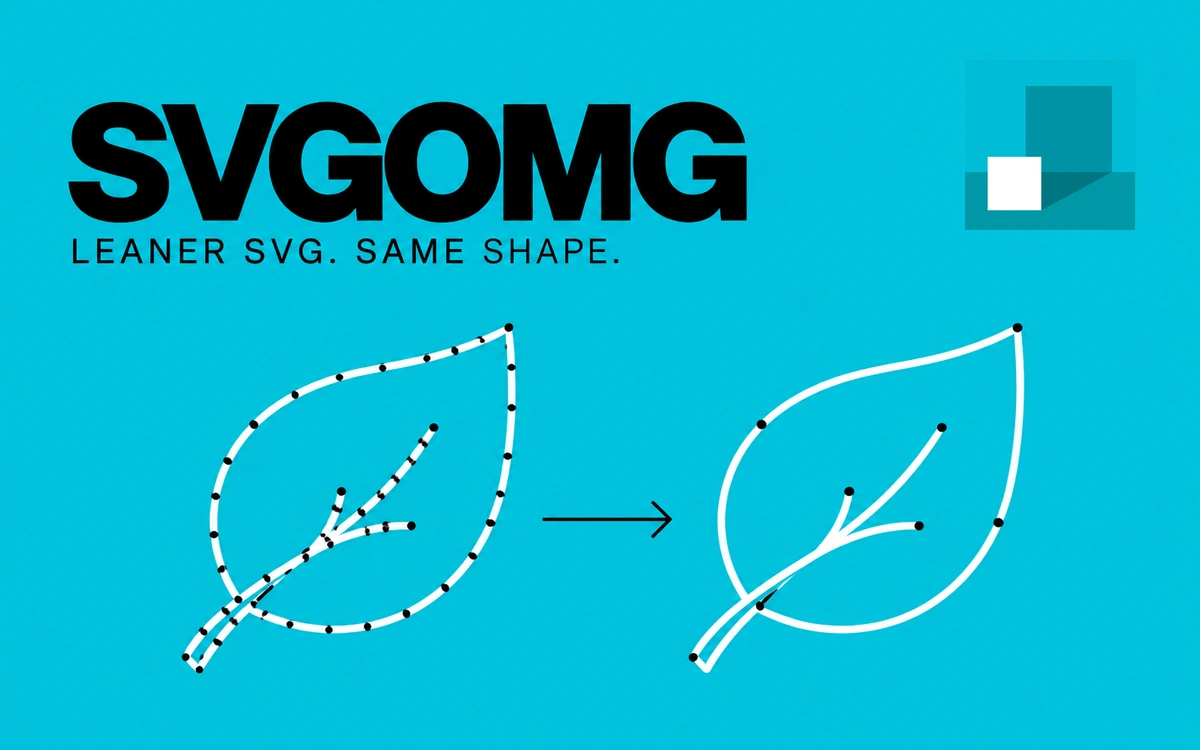
A free browser interface for SVGO, with SVG-code cleanup, smaller files, detailed optimization controls and result comparison.
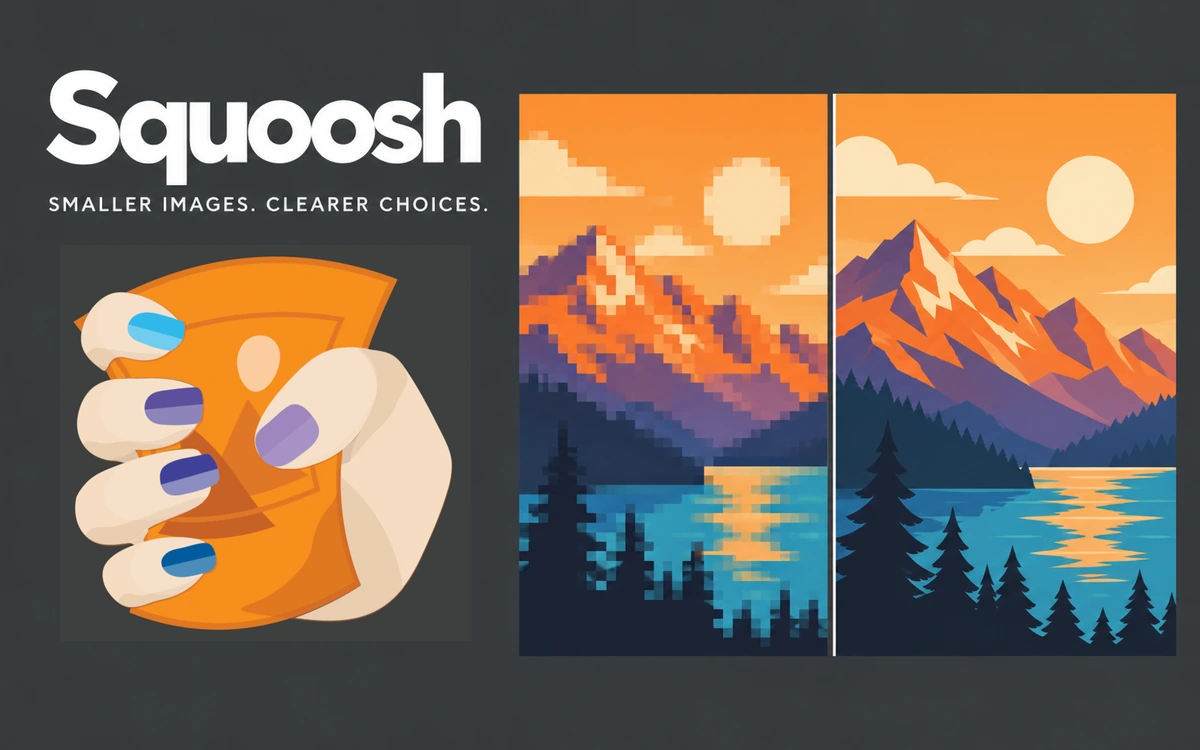
A free tool for compressing, resizing and converting images, with visual quality comparison and local file processing.
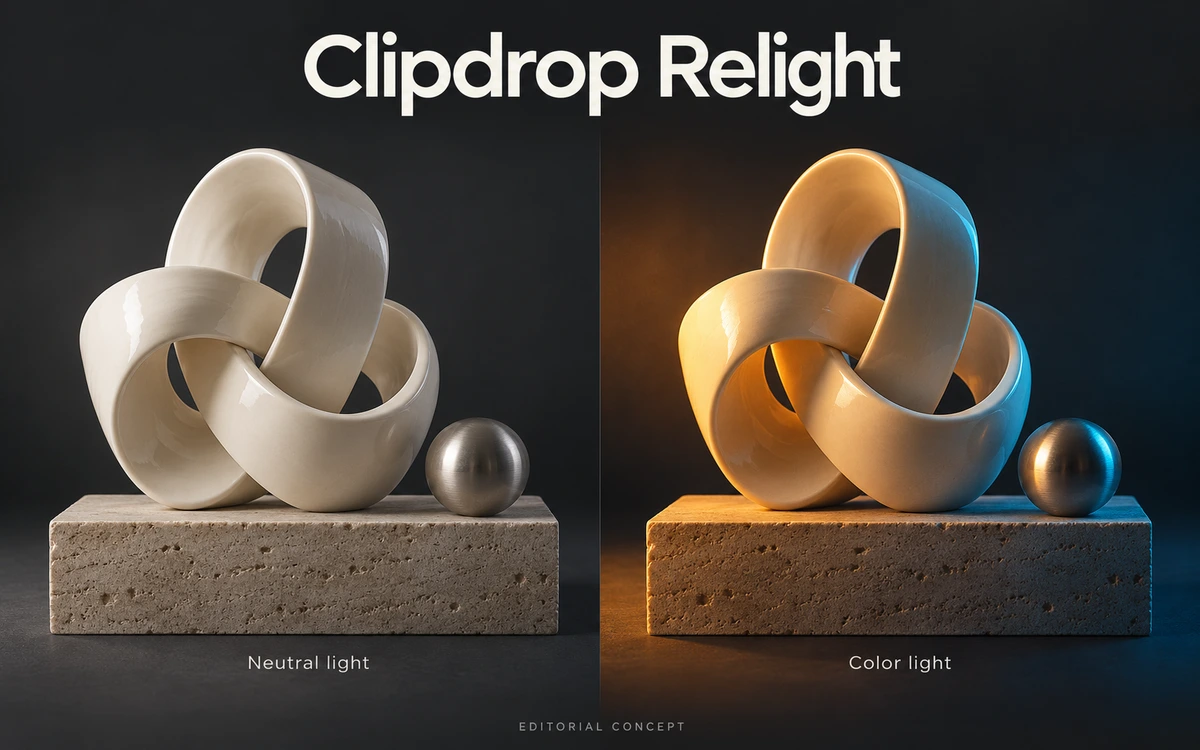
An AI relighting tool for existing images: move virtual light sources to explore a different mood in a photograph or drawing.
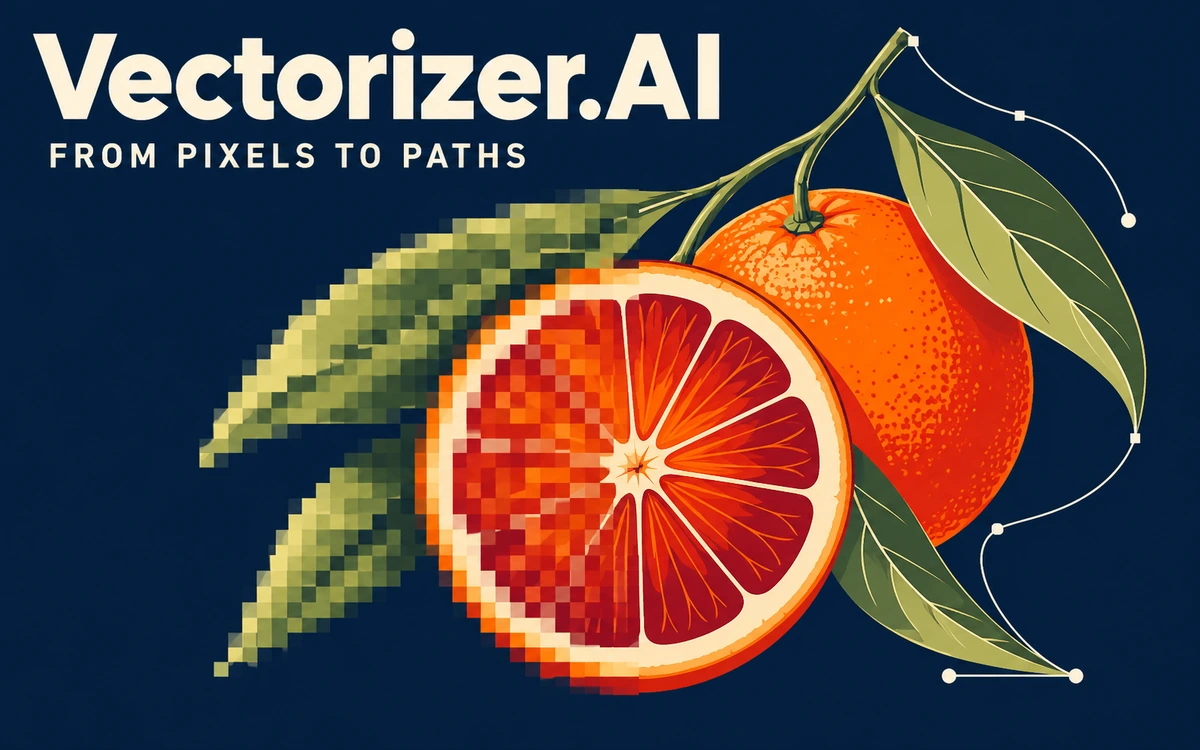
Online vectorization for logos, illustrations, and sketches, with previews and configurable SVG, EPS, PDF, and DXF exports.
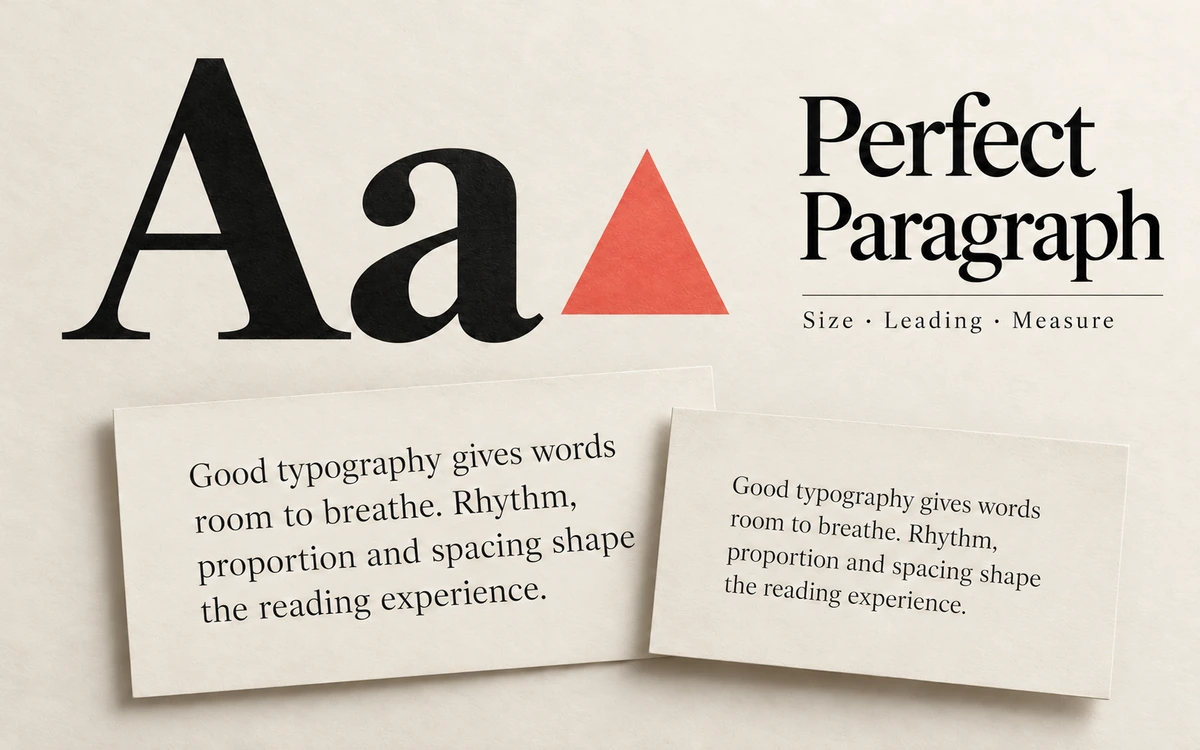
Adjust font size, line height and line width across ten exercises using Matej Latin’s typography triangle teaching model.
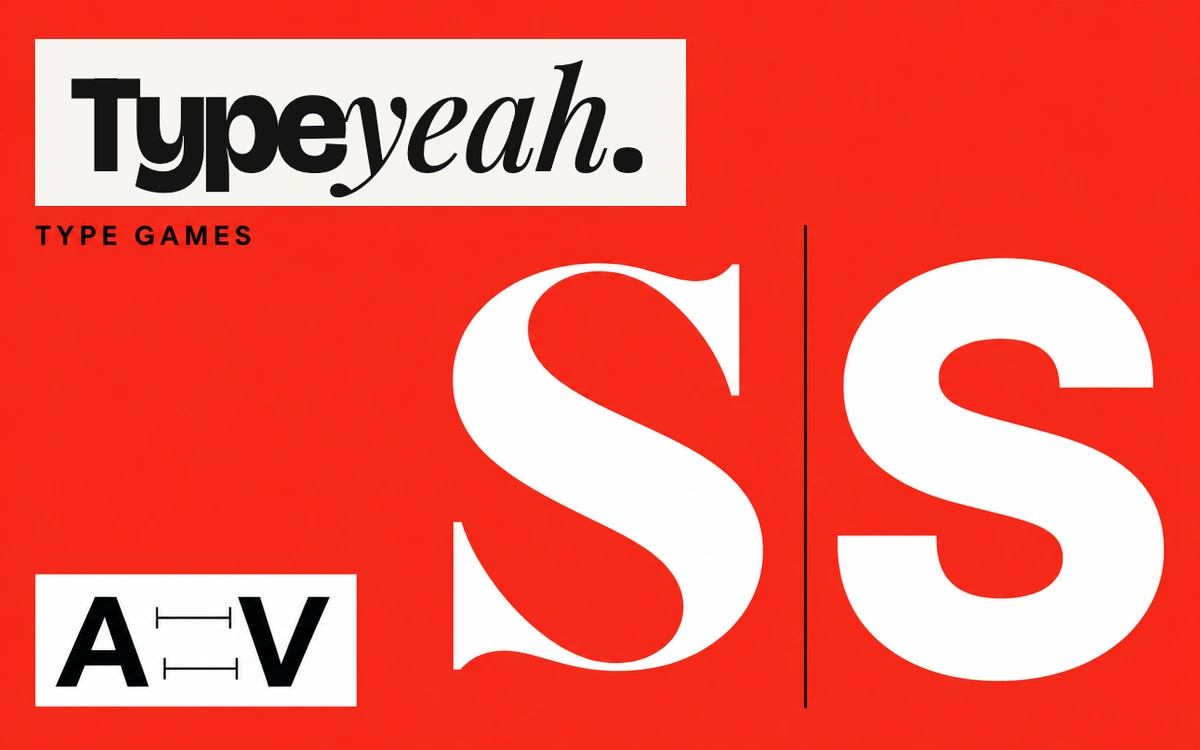
Four browser mini-games for practicing kerning, recognizing typefaces and serifs, and playing with the text baseline.
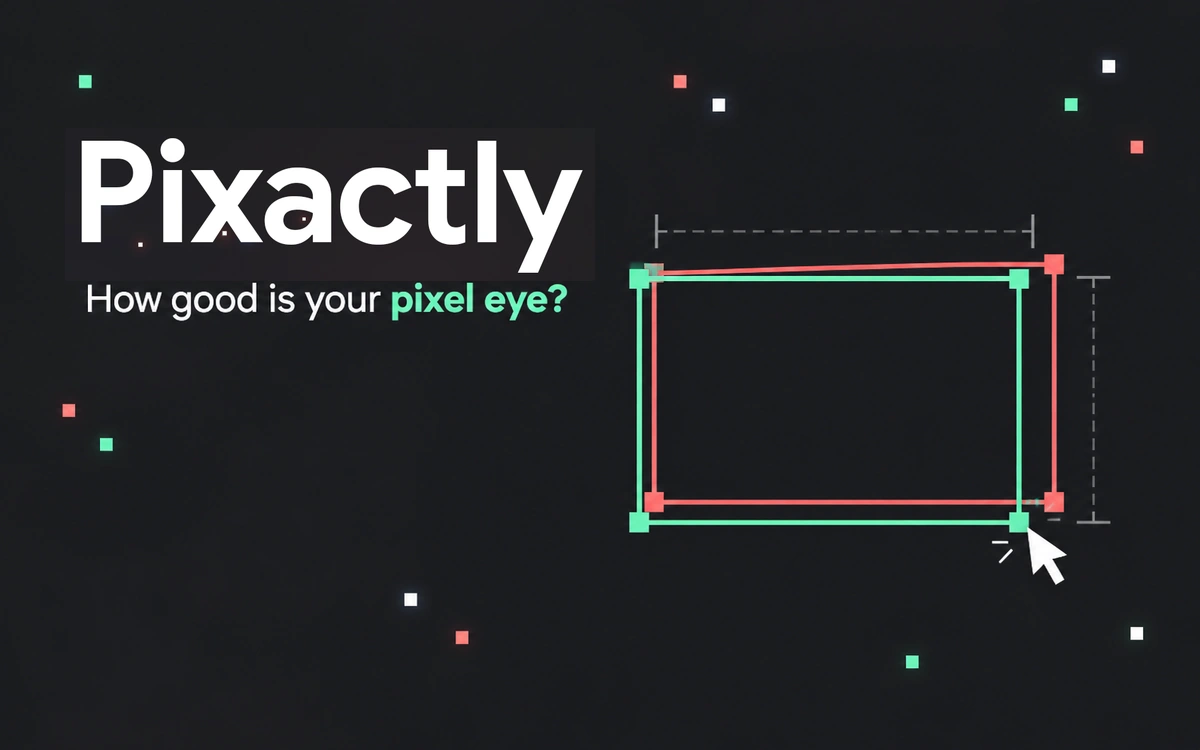
Draw a rectangle to match a target width and height by eye, then review your accuracy across five rounds.
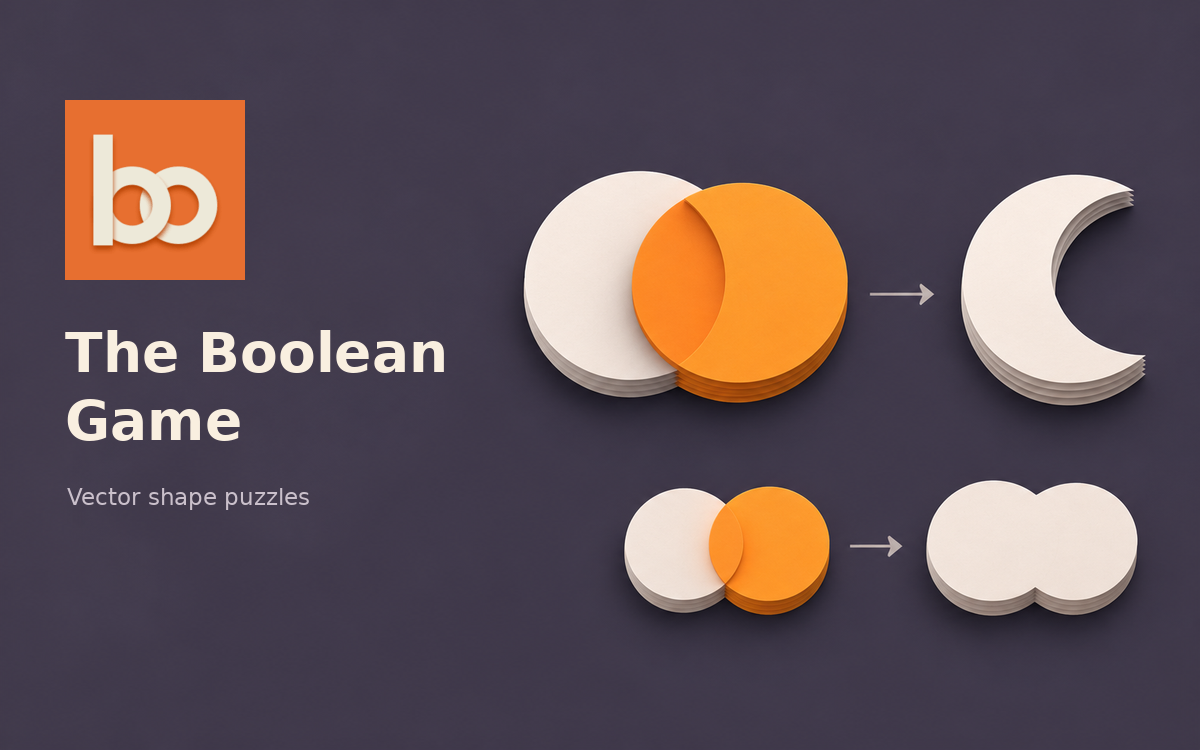
A free browser game for practicing boolean operations: combine basic shapes to recreate target silhouettes in puzzles of increasing difficulty.
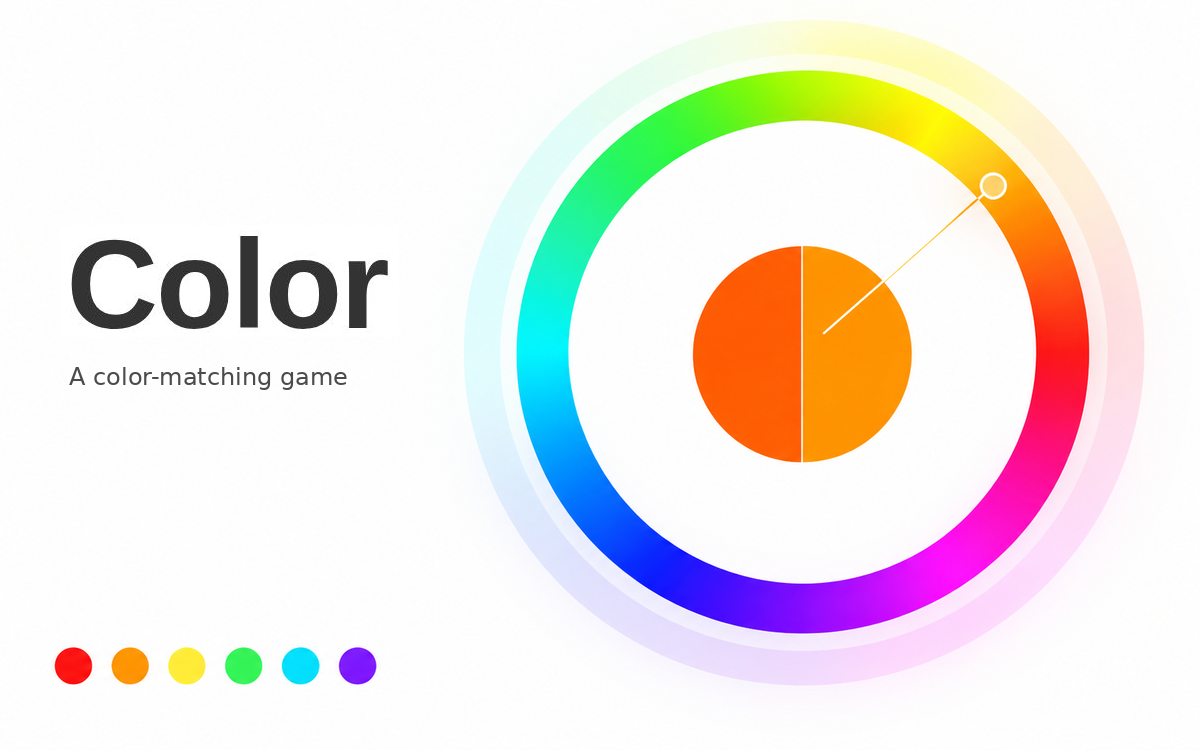
A timed browser game for matching target colors and practicing hue, saturation, complementary, analogous, triadic and tetradic color relationships.
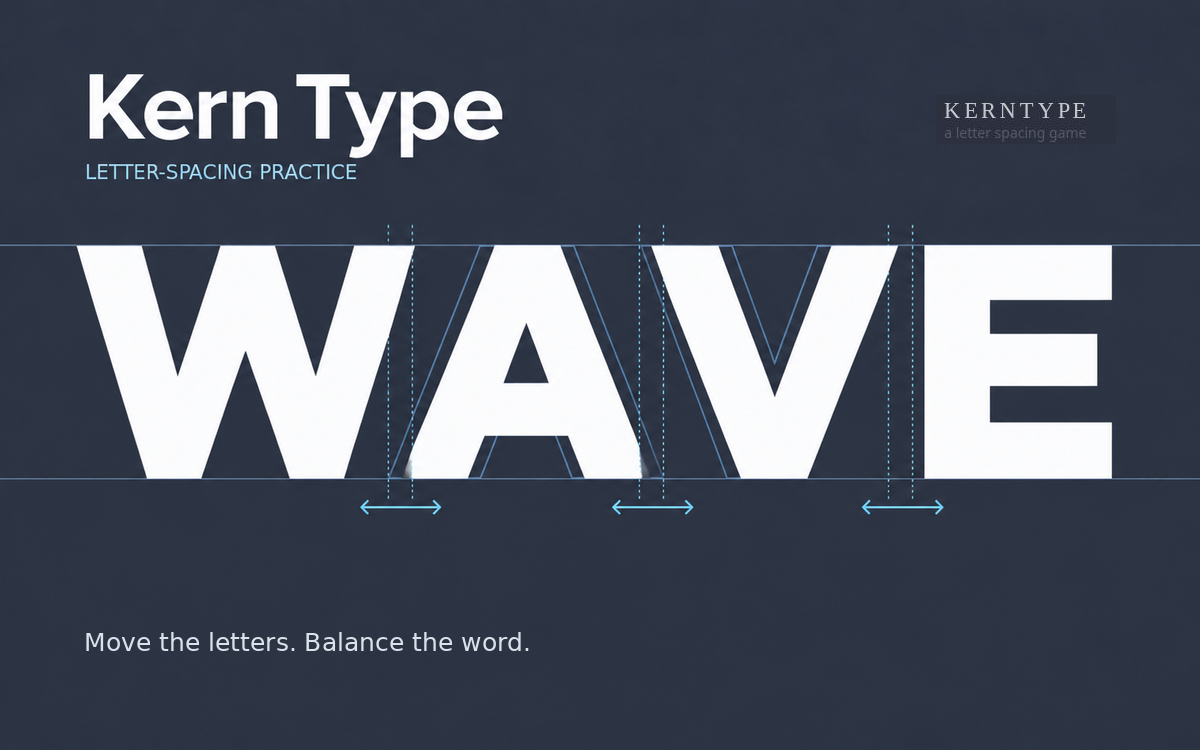
A free browser game for developing an eye for letter spacing: reposition letters, receive a score and compare your result with a reference solution.