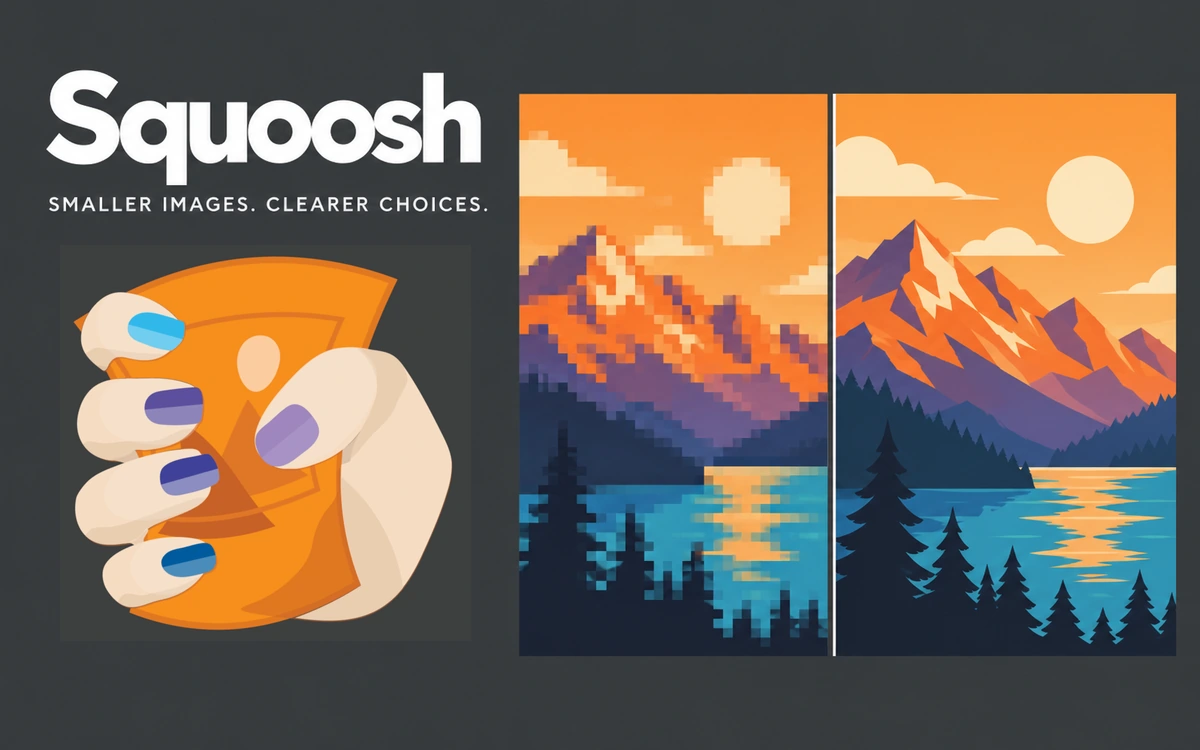
Squoosh: browser-based image compression
A free tool for compressing, resizing and converting images, with visual quality comparison and local file processing.
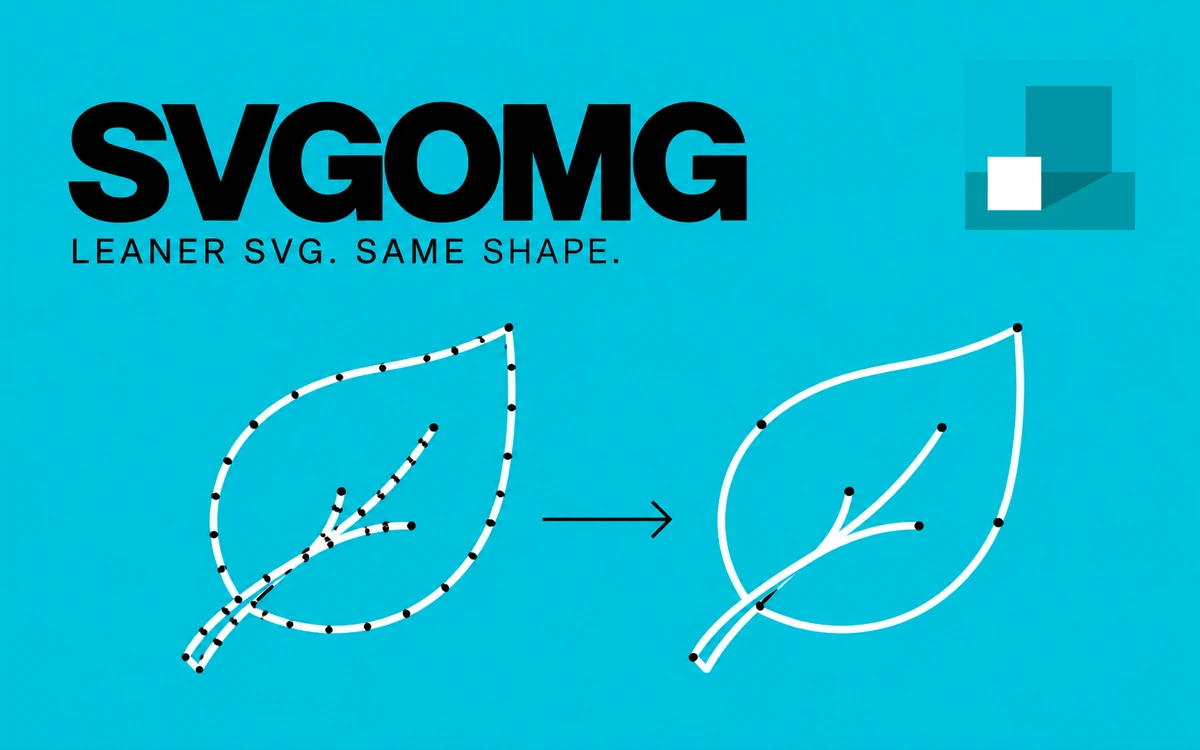
SVGOMG helps reduce SVG files before adding them to a website or handing them over for development. Created by Jake Archibald, it provides a visual interface for the SVGO optimizer. Open an SVG from your device or paste its markup to see which unnecessary data can be removed from the vector graphic. The controls cover removing comments, metadata and editor-specific data, cleaning styles and simplifying document structure. Separate switches manage path merging, shape conversion and empty-element removal. You can enable optimizations individually to keep control over the changes made to the file. Image and Markup modes let you inspect both the graphic and its SVG code. Comparison with the original reveals the effect of your settings, while the size indicator shows the saving. A gzip-size comparison is also available, which is useful when considering how the graphic will be transferred on the web. Number precision, transform precision and multipass optimization provide further control. Download the finished SVG without registration or payment. The tool is useful for preparing icons, logos and other vector elements when compact markup and a small file size matter. Check the result in its intended layout or page before using it. Aggressive coordinate rounding can alter details, while removing the viewBox, IDs, title or desc elements may affect scaling, external references or accessibility. Keep the original file and disable optimizations that remove information your project needs.
SVGOMG is distributed under the MIT License, permitting use, modification and distribution of the code while retaining the required notices. Rights to optimized SVGs depend on the source material; the tool license does not grant rights to third-party icons, logos or illustrations.
Check the creator’s current terms before using this resource.A free tool for compressing, resizing and converting images, with visual quality comparison and local file processing.
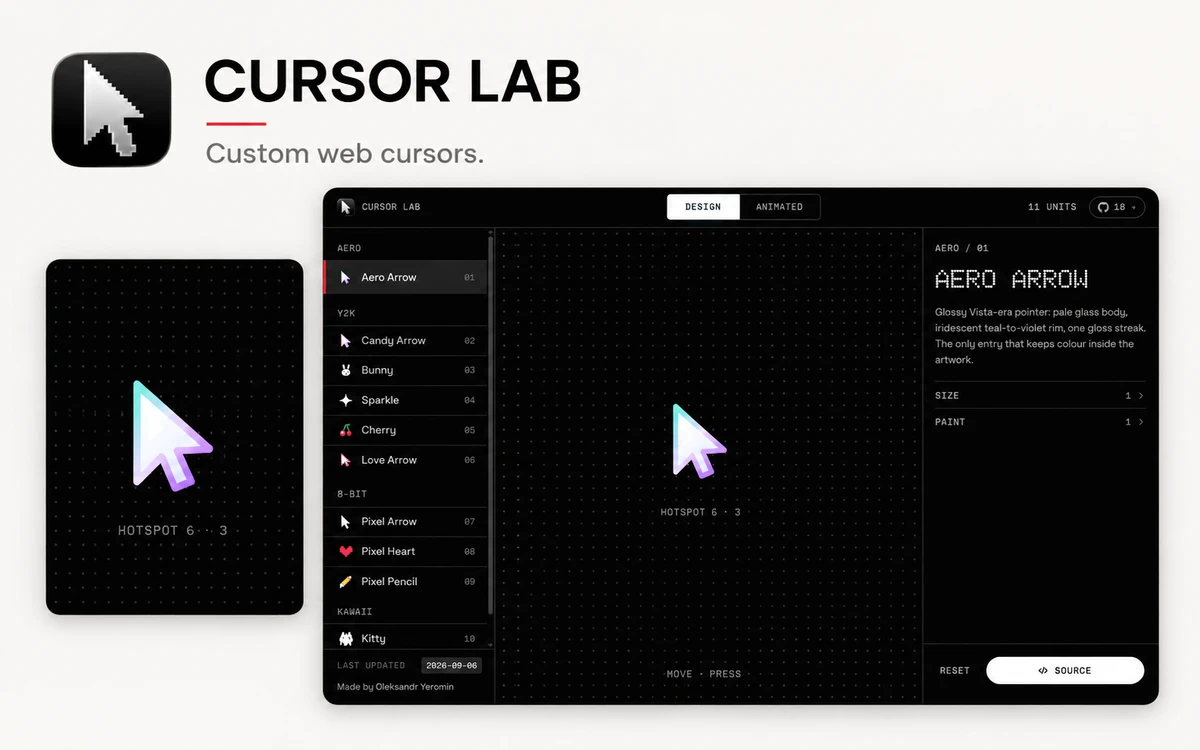
A free workbench with 28 custom web cursors, live parameter controls, and copyable JavaScript, React, and CSS code.
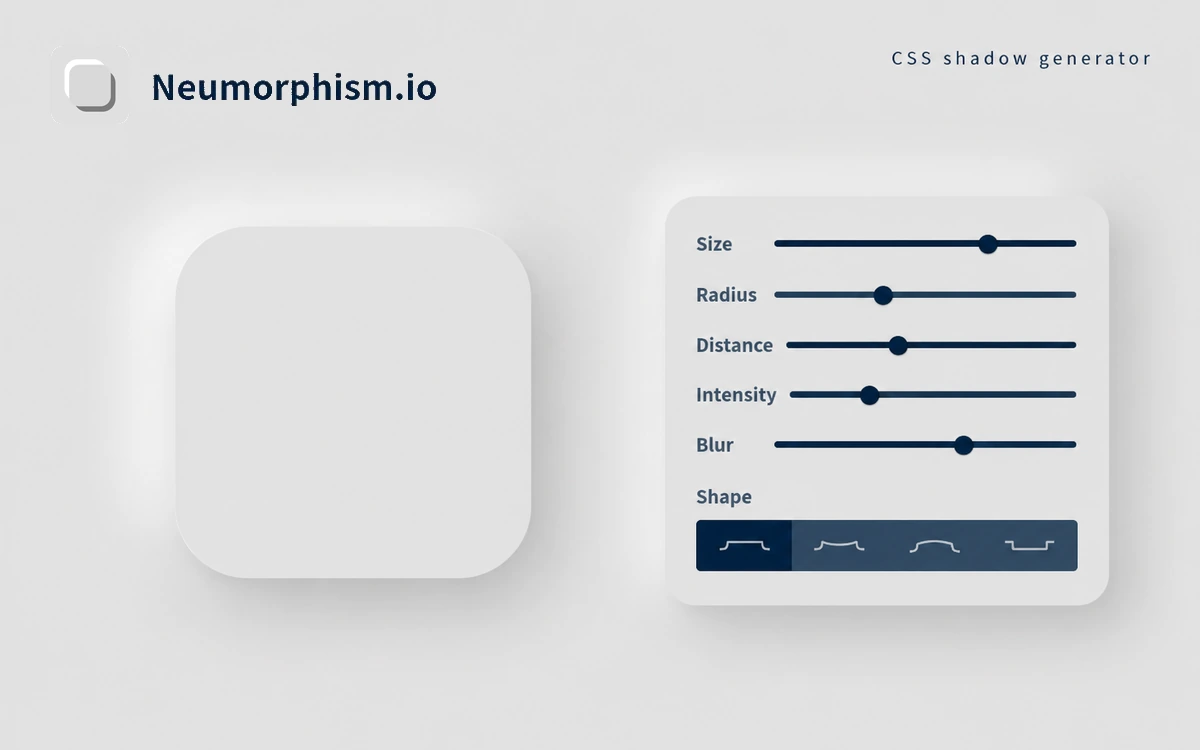
A free generator for neumorphic surfaces, with color, shape and shadow controls and copyable CSS.