SVGOMG: visual SVG optimization
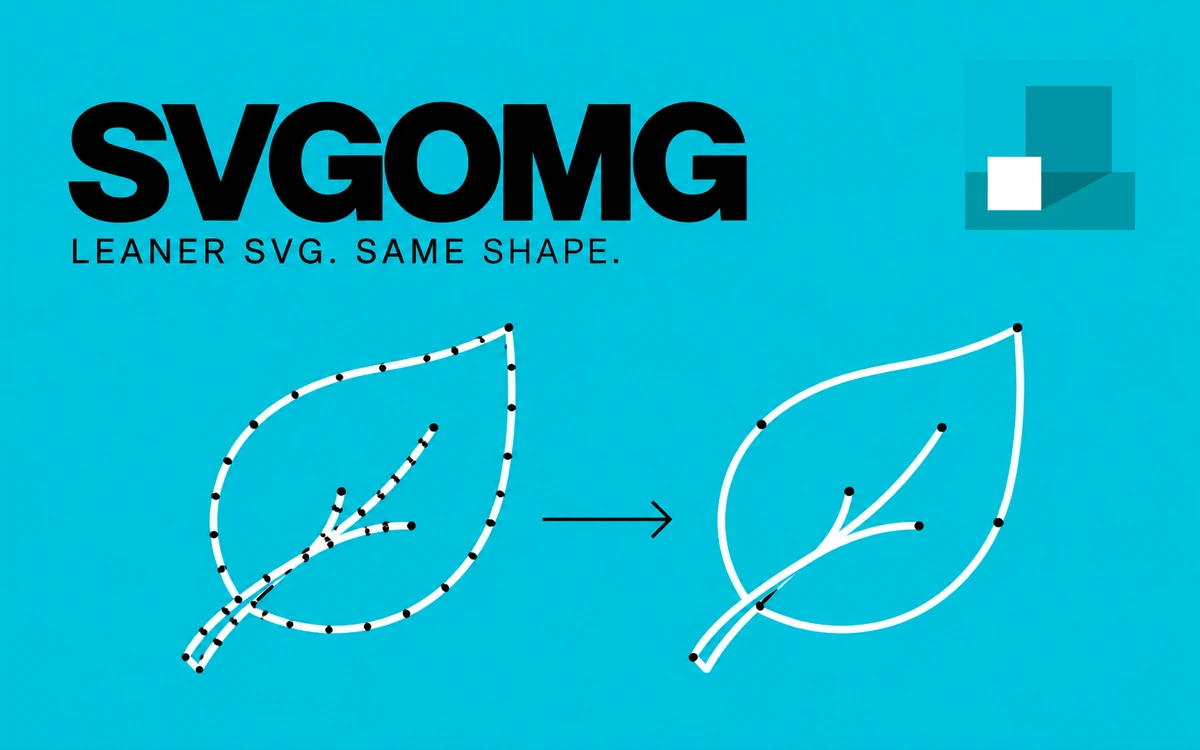
A free browser interface for SVGO, with SVG-code cleanup, smaller files, detailed optimization controls and result comparison.
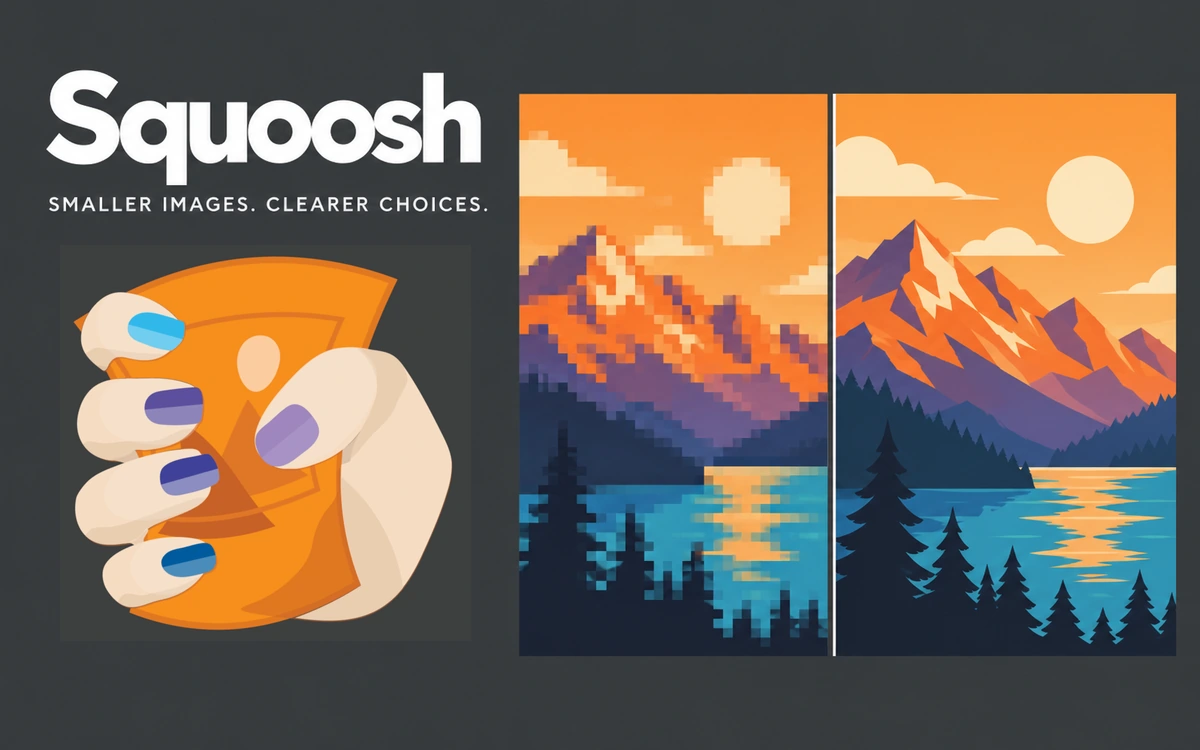
Squoosh helps prepare smaller images for websites, portfolios and presentations. Drop a file into the browser or paste it from the clipboard, then compare the original with the compressed result. The tool shows visual changes alongside file size so you can choose a useful balance between detail and download weight. The editor supports several formats and codecs, including JPEG through MozJPEG, PNG through OxiPNG, WebP and AVIF. Each offers its own encoding controls. This makes it practical to test which format suits a particular photograph, illustration or screenshot rather than applying one setting to every image. Before saving, you can change the image width and height and choose a resizing method. This is useful when a large original will appear only in a small section of a page. Inspect the result at the intended scale, paying particular attention to small text, thin lines and high-contrast edges. Download the finished file to your device in the selected format. Squoosh is available without registration, a subscription or a paid export step. Results depend on the source image, codec and settings: a smaller file may involve a quality trade-off, so there is no universal percentage reduction. Image processing happens locally, with no image upload to a compression server. The project documentation nevertheless discloses Google Analytics, including basic visitor information and file sizes before and after processing. Squoosh is open source; performance and the ability to handle large images depend on the browser and device resources.
Squoosh source code is distributed under Apache License 2.0; individual codecs carry their own license notices. The software license does not grant rights to third-party images: use and publication of processed files require appropriate rights to the originals.
Check the creator’s current terms before using this resource.A free browser interface for SVGO, with SVG-code cleanup, smaller files, detailed optimization controls and result comparison.
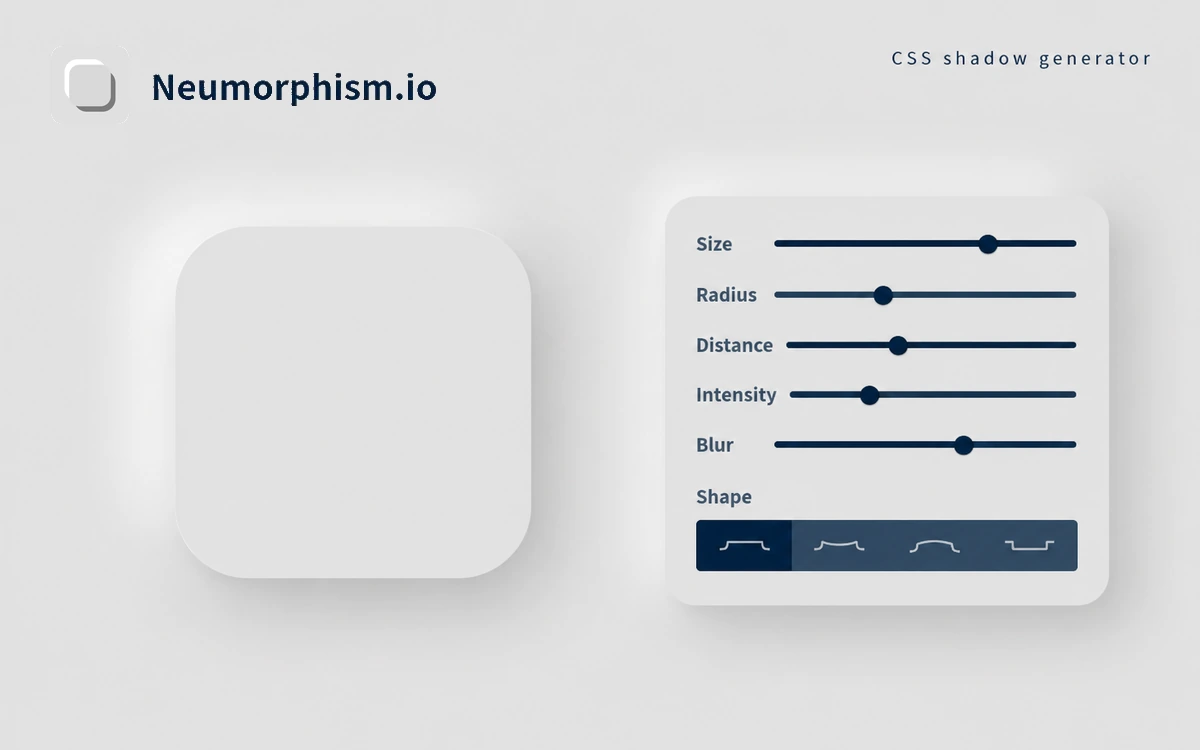
A free generator for neumorphic surfaces, with color, shape and shadow controls and copyable CSS.
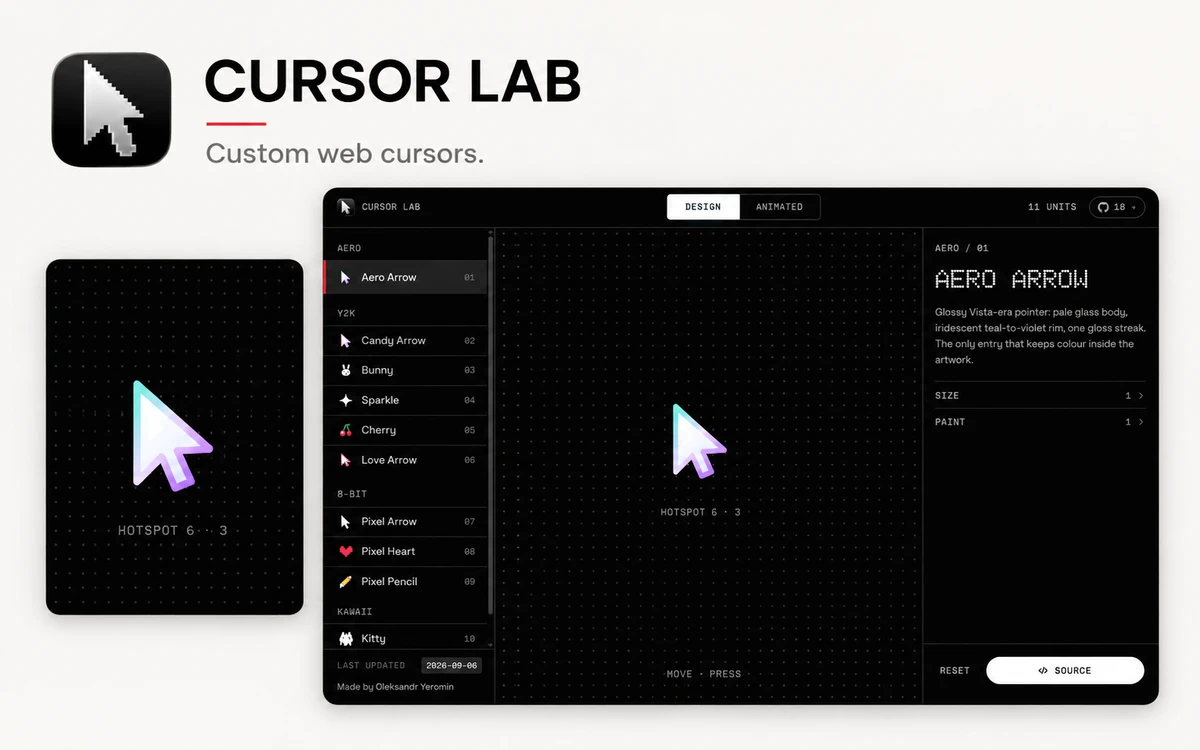
A free workbench with 28 custom web cursors, live parameter controls, and copyable JavaScript, React, and CSS code.