Lovable
Build and iterate on websites and web apps through conversation, with publishing tools and a limited free credit allowance.
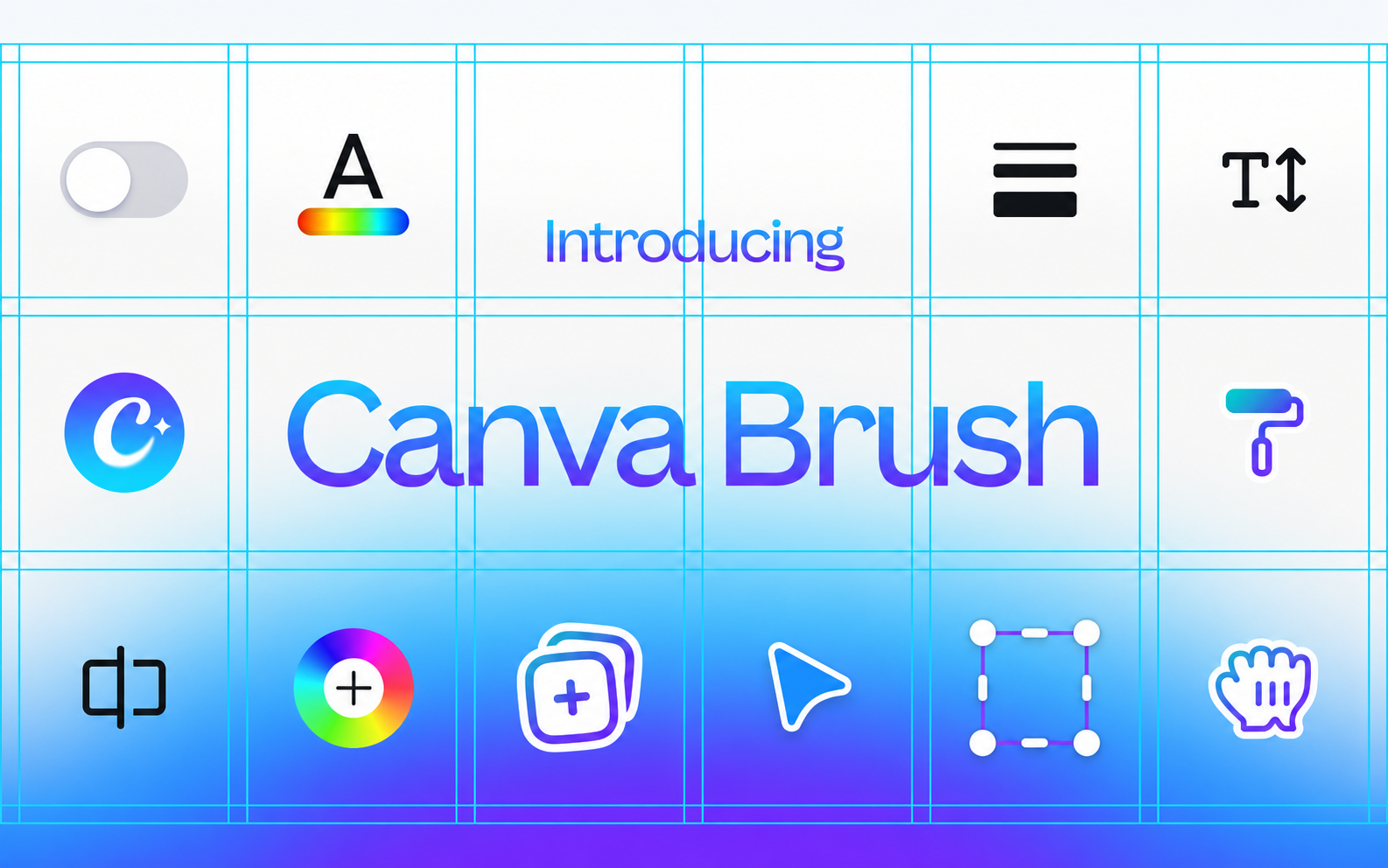
Changing the same heading on twelve presentation slides gets old quickly. Canva Brush is meant for that sort of job. Built by Canva Research and announced in October 2026, it's an AI model that looks at an existing design and carries out edits you describe in plain language. Say a poster needs a different colour palette, or a slide has to become an Instagram post. Brush can work on the design's text, imagery and layout without flattening everything into a single picture. You can still select objects and make your own adjustments in the Canva editor afterwards. Brush lives in Canva AI, not in a separate app. Open a design, or link one in Canva AI, and choose Brush from the model dropdown. The first release covers supported editing tasks; Canva says Brand Kit support and other improvements are still being built. One thing to check before trying it: access currently requires Canva Pro. The company plans to offer Brush more widely, but hasn't given a release date for that.
Canva Brush supports selected edits in Canva AI with a Canva Pro subscription. No separate free version is offered. Canva's terms and content licences apply to designs and third-party assets.
Check the creator’s current terms before using this resource.Build and iterate on websites and web apps through conversation, with publishing tools and a limited free credit allowance.
An AI tool for creating and comparing UI designs on an infinite canvas, with a public design-prompt library and a limited free plan.
An AI coding environment for editing, understanding and developing software, with a limited free plan.