OpenAI Codex
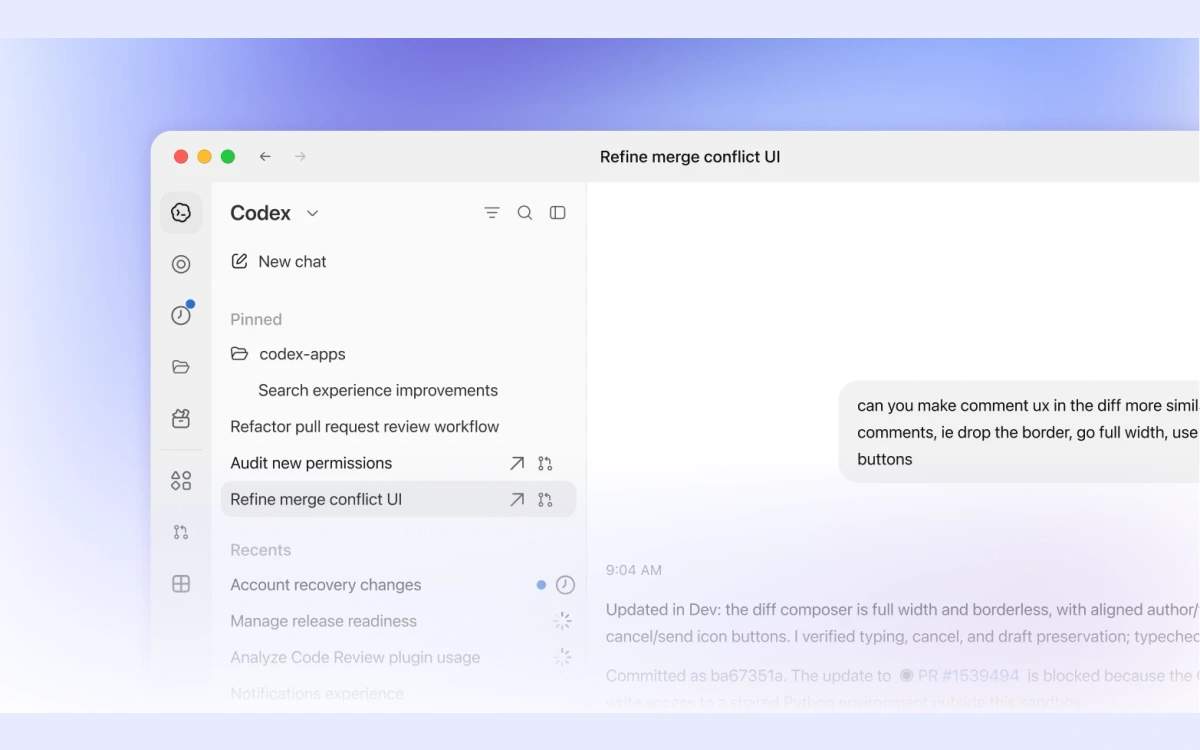
An AI coding agent for implementing features, fixing bugs and reviewing changes, with plan-dependent access and limits.

Cursor brings AI assistance into the process of building software. It can help you understand an existing project, work through a change and develop an implementation from a written goal. For designers who also build websites, this offers a bridge between a visual idea and the code required to explore it. A useful starting task is a small, well-defined interface change. Describe the expected behaviour, relevant files and constraints before asking for help. Read the proposed changes carefully and compare them with the original requirement rather than accepting an implementation simply because it runs. The product supports agent and chat workflows around code. These can help explain unfamiliar sections and work through development tasks with project context. The exact tools and available usage depend on the selected plan, model access and current product conditions. A Free plan provides limited Agent and Chat requests. Paid plans expand allowances and capabilities, and some model usage can carry separate conditions or charges. Check the current pricing page and account limits before relying on the tool for a larger production project. Keep version control and a recoverable copy of your work. Test functionality, accessibility and security before deploying a generated change. Do not provide credentials or confidential code without the necessary permission, and remember that assistance with implementation does not replace your responsibility for the finished product.
Proprietary service with limited free access and paid plans. Check current terms, data settings and rights to uploaded material.
Check the creator’s current terms before using this resource.An AI coding agent for implementing features, fixing bugs and reviewing changes, with plan-dependent access and limits.
An AI tool for creating and comparing UI designs on an infinite canvas, with a public design-prompt library and a limited free plan.
An AI assistant for writing, document analysis and coding, with limited free access.