Canva
An online editor for presentations, social posts and visual materials, with free and paid plans.
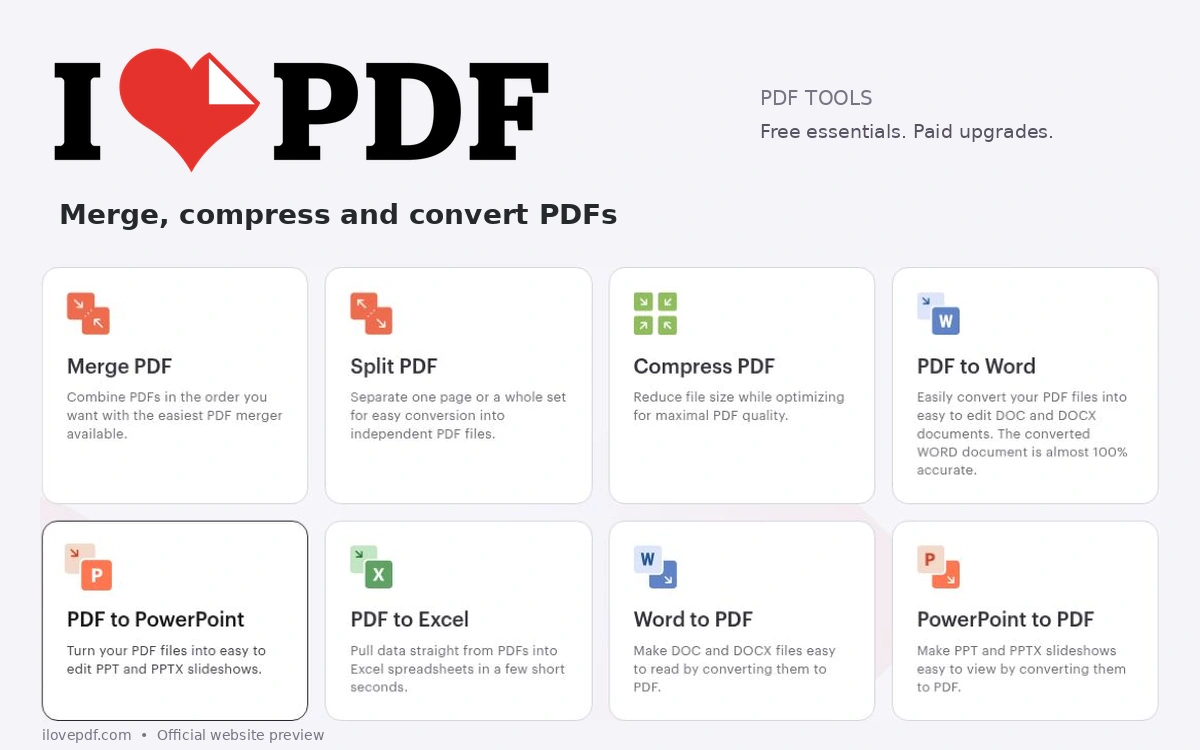
iLovePDF brings common document tasks into a browser-based toolkit. You can combine several PDFs, split out selected pages, reduce a file’s size, convert between supported formats and organize page order. For designers, it can help prepare a presentation, assemble a review packet or make a PDF easier to send and download. The site also offers image-to-PDF and PDF-to-image conversion, page numbering, watermarks and tools for adding text, images or annotations. Choose the operation that matches the job, keep a copy of the original and inspect the exported file. Check typography, image quality, links and page order, especially after compressing or converting a carefully designed document. Its Basic plan is free and includes essential tools with limited document processing. Limits vary by operation; the current comparison lists up to 25 files for a merge and two files for a compression batch. Premium adds broader tool access, larger processing allowances, cross-platform access and an ad-free experience. Check the current plan table before relying on a feature for a large batch. Online processing sends documents to the service’s servers. iLovePDF states that ordinary processed files are deleted within two hours and can also be removed manually from the download screen; signing services have separate retention rules. Before uploading confidential client material, check your organization’s requirements and the service’s current privacy terms. The Desktop application offers local workflows, although some tools still use online processing. The service is proprietary and governed by its terms of use. You retain the existing rights to your own content, and remain responsible for having permission to process and share it. Converting a file does not grant rights to any fonts, photos or other third-party material inside it. Download the finished document promptly and verify it before delivery.
Proprietary service under iLovePDF terms. Basic use is free within tool-specific limits. You retain existing rights to your content and must have permission to process and share all included material.
Check the creator’s current terms before using this resource.An online editor for presentations, social posts and visual materials, with free and paid plans.
A collection of browser tools and visual experiments by Kyiv-based creator Anatolii Babii, spanning patterns, geometric typography and animated simulations.
Editing, color grading, effects and audio in one application, with a free edition and paid Studio version.