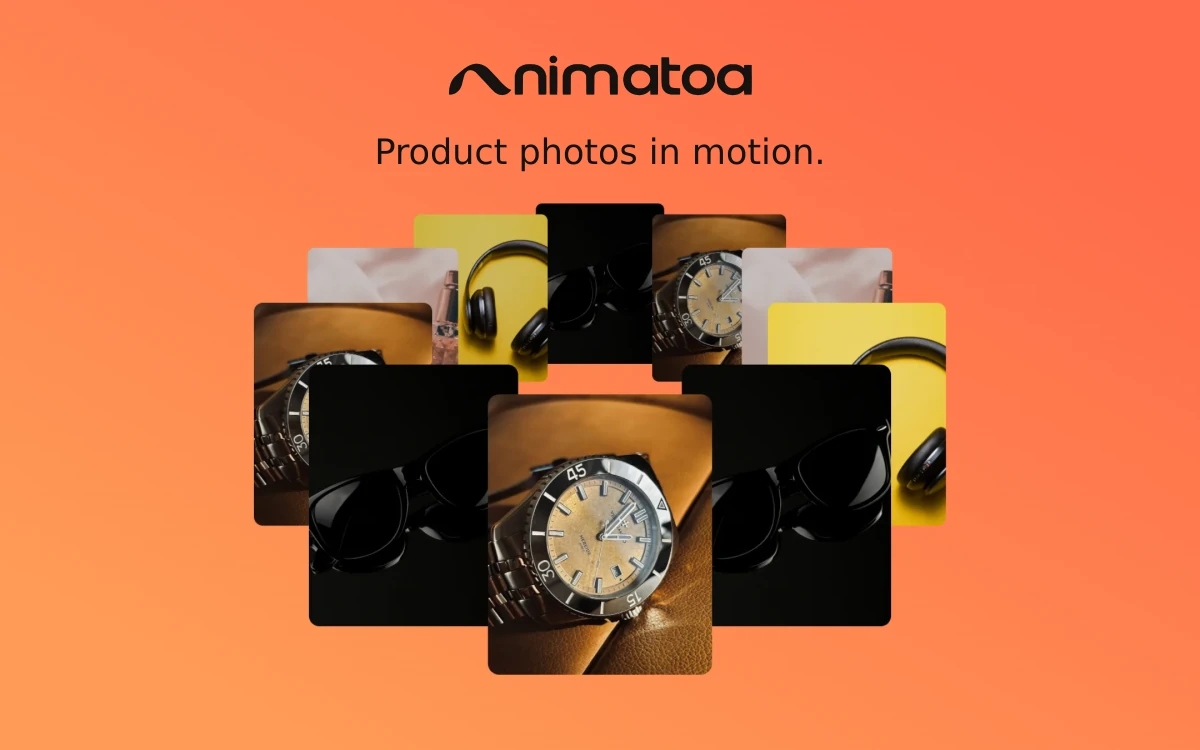
Animatoa – Product Photo Animation
A browser-based tool for turning photos, GIFs and video clips into animated product showcases with 3D perspective, image effects and music.
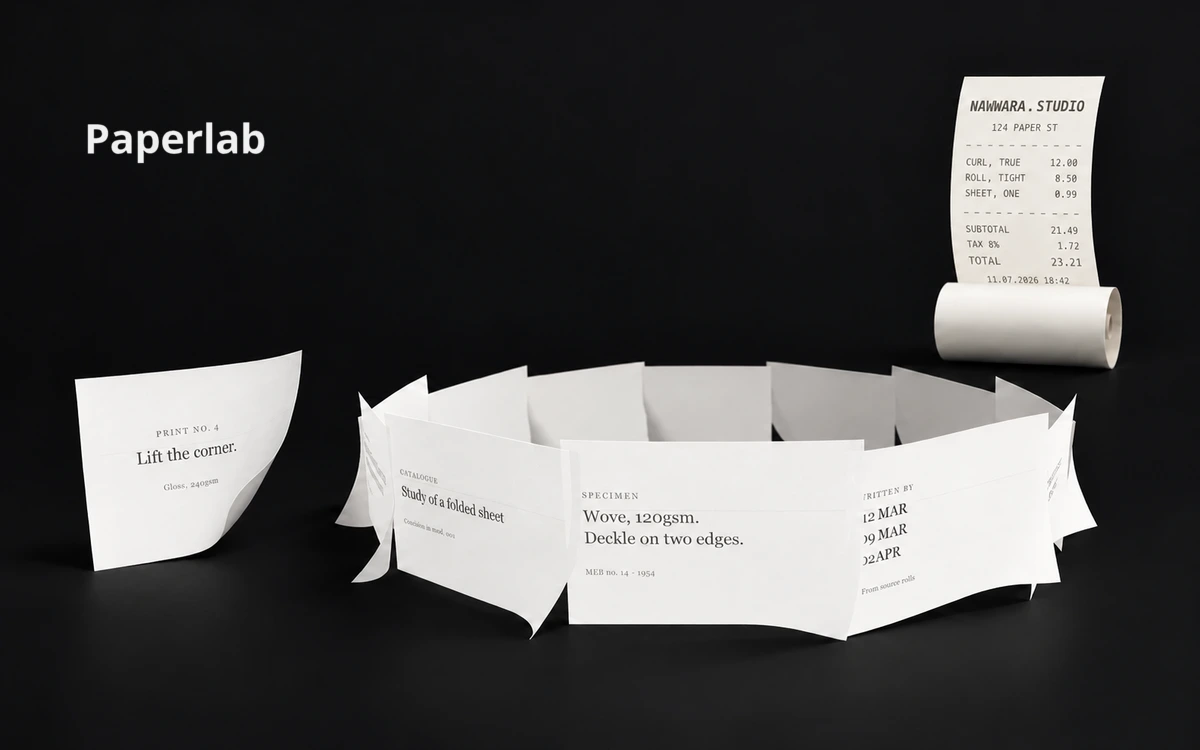
Paperlab by Noor Mtir brings paper-like interactions to websites: a receipt unrolls, a letter folds, a card corner peels and a poster moves in the wind. Text and images sit on real 3D geometry, so they bend with the sheet. It is useful for web designers and developers exploring tactile interactions and expressive motion. Start with a built-in preset, then adjust it in the inspector. Controls cover the sheet’s shape and behavior, paper stock, content, surface effects, physics, lighting and scene. For example, the receipt preset leads with unrolling progress and tightness. Custom variations can be saved and transferred as .paper JSON files. Beyond a single sheet, Field mode arranges multiple papers into compositions, while Stage builds spatial scenes from hanging paper. Rest, Hover, Pressed, Picked and Placed states let you tune responses to interaction. A separate FX Lab exposes the controls behind burning-paper effects; ordinary editing does not require a camera. The Export menu offers images in several aspect ratios, short looping clips, JSX, JSON and a link to an editable copy of the scene. Copy for AI prepares an implementation brief for a coding assistant. One sharing limitation matters: uploaded images are too large for a share link, so the author recommends sending a .paper file when a scene includes them. The editor opens without payment or registration and is designed for a laptop or desktop with a mouse or trackpad. It is a beta product: some preset entries are marked as forthcoming, and the reviewed official pages do not specify numerical free-use quotas or a paid plan. Embedding the result in a website requires a React project and its dependencies; the browser editor prepares the effect, while the library brings it into the project.
Paperlab’s code is available under Apache License 2.0, including commercial use subject to its terms. Code redistribution requires preservation of the relevant license and copyright notices, including NOTICE, and changes must be identified. A visible author credit is appreciated but is not presented as mandatory in the README. Check the rights to your own images, fonts and third-party assets separately; the code license does not grant trademark rights.
Check the creator’s current terms before using this resource.A browser-based tool for turning photos, GIFs and video clips into animated product showcases with 3D perspective, image effects and music.
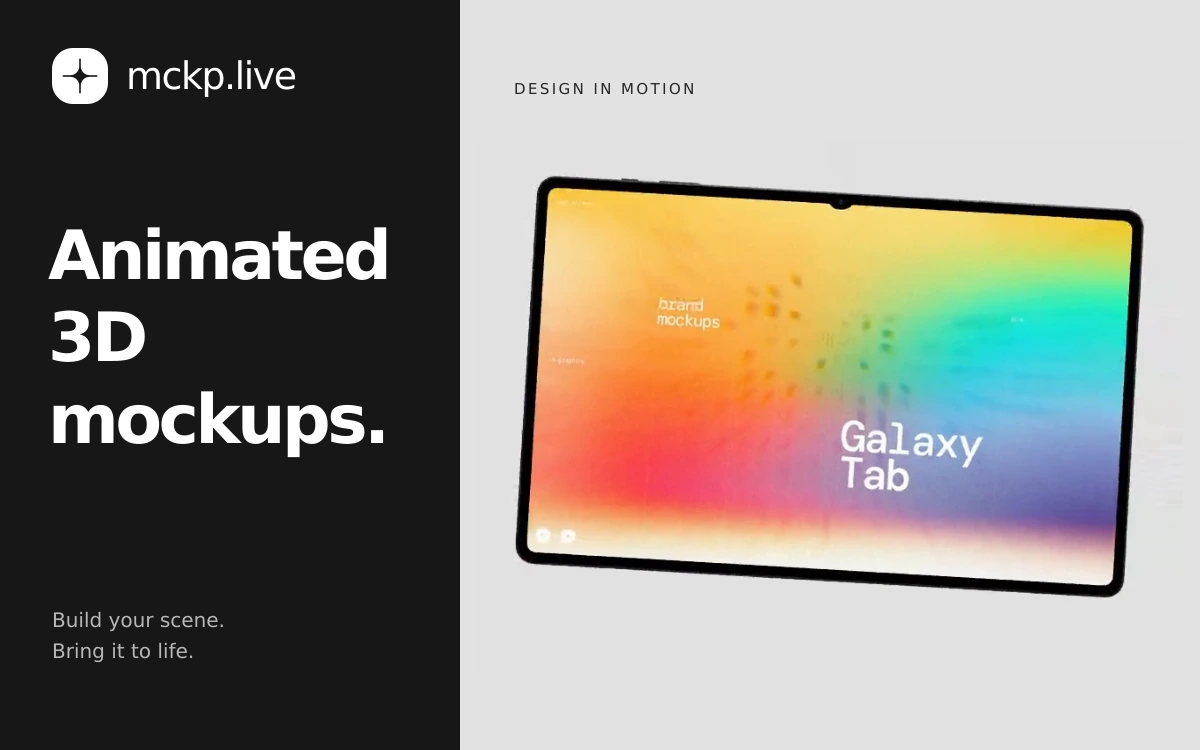
A browser-based tool by ls.graphics for animated device mockups with your own screens, video exports and interactive website embeds.
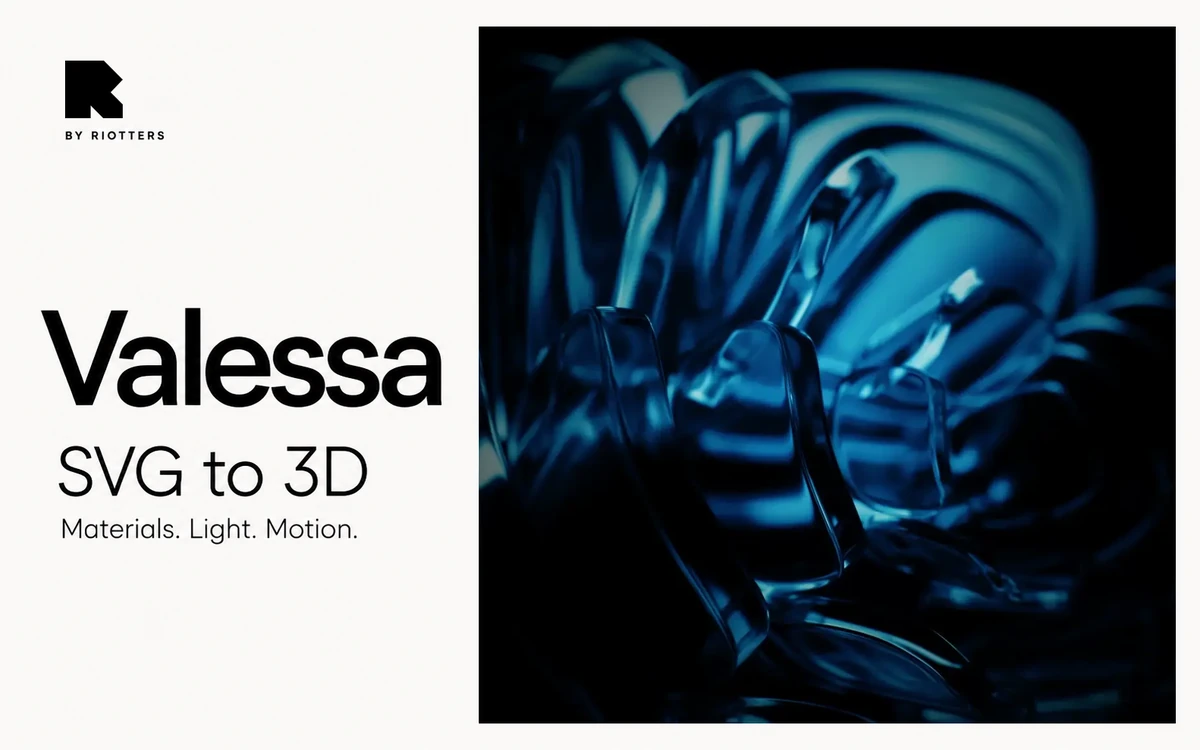
A free browser-based tool by Riotters for turning SVG artwork into 3D forms and styling scenes with materials, lighting and animation.