Paperlab: interactive 3D paper for the web
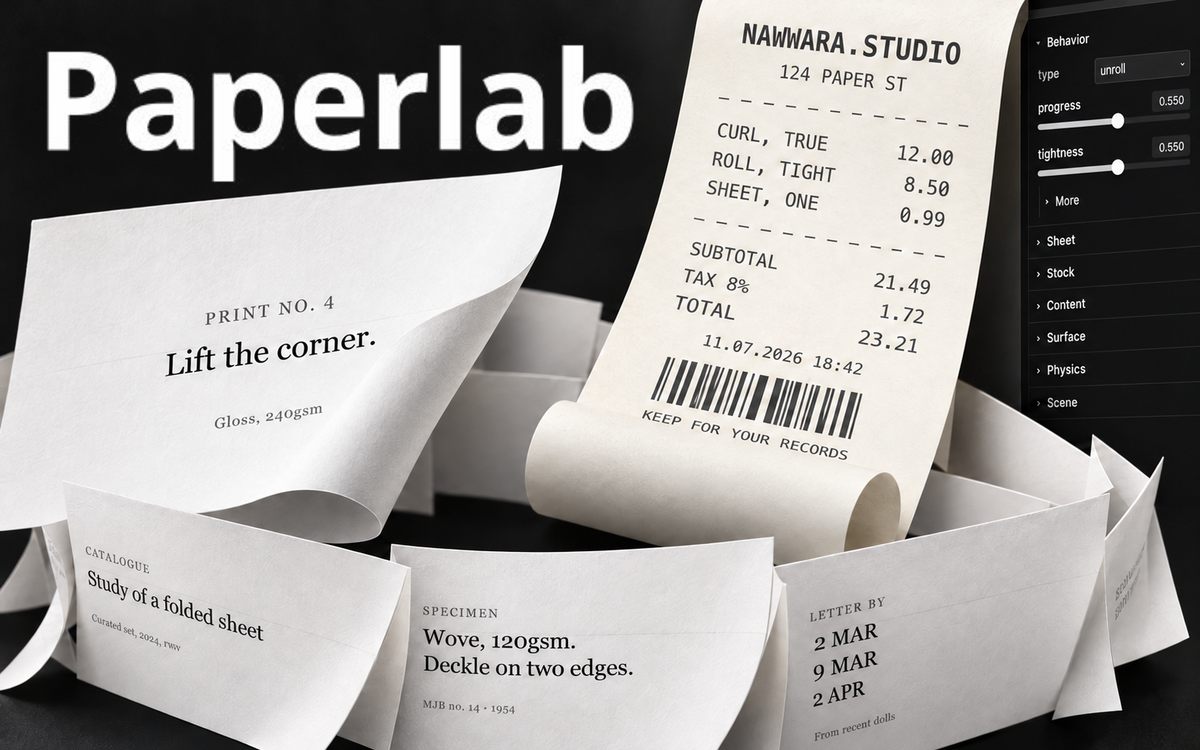
A free browser editor and React library for 3D paper effects, including folds, unrolling, peeling, animated galleries and spatial scenes.
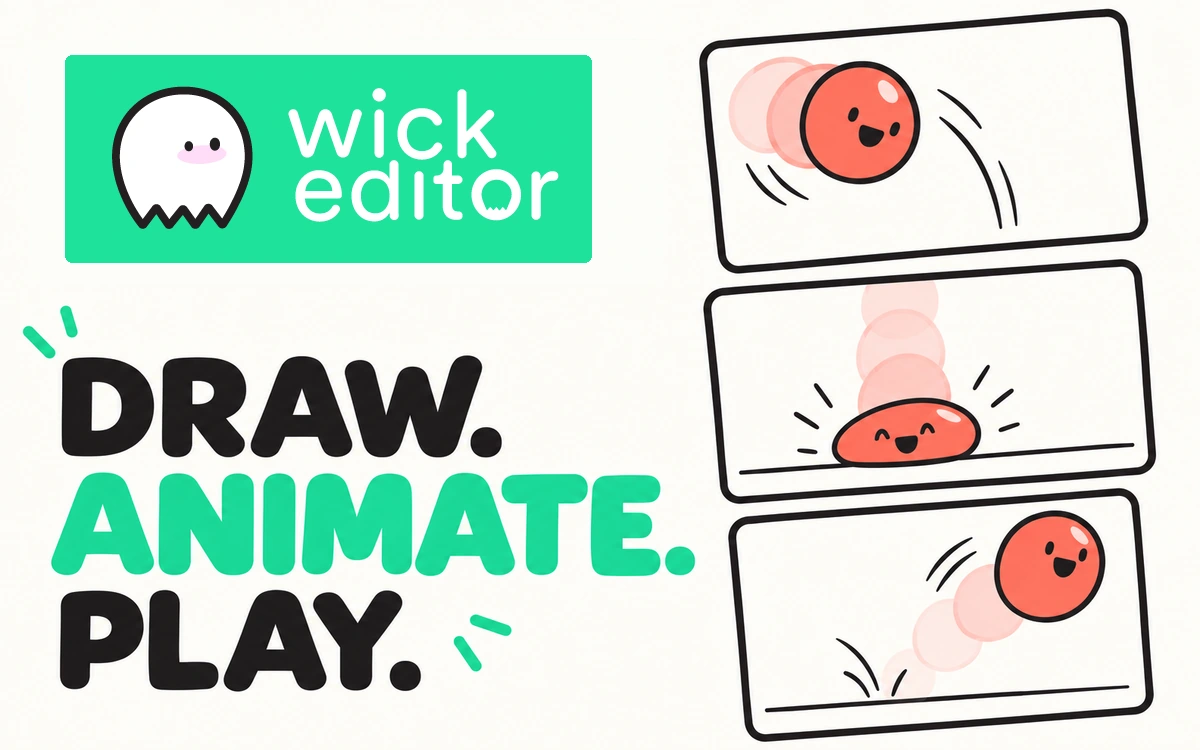
Wick Editor is a free browser-based editor for 2D animations, interactive scenes and simple games. It brings drawing, a timeline and scripting into one workspace. The web version opens without installation or a required account, making it approachable for early experiments with movement and interaction. The toolbox includes a brush, pencil, eraser, geometric shapes, text and a fill tool. Arrange objects on the canvas, organize them into layers and reuse them as clips. A useful starting exercise is a short scene with a few simple elements, adding detail only after the basic composition works. The timeline provides control over frames and scene duration. Onion skinning displays nearby frames so you can compare object positions and draw consistent movement. Preview playback helps assess the animation before export, while saving the editable project lets you return to it later. A code editor supports interactive work. Official learning examples demonstrate mouse and keyboard input, dragging objects and moving between rooms. These exercises offer a natural next step after linear animation: begin with one clear interaction, such as making a character follow the pointer. The export menu offers animated GIF, MP4 video marked Beta, and interactive HTML or ZIP files. GIF does not retain sound or interaction, so choose the format to suit the project. The editor source is available under GPL-3.0; imported images, music and other assets still require their own appropriate rights.
Wick Editor source is licensed under GNU GPL-3.0. The software license does not grant rights to third-party imported assets. The official logo policy permits unchanged marks in articles about and links to Wick Editor: https://www.wickeditor.com/#/logos/
Check the creator’s current terms before using this resource.A free browser editor and React library for 3D paper effects, including folds, unrolling, peeling, animated galleries and spatial scenes.
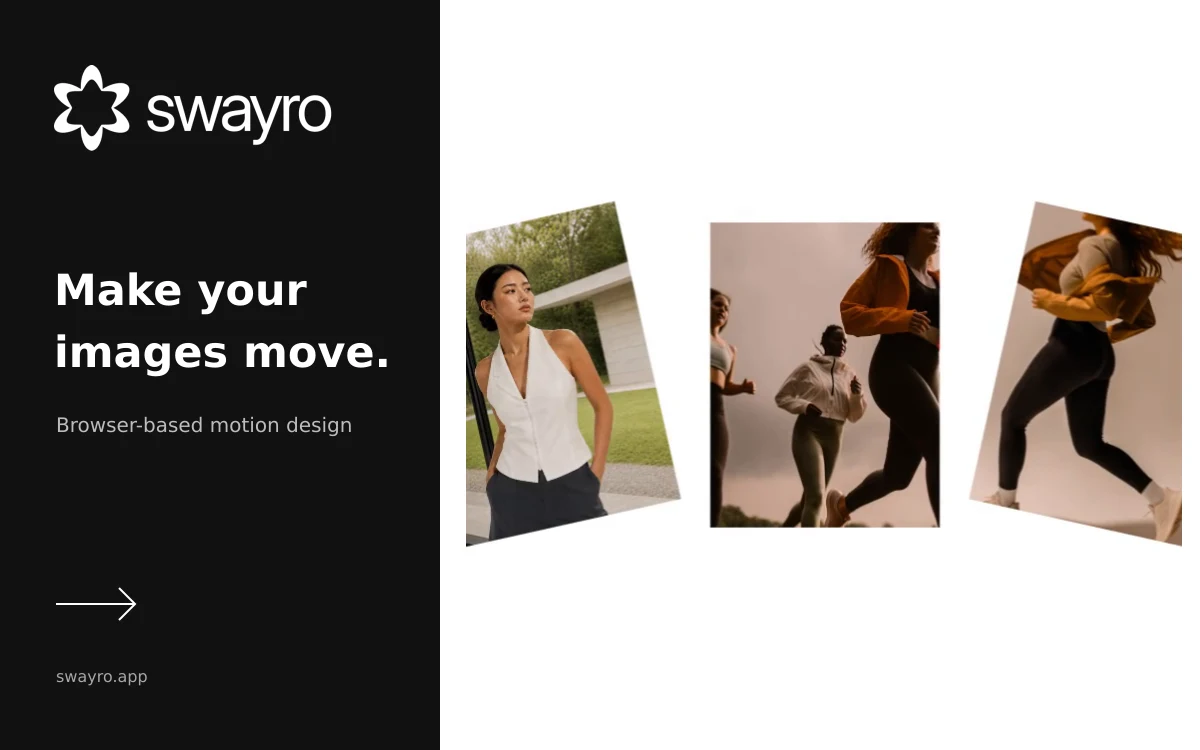
A browser editor that turns photos and screenshots into animated videos using customizable motion templates and local rendering.
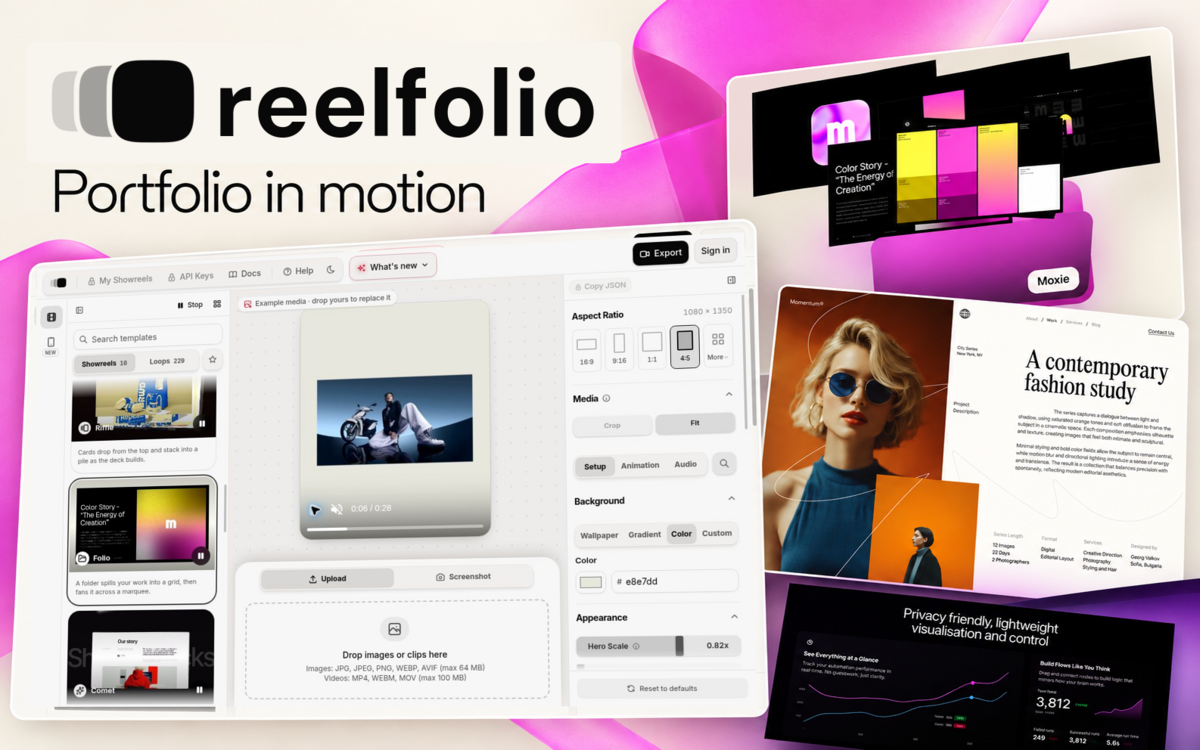
Turn screenshots and clips into animated presentations of your work. Template previews are free; rendering and exporting require paid access.