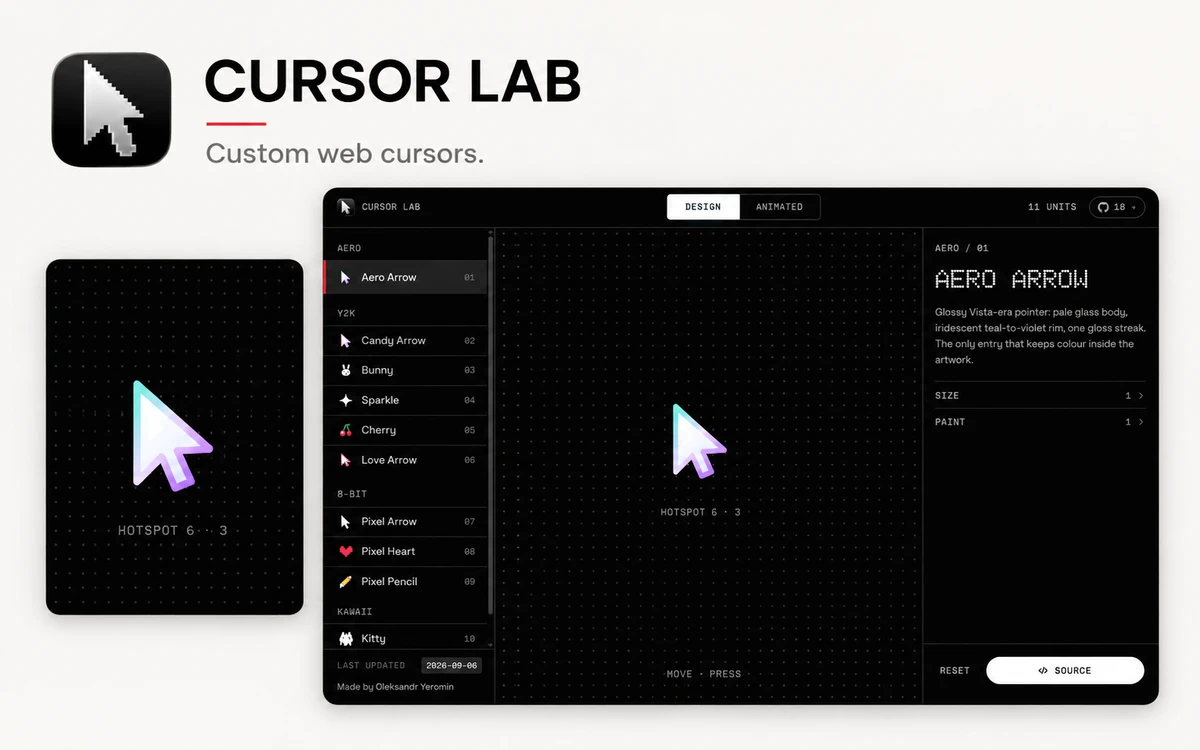
Cursor Lab — Custom Web Cursors
A free workbench with 28 custom web cursors, live parameter controls, and copyable JavaScript, React, and CSS code.
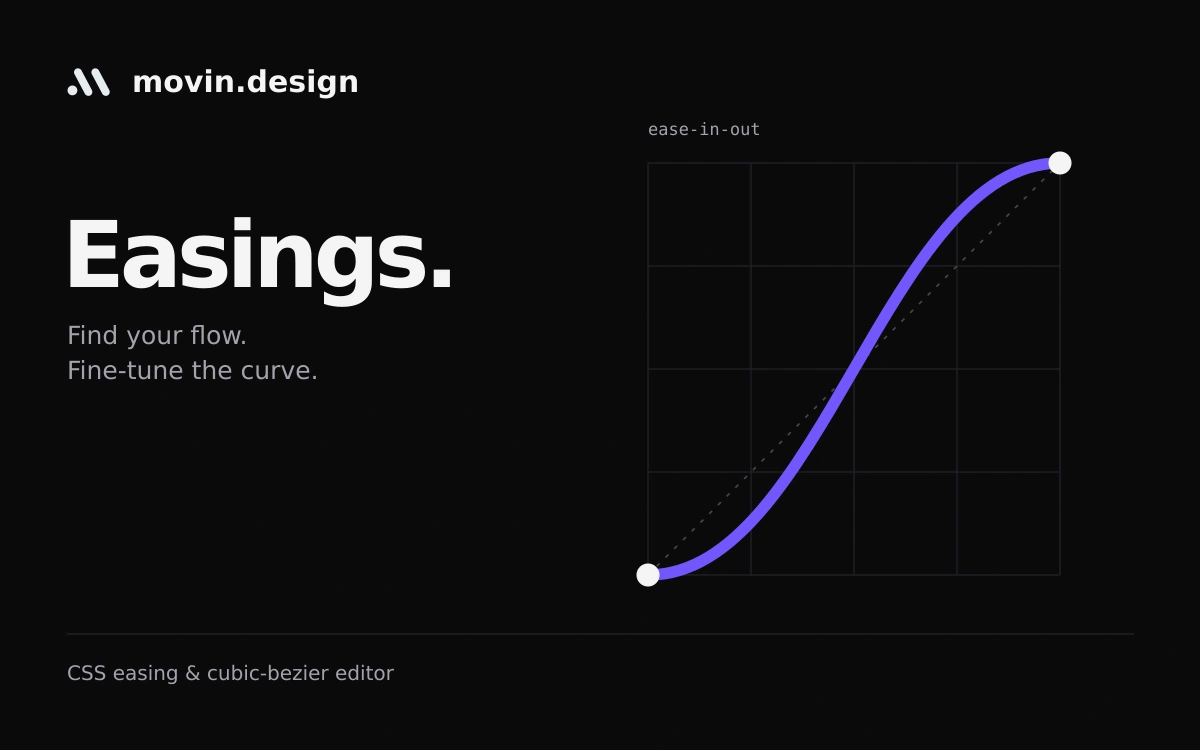
Movin Easings helps you choose how an interface should move. You can inspect a timing curve and watch its effect instead of picking an animation function by name alone. The gallery includes CSS keywords and the Sine, Quad, Cubic, Quart, Quint, Expo, Circ and Back families. Start with a preset, then reshape its cubic-bezier curve by dragging the control handles or entering values. Previews cover movement, scaling, rotation and fading. Separate duration and loop-delay controls let you judge the rhythm of a transition alongside its curve. CSS and JavaScript sections help carry the result into implementation. The page provides a timing function, keyframe and transition examples, plus a Tailwind representation. The browser tool is accessible without payment. It is useful for discussing motion with developers and exploring why the same transition can feel different when its easing changes.
The tool is free to access. No separate open-source licence is stated; movin.design terms apply. Works in the main gallery remain the property of their respective creators.
Check the creator’s current terms before using this resource.A free workbench with 28 custom web cursors, live parameter controls, and copyable JavaScript, React, and CSS code.
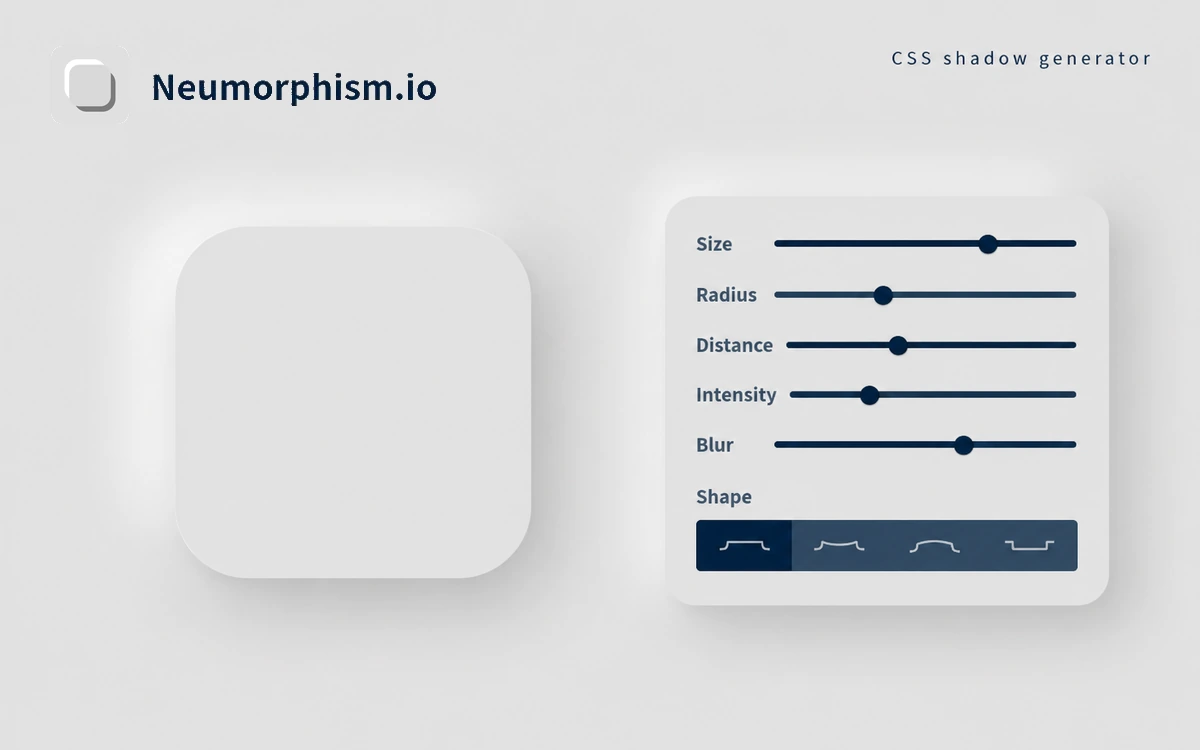
A free generator for neumorphic surfaces, with color, shape and shadow controls and copyable CSS.
An AI tool for creating and comparing UI designs on an infinite canvas, with a public design-prompt library and a limited free plan.