GEOMETRIC – Geometric Effects for Images and Video
A browser-based art studio that turns images, video and sound into compositions of contours, geometric shapes and digital textures.
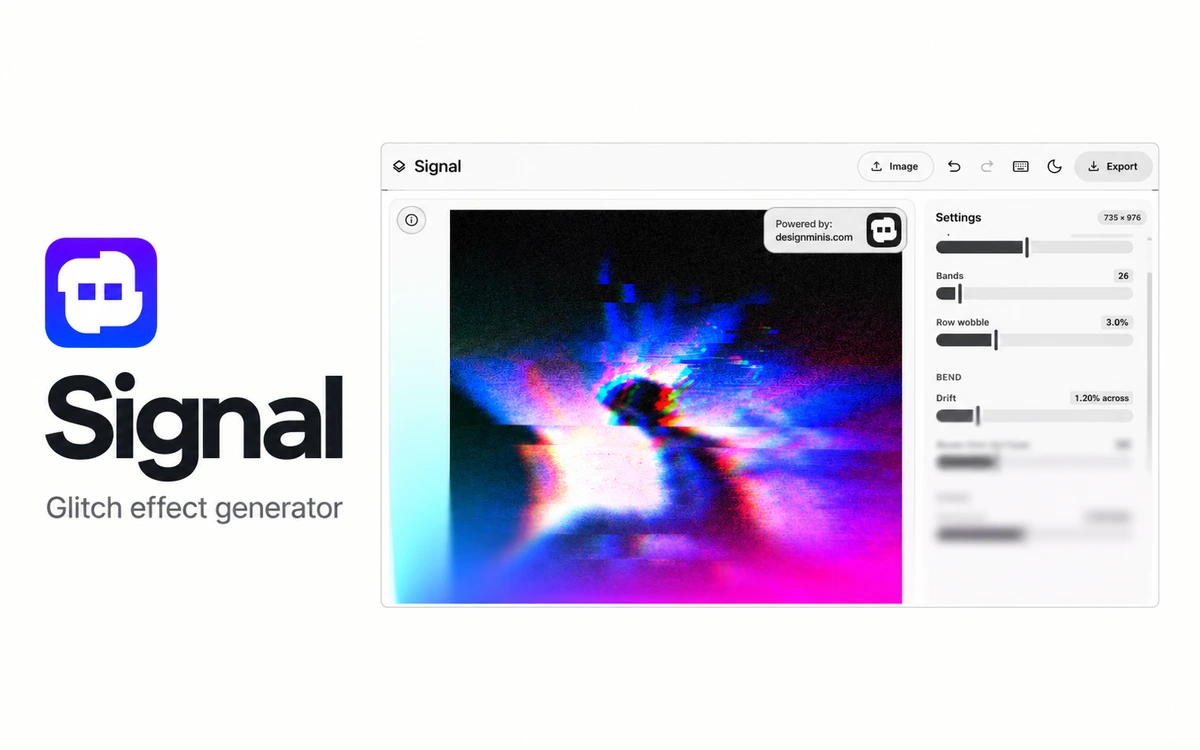
Signal by Design Minis gives images the character of a disrupted digital signal, with displaced bands, separated RGB channels, ghosting and static. Open a file with the Image button, drop it into the window or paste an image from the clipboard. It is useful for exploring experimental covers, posters and social graphics. Five starting looks range from a clean image to torn bands, tape distortion, pixel sorting and a heavily disrupted signal. Each look remains adjustable: controls cover band displacement and count, waves, channel separation, ghosting, scanlines and static. Pixel sorting also has a brightness threshold, direction controls and an option to target darker areas. Keys 1–5 switch looks, while R produces another variation using the same settings. For a moving result, play a short loop and adjust its frame count, playback rate and the strength and frequency of disruptions. Undo and redo make it easier to compare treatments without starting again. Still images export as PNG. Video loops use MP4 or WebM according to the browser’s recording support. Export does not upscale beyond the working image: large inputs are reduced to roughly 4.84 megapixels before processing, so check the final dimensions if the result is intended for print. Images wider than 900 pixels also offer a half-size export. Signal is free and needs no account. Design Minis says images are processed on your device and are never uploaded to a server. The tool requires a browser with WebGL, and video export depends on browser capabilities; try a small test image before relying on it for a production project.
Design Minis permits use of exported work, including commercially, and does not claim ownership of what users create. You must have the necessary rights to input photographs, logos and other material. The service code, site design and third-party brands remain with their respective owners. Terms: https://www.designminis.com/terms
Check the creator’s current terms before using this resource.A browser-based art studio that turns images, video and sound into compositions of contours, geometric shapes and digital textures.
A free browser converter for creating ASCII artwork from images, with local processing, character controls and color exports.
A free browser-based gradient generator with 13 algorithms, palettes of up to eight colors, grain, halftone and character-based effects.