Canva Brush – AI Design Editing in Canva
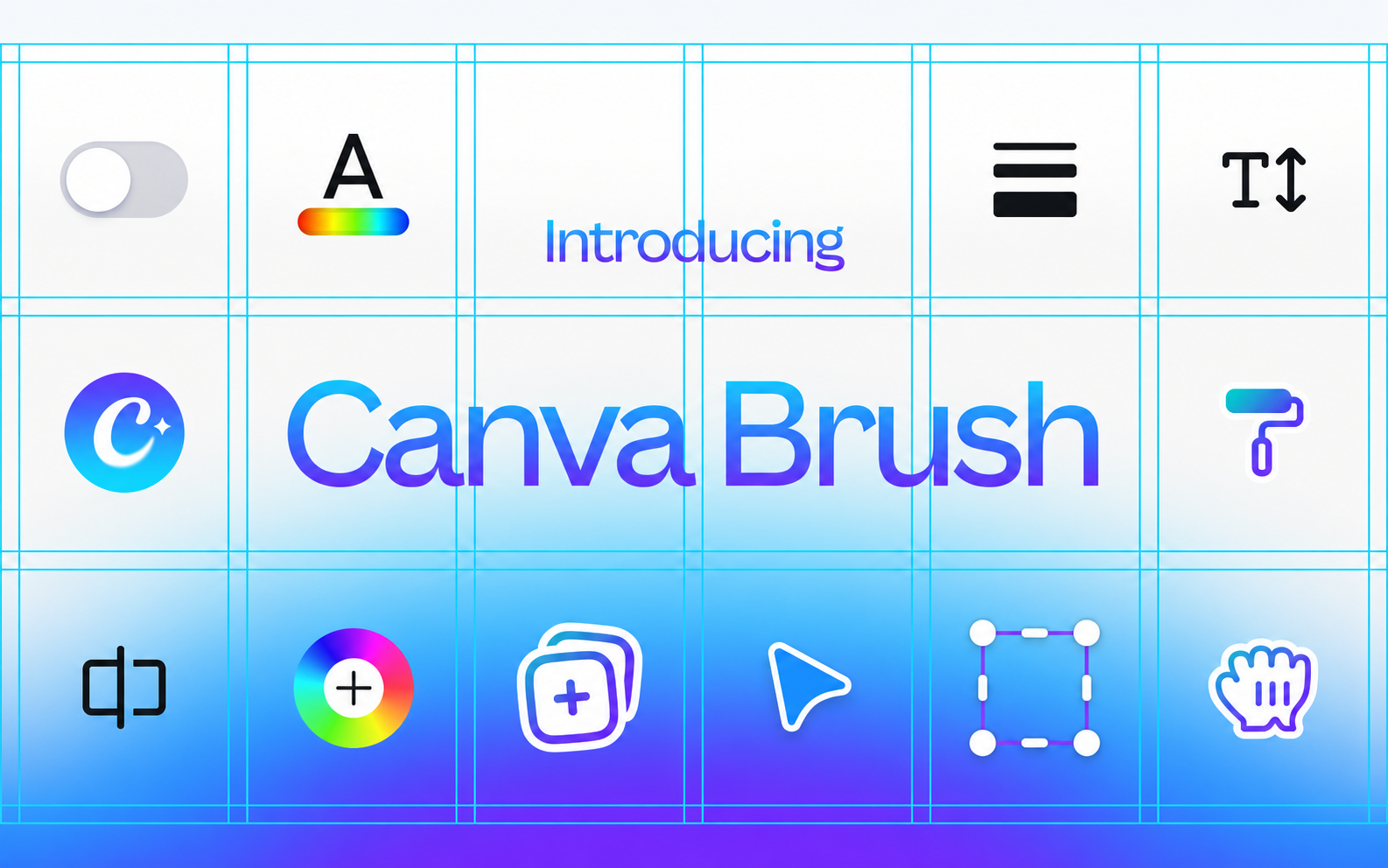
AI model for editing Canva designs with prompts: change colours, text and multi-page layouts or adapt graphics. Available with Canva Pro.
Discover useful things. Build your library. Share your finds.
AI model for editing Canva designs with prompts: change colours, text and multi-page layouts or adapt graphics. Available with Canva Pro.
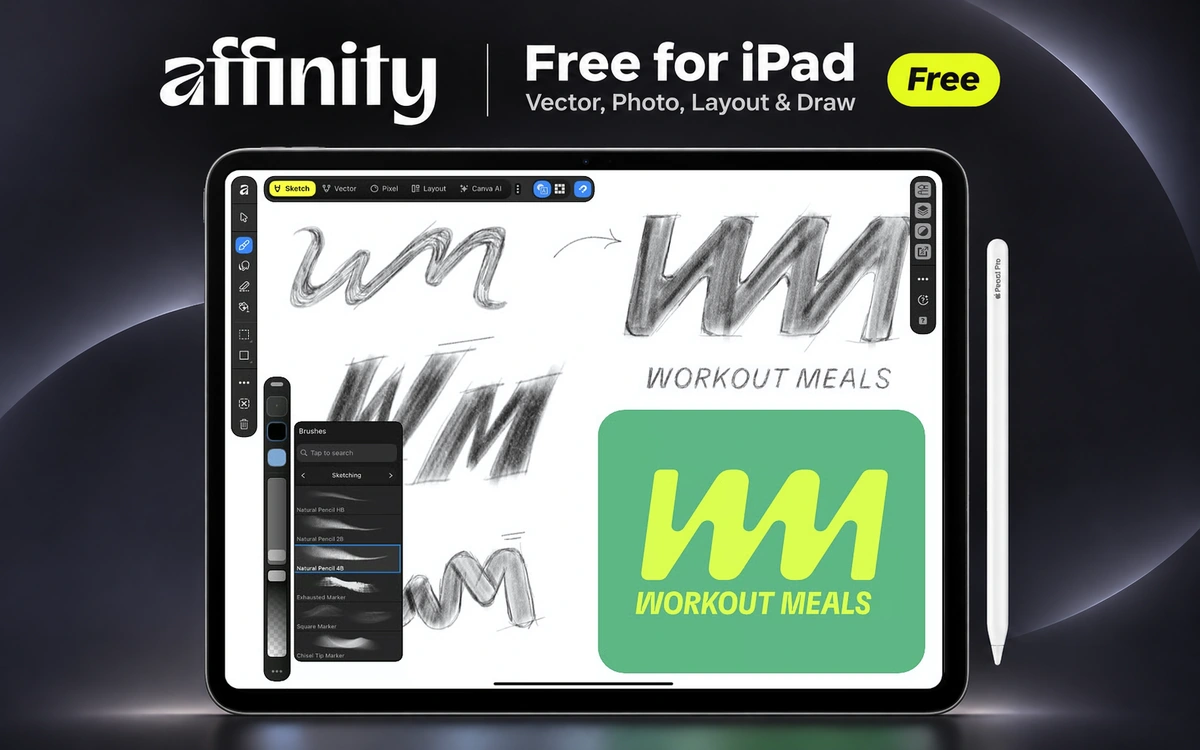
Free graphic design app for iPad, combining vector design, logo creation, illustration, photo editing and page layout with Apple Pencil.
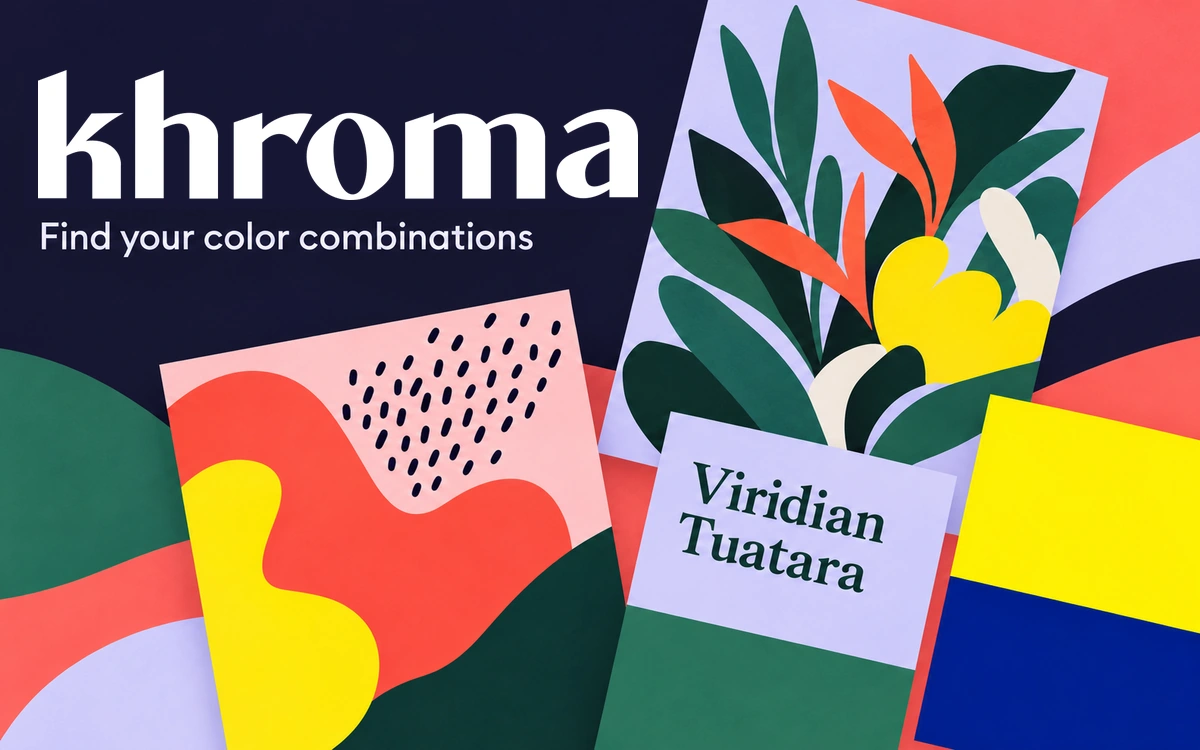
A color-discovery tool that learns your preferences and presents combinations as typography, gradients, palettes, and images.
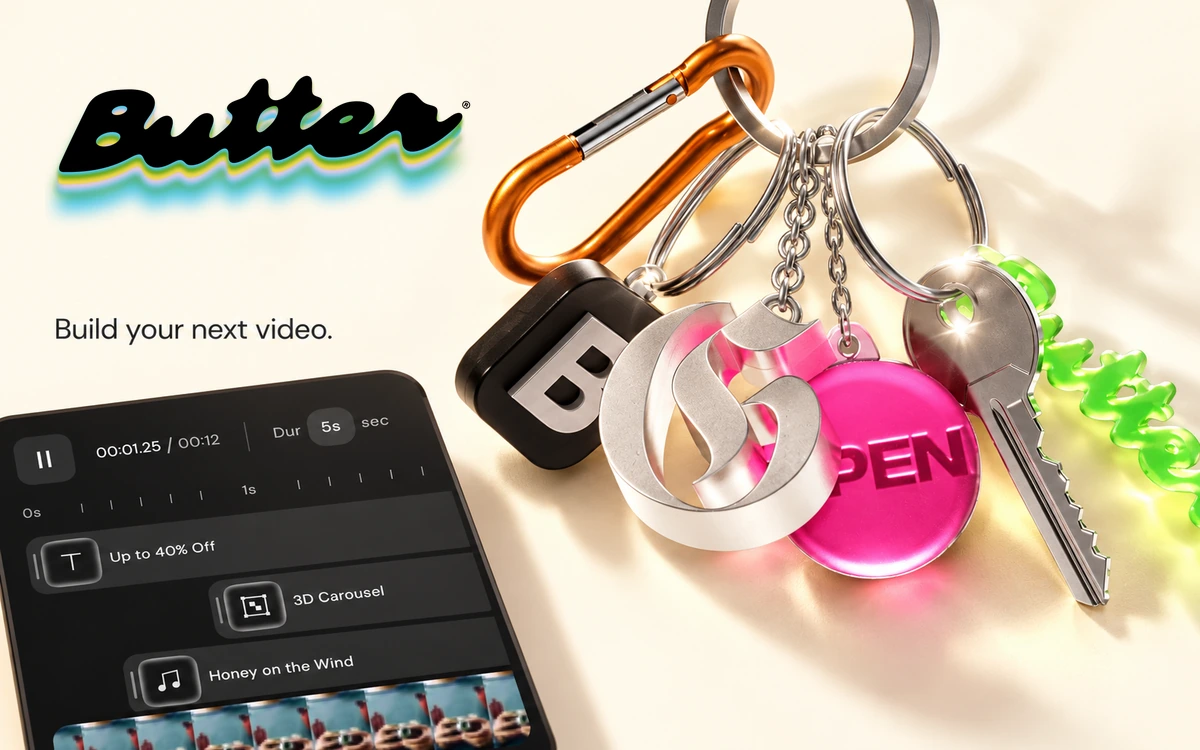
Edit videos, combine motion blocks and effects, and build content variations in a browser-based editor.
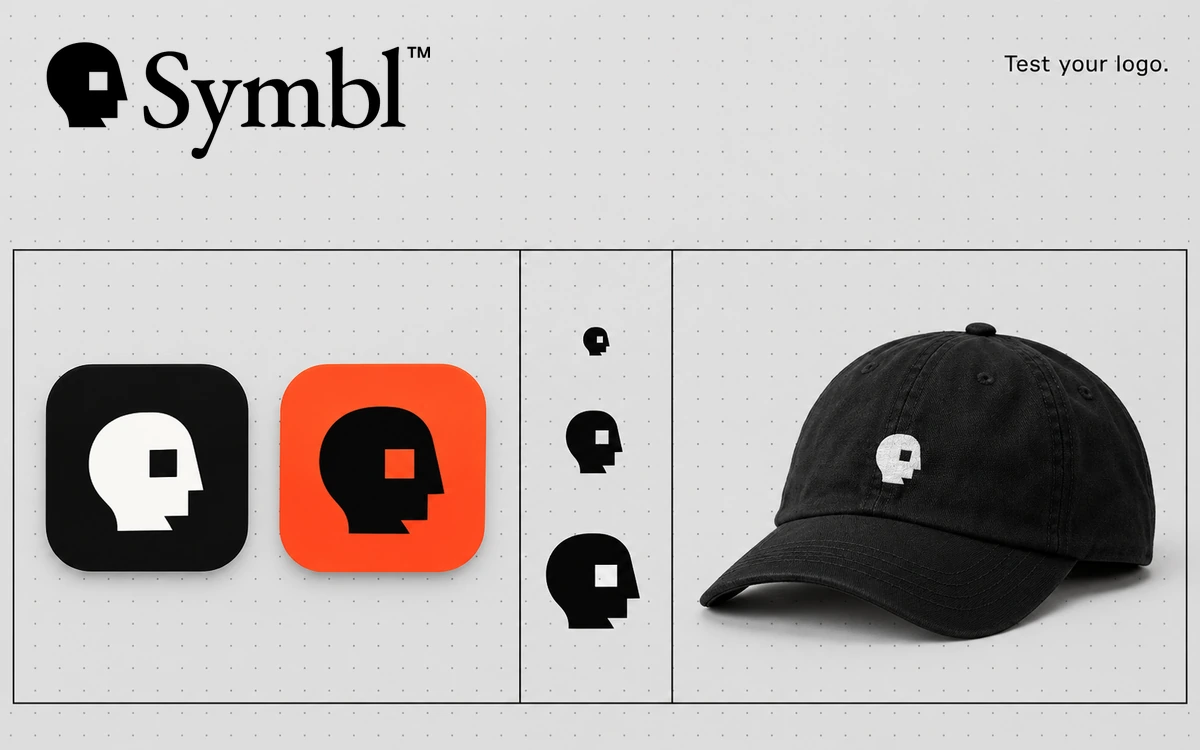
Explore logo scaling, blur, contrasting variants and applications across icons, business cards and mockups.
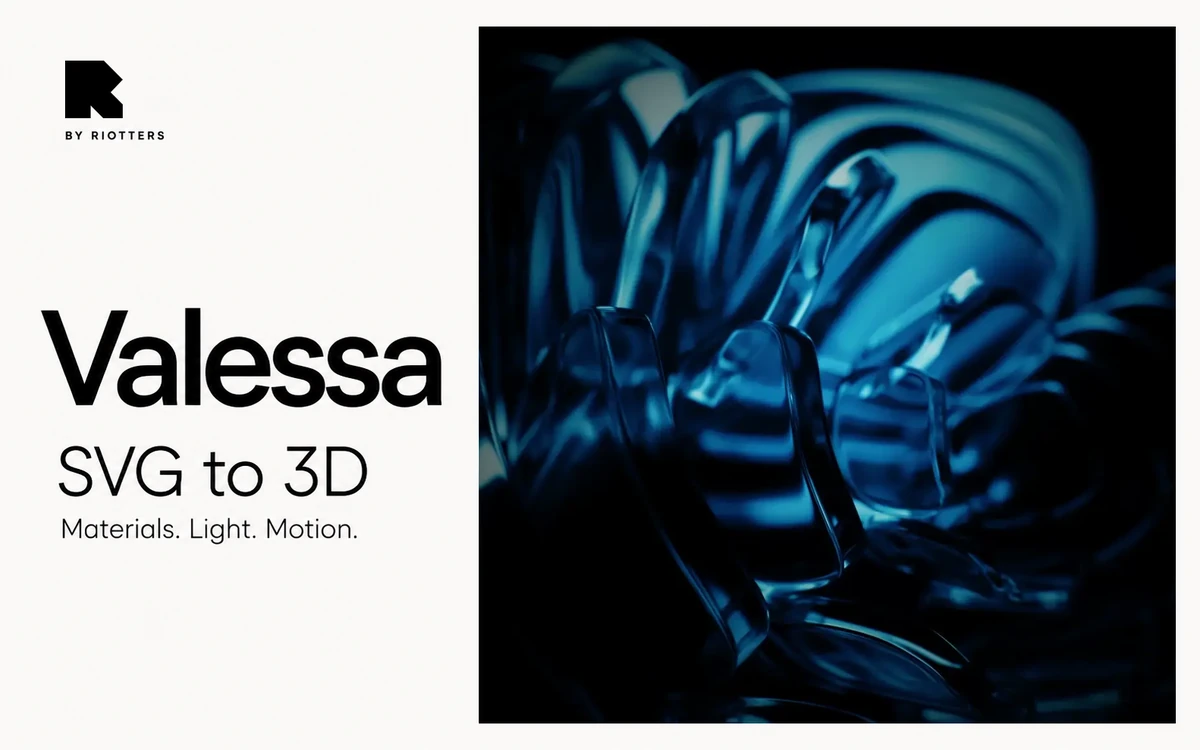
A free browser-based tool by Riotters for turning SVG artwork into 3D forms and styling scenes with materials, lighting and animation.
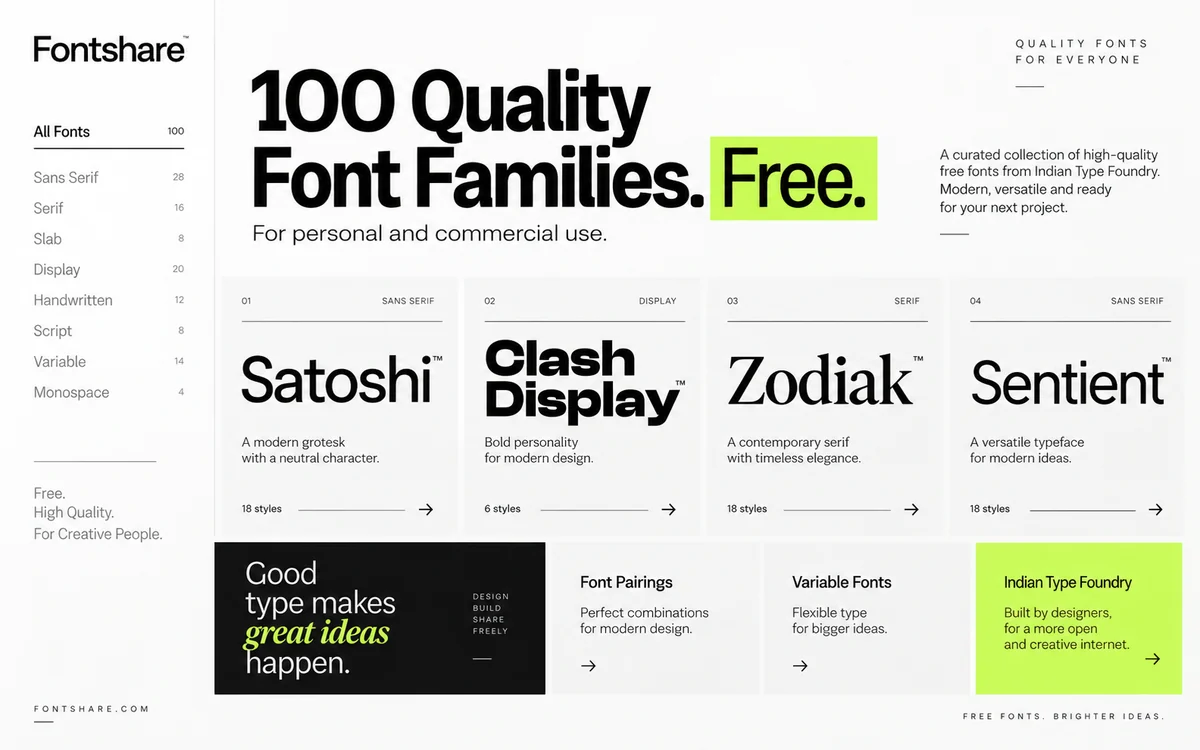
A curated library of 100 high-quality free font families for branding, websites, UI, posters and commercial design projects.
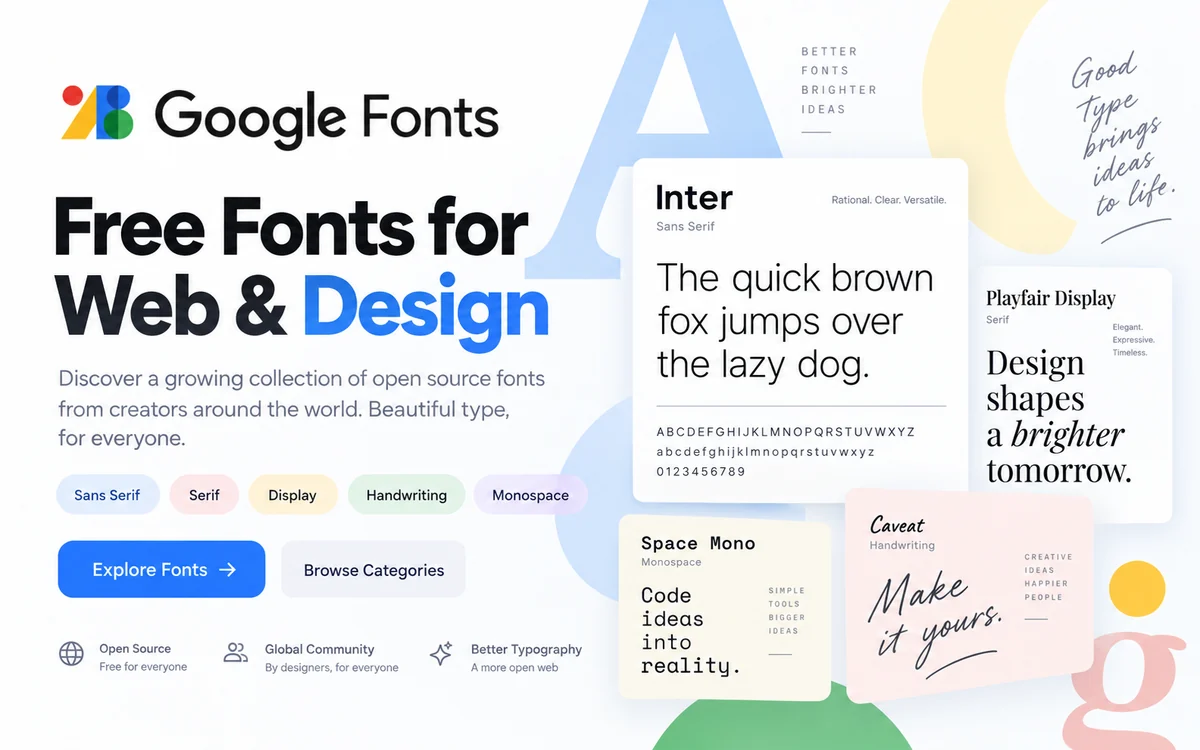
A large library of free open-source fonts for websites, branding, UI, presentations and commercial design projects.
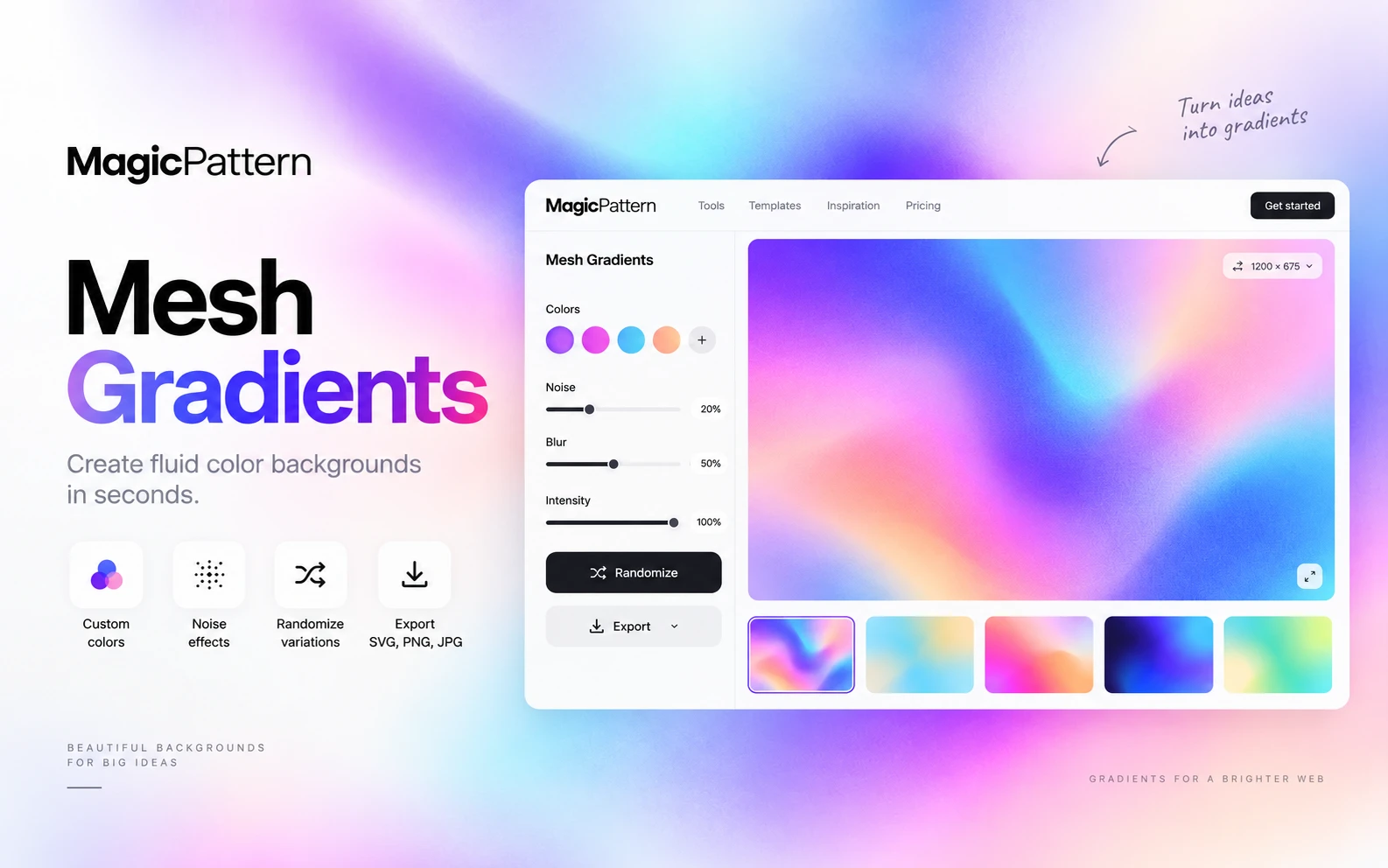
An online generator for creating custom mesh and fluid gradients with your own colors, noise effects and SVG, PNG or JPG export.
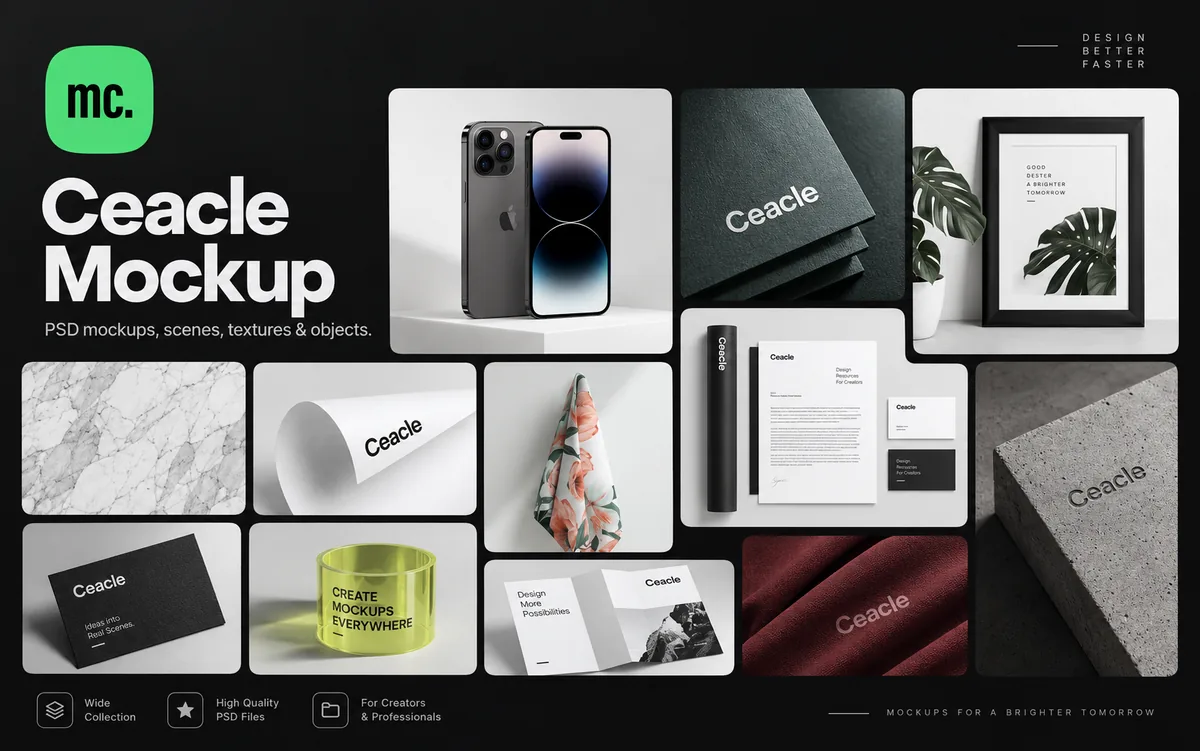
A large library of PSD mockups, scenes, textures and individual assets for building custom branding and design presentations.
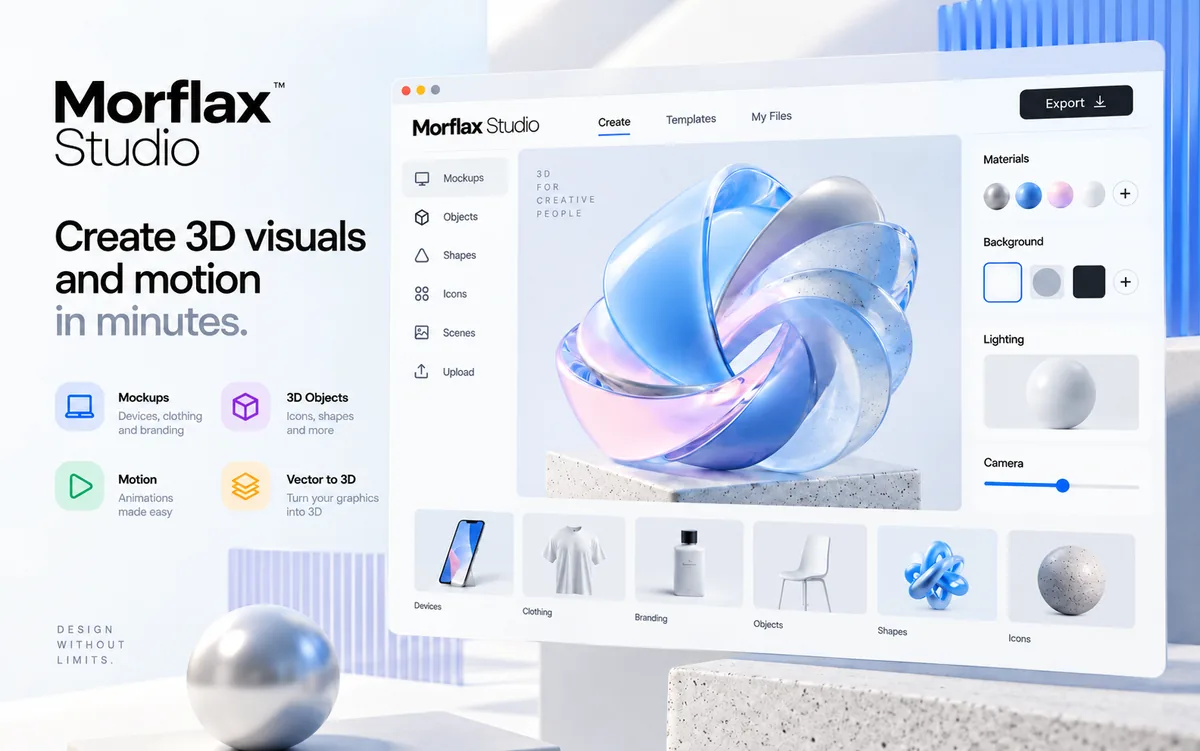
A browser-based 3D platform for creating mockups, abstract graphics, icons, animations and visual assets without installing software.
An online editor for presentations, social posts and visual materials, with free and paid plans.