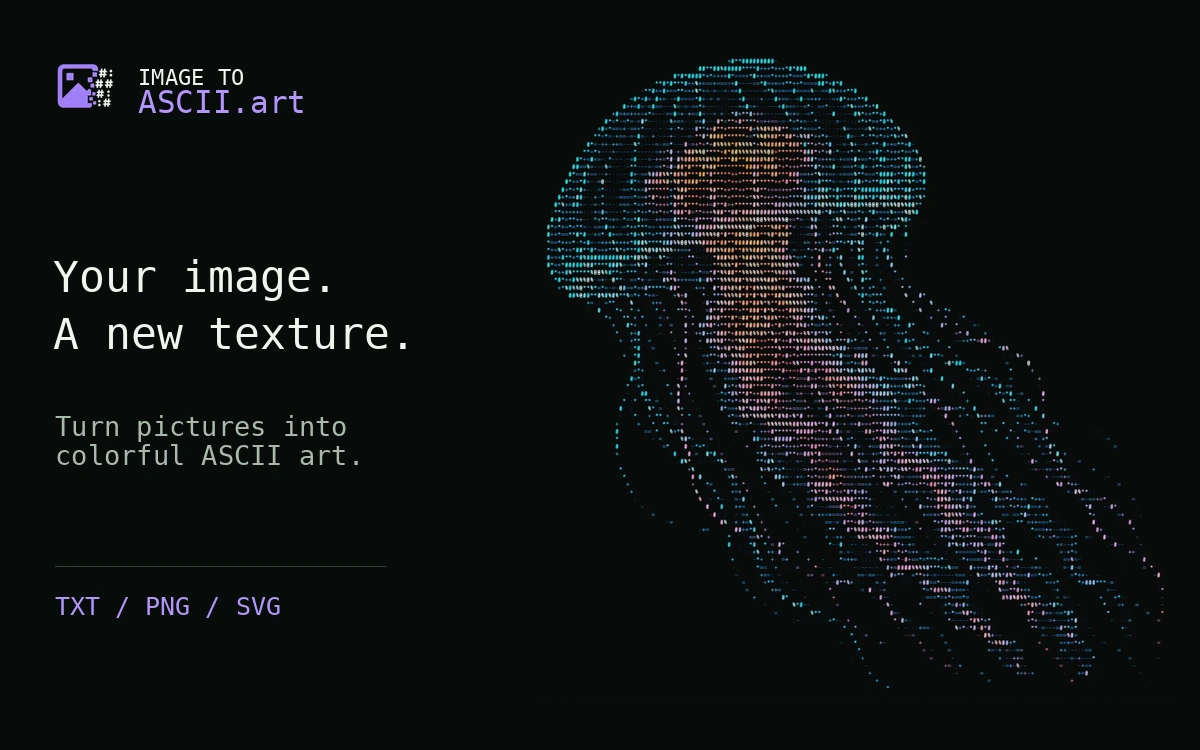
Image to ASCII – Turn Images into Text Art
A free browser converter for creating ASCII artwork from images, with local processing, character controls and color exports.
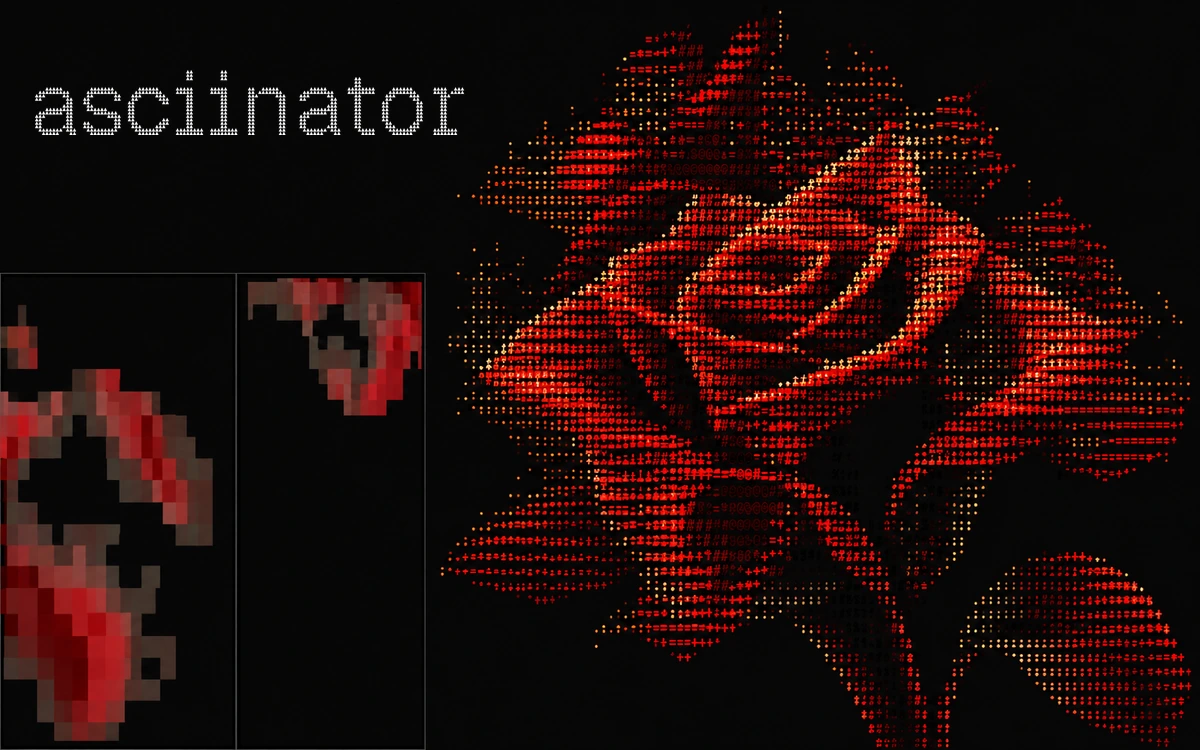
ASCIInator is a tool by designer Juliette @shedsgns for turning images into character-based artwork. Generate mode accepts PNG, JPG, WEBP, SVG and GIF files and provides a live preview. The public editor is available without registration or a required payment. The character ramp sets the visual language: choose Standard, Blocks, Detailed or Minimal, enter custom characters, or generate a random sequence. Density, width, height scale and pixelation control detail and proportions, while brightness, contrast and gamma shape the tonal balance. Color options include Mono, Multi and Original modes. Backgrounds can be transparent or solid, with blend modes available. These controls help prepare either a standalone illustration or a graphic element that fits an existing layout. Compose mode places the current ASCII artwork and additional images on a shared canvas with element and transform controls. Generate exports include PNG, SVG, TXT, color HTML, JSON and ANSI; compositions export as PNG. The interface also offers export scaling up to 6×. ASCIInator is useful for posters, covers, web graphics and character-based illustrations. The service states that processing happens in the browser and that images and data are neither stored nor sent. The reviewed page does not provide a separate license for commercial use of generated output.
The public editor is available without a required payment and offers voluntary creator support. No separate license for its code or output is stated on the reviewed page. Do not assume open-source status or unrestricted commercial rights; use images you have permission to use.
Check the creator’s current terms before using this resource.A free browser converter for creating ASCII artwork from images, with local processing, character controls and color exports.
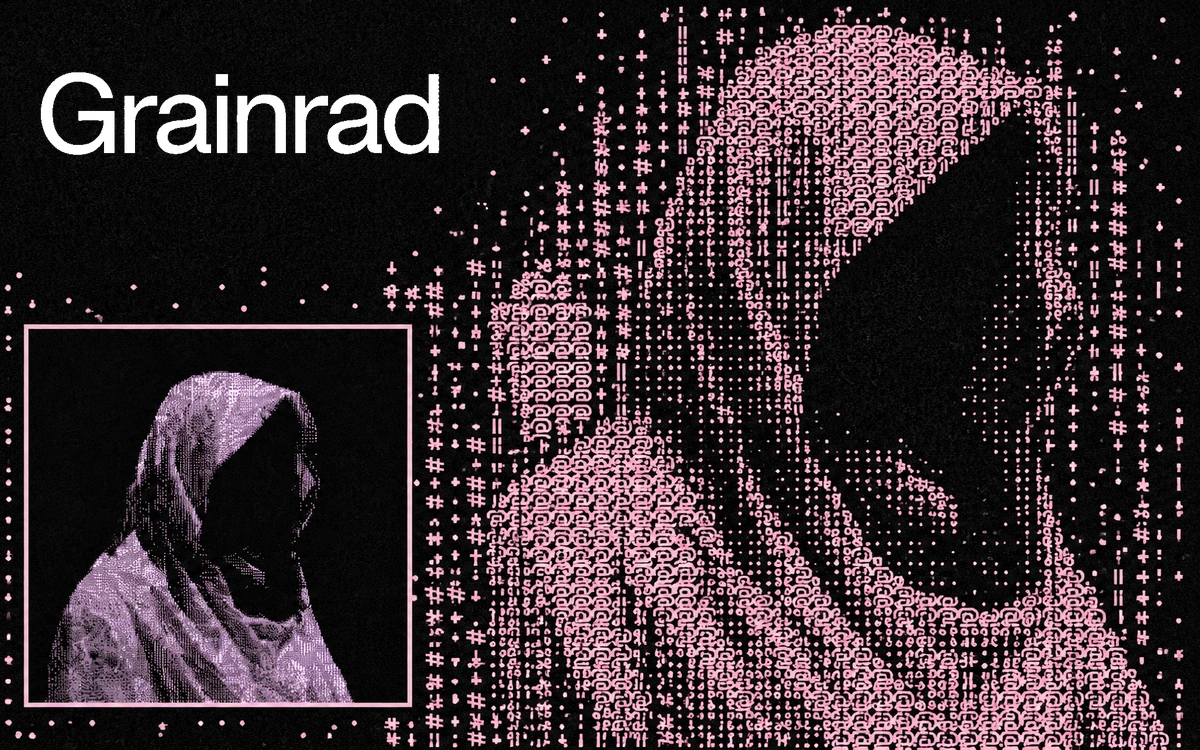
A free WebGPU-powered browser editor with ASCII, dithering, halftone and other effects for images, GIFs and video.
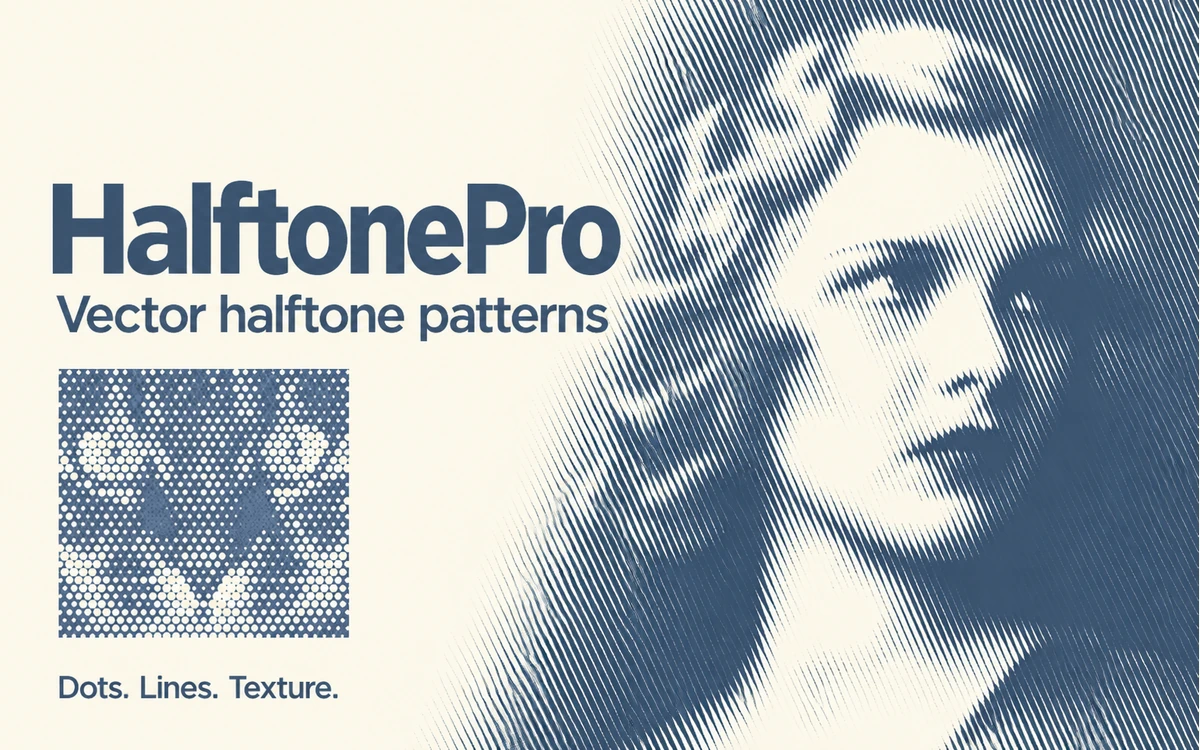
A browser tool for halftone patterns and textures with adjustable grids, shapes and colors. Free PNG export is available; SVG requires a paid account.