Penpot
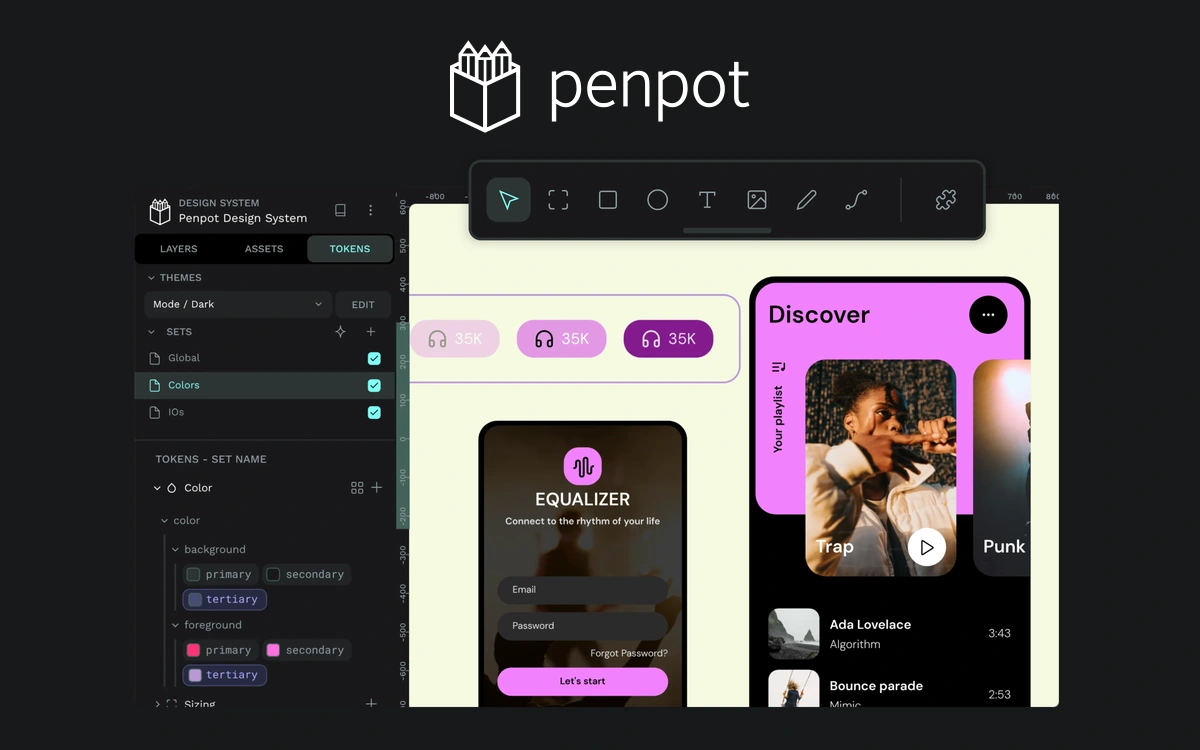
An open-source platform for interfaces, prototypes, and design systems, with a free cloud plan and self-hosting options.
Miro provides a shared visual canvas for ideas, diagrams, and discussion. Designers can collect references, map project stages, or outline the structure of a website. It is particularly useful when relationships between pieces of information matter more than a simple sequence of text notes. A board can combine sticky notes, images, diagrams, and other formats. Start with a clear question: what should the team understand or decide after using this canvas? Separate areas for background, ideas, and conclusions help prevent the board from becoming a confusing collection of links. At verification, the Free plan includes three editable boards. Check the current board limits in your workspace before starting another project. This can work for a small active set of projects, although it is not an unlimited editable archive of every project you have run. Access deserves attention: free-plan boards are available to team members. Private boards and more advanced external collaboration belong to paid plans. Before adding client materials, review team membership and sharing settings, particularly when working with several unrelated clients. Miro offers templates and integrations, while AI features depend on plan allowances and credits. A clearly structured ordinary board is enough to begin. Photographs, fonts, and other third-party material retain their own rights and licensing requirements when added to a board.
Free includes three editable boards accessible to team members. Private boards and expanded collaboration require paid plans. AI is credit-limited; third-party material has separate rights.
Check the creator’s current terms before using this resource.An open-source platform for interfaces, prototypes, and design systems, with a free cloud plan and self-hosting options.
Collaborative interface design, reusable components and interactive prototypes, with a limited free Starter plan.
A visual platform for building responsive websites, with a free Starter plan for learning and small test sites.