Figma
Collaborative interface design, reusable components and interactive prototypes, with a limited free Starter plan.

Webflow combines visual website building with control over structure and styling. It suits designers who want to turn a static layout into a working web page. You do not have to write every line of code manually, although understanding how web layouts behave makes the process easier. Use the editor to build page structure, adjust typography and spacing, and work on responsive behaviour. A small portfolio page or a presentation of one project is a useful starting exercise. It lets you test a design at different screen sizes instead of judging only a static composition. The free Starter Site plan provides publication on a webflow.io subdomain and two static pages. Bandwidth, forms, and CMS capabilities have limits. It is a practical way to learn the platform, rather than an unrestricted free plan for every finished client website. A custom domain and broader site capabilities require a suitable paid Site plan. Workspace plans are separate, so distinguish the needs of an individual website from team and workspace requirements. Check code-export availability for the particular plan as well. Fonts, photographs, and templates retain their own licensing conditions. Before launch, review mobile layouts, contrast, navigation, and forms. A visual builder gives you tools to create a website, but it does not automatically guarantee a polished or accessible result.
Starter is free with limits and a webflow.io subdomain. Custom domains and expanded features require paid plans. Check template, font, and media licences separately.
Check the creator’s current terms before using this resource.Collaborative interface design, reusable components and interactive prototypes, with a limited free Starter plan.
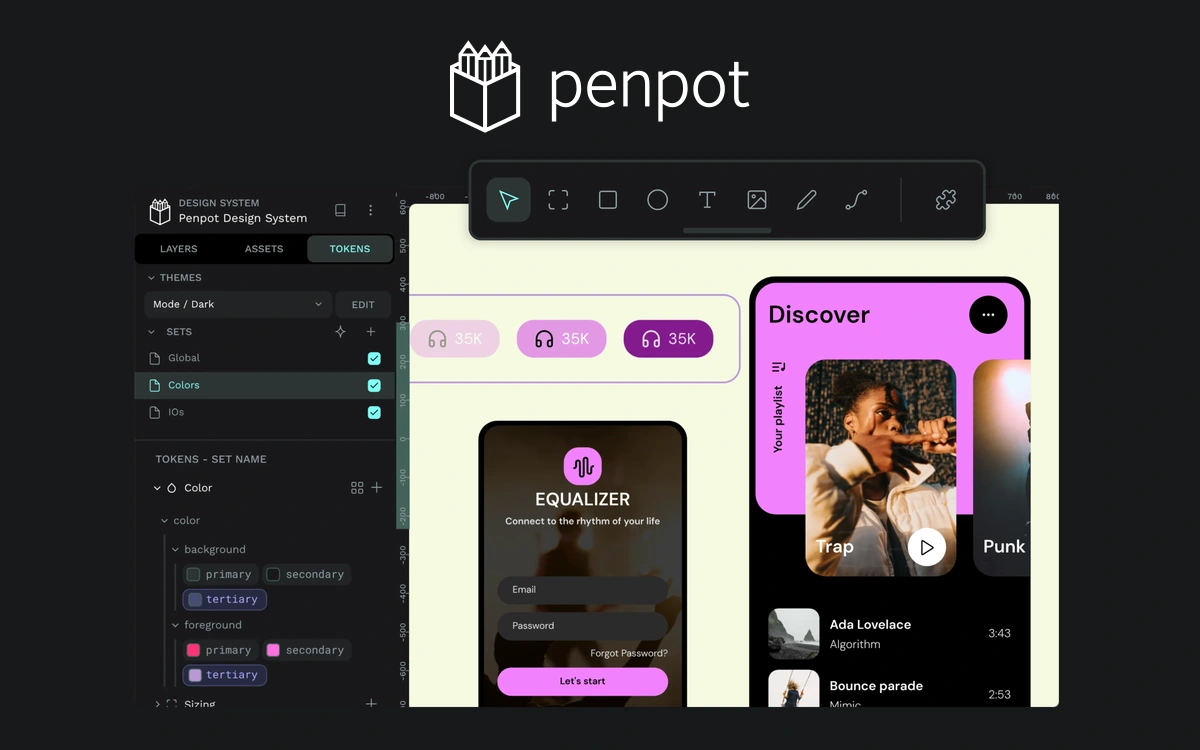
An open-source platform for interfaces, prototypes, and design systems, with a free cloud plan and self-hosting options.
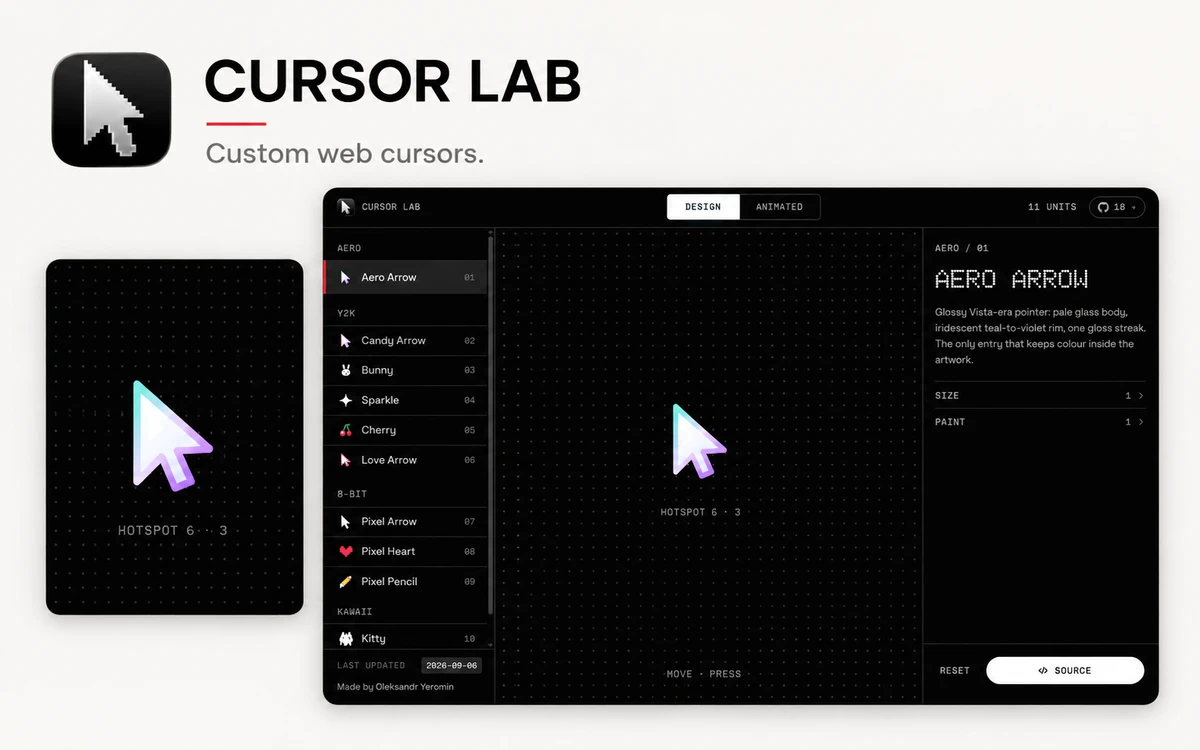
A free workbench with 28 custom web cursors, live parameter controls, and copyable JavaScript, React, and CSS code.