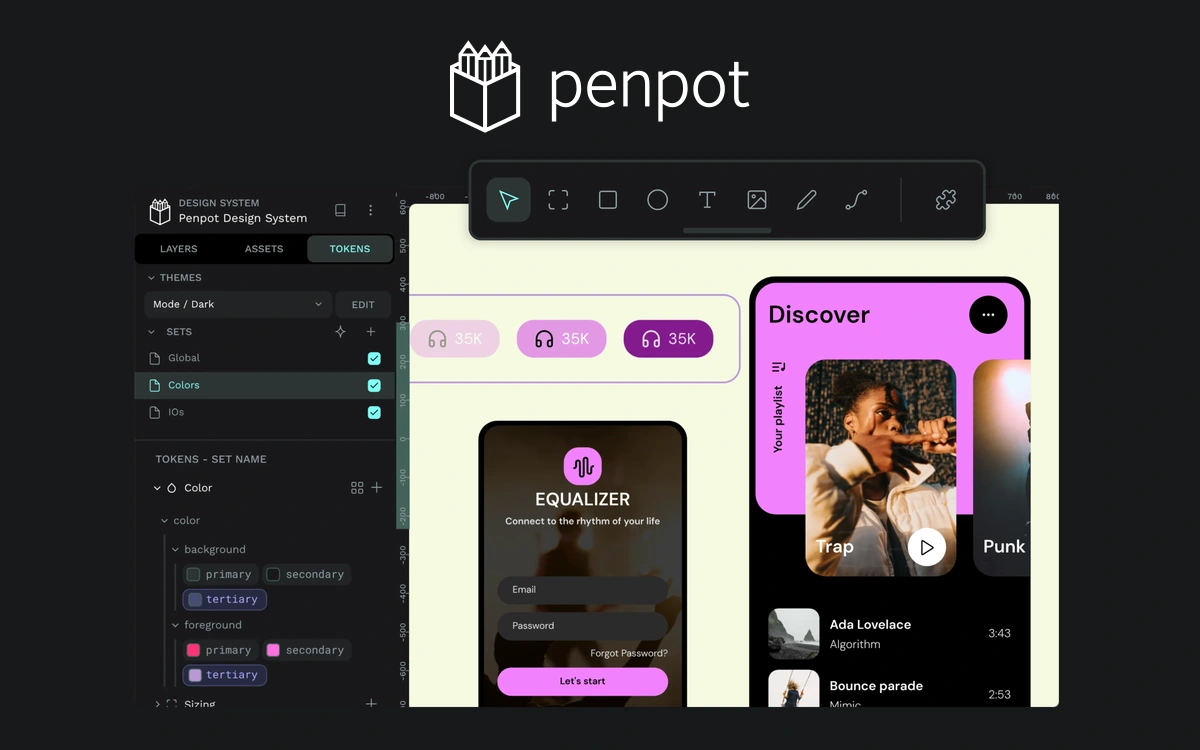
Penpot
An open-source platform for interfaces, prototypes, and design systems, with a free cloud plan and self-hosting options.
Figma is a shared workspace for designing websites and applications. You can move from rough layouts to detailed screens, then connect them into a prototype. It is particularly useful when designers, developers and clients need to discuss a product before implementation begins. Reusable components help keep buttons, cards and other interface elements consistent. Auto Layout controls spacing and how frames respond to changing content. Rather than manually correcting every repeated screen, you can establish patterns that make subsequent design decisions easier to maintain. An interactive prototype lets you explain navigation and test a proposed sequence of actions. Share it for feedback, collect comments and explore whether the flow makes sense. Treat this as a way to investigate your design, rather than proof that the finished application will work correctly. The free Starter plan provides a useful entry point and personal drafts. Paid plans extend team libraries, collaboration, developer handoff and advanced prototyping. Access to individual products and AI features depends on the plan, seat and current usage limits. Start with one small user journey and a handful of connected screens. Name layers clearly, test different text lengths and document important decisions. Community files, fonts and plugins have their own terms, so check those separately before including them in client work.
Proprietary service with free Starter and paid plans. Third-party assets have separate license terms.
Check the creator’s current terms before using this resource.An open-source platform for interfaces, prototypes, and design systems, with a free cloud plan and self-hosting options.
A visual platform for building responsive websites, with a free Starter plan for learning and small test sites.
An AI tool for creating and comparing UI designs on an infinite canvas, with a public design-prompt library and a limited free plan.