Canva Brush – AI Design Editing in Canva
AI model for editing Canva designs with prompts: change colours, text and multi-page layouts or adapt graphics. Available with Canva Pro.
Discover useful things. Build your library. Share your finds.
AI model for editing Canva designs with prompts: change colours, text and multi-page layouts or adapt graphics. Available with Canva Pro.
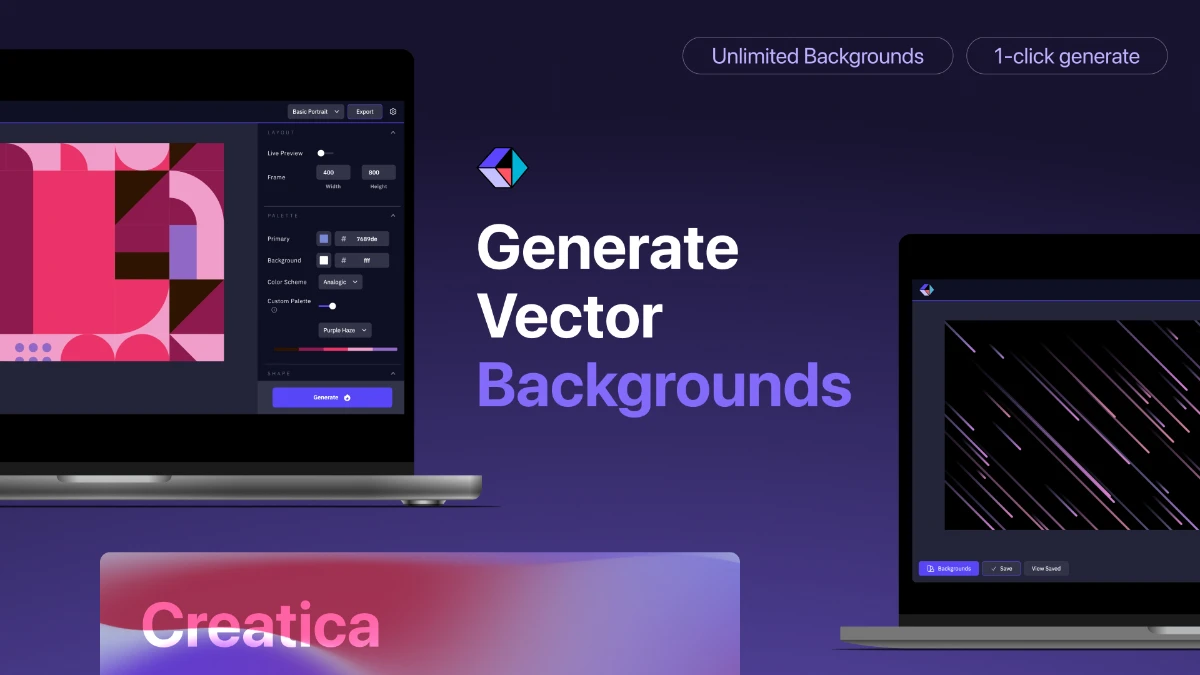
A free editor for abstract backgrounds and patterns, with adjustable colours, shapes and SVG or PNG export.
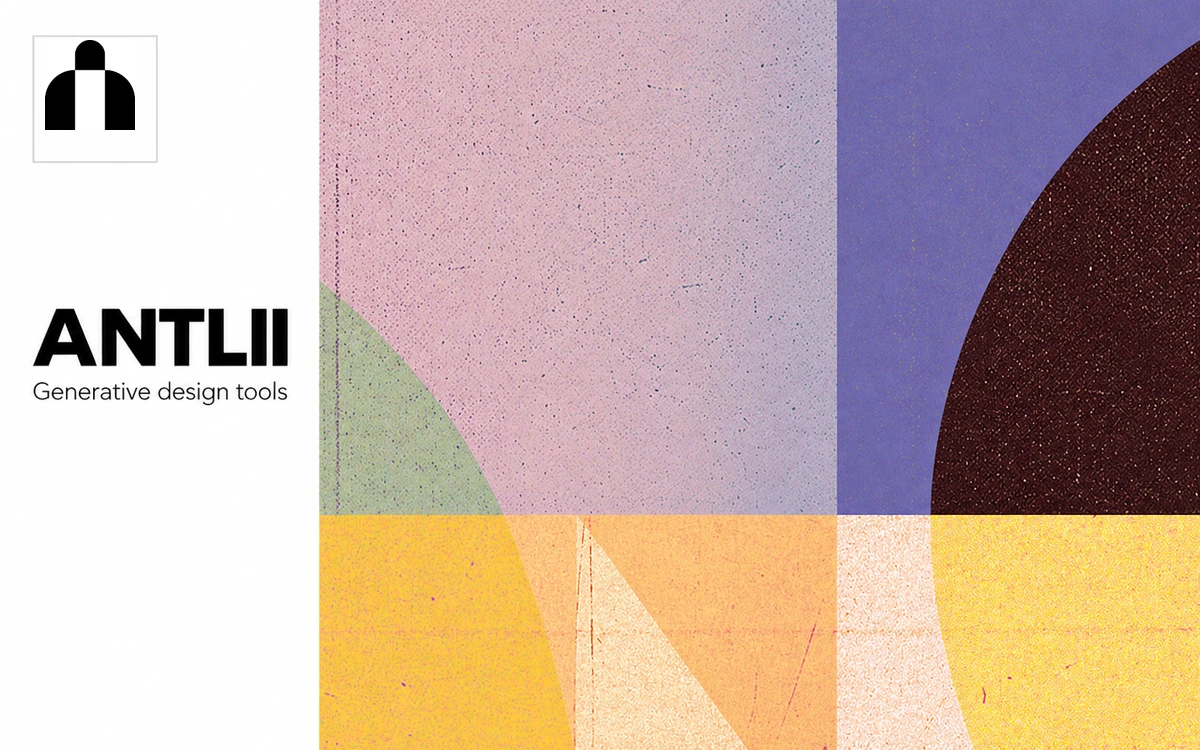
A collection of browser tools and visual experiments by Kyiv-based creator Anatolii Babii, spanning patterns, geometric typography and animated simulations.
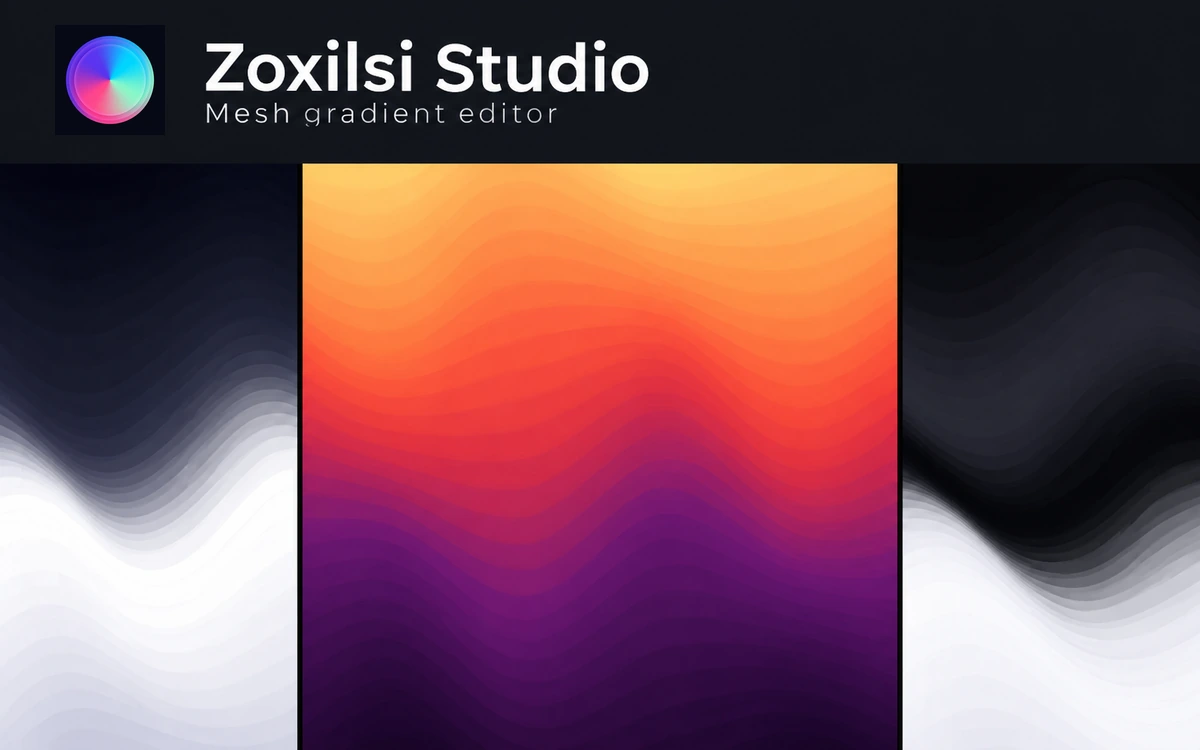
A mesh-gradient editor with Bézier controls, presets, effects and exports for images, video and code.
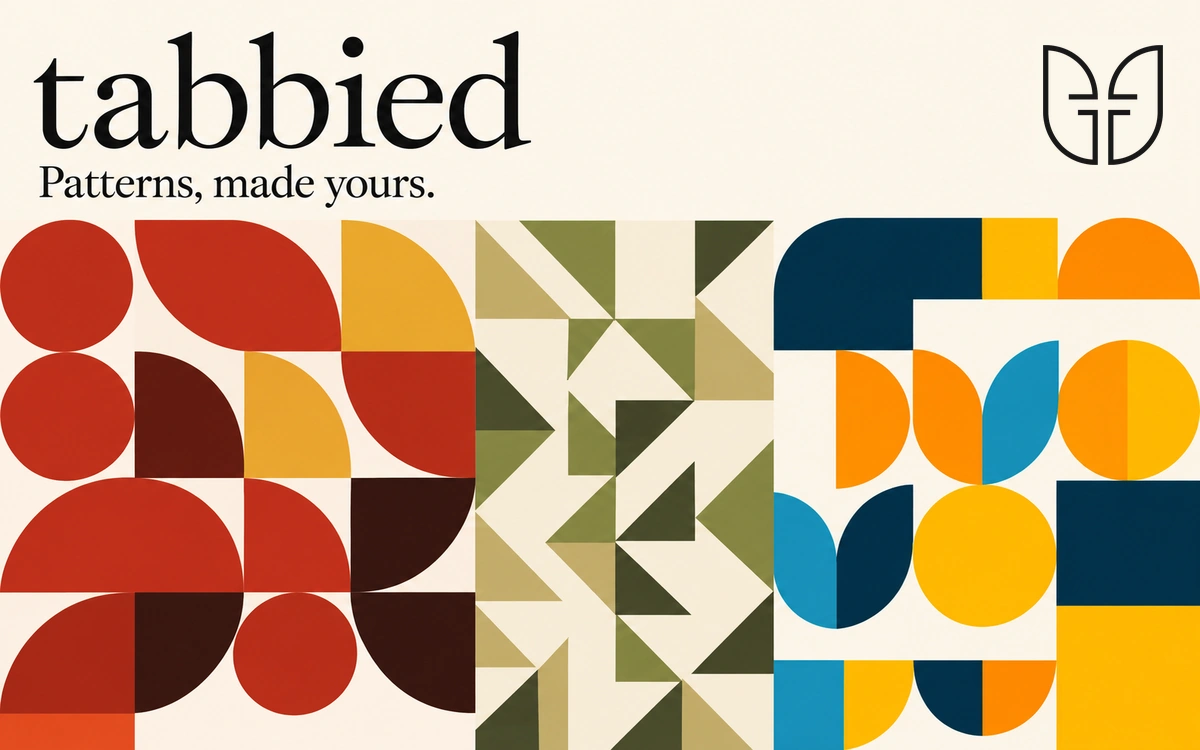
A generative pattern library with colour palettes, layout controls and free PNG or SVG export.
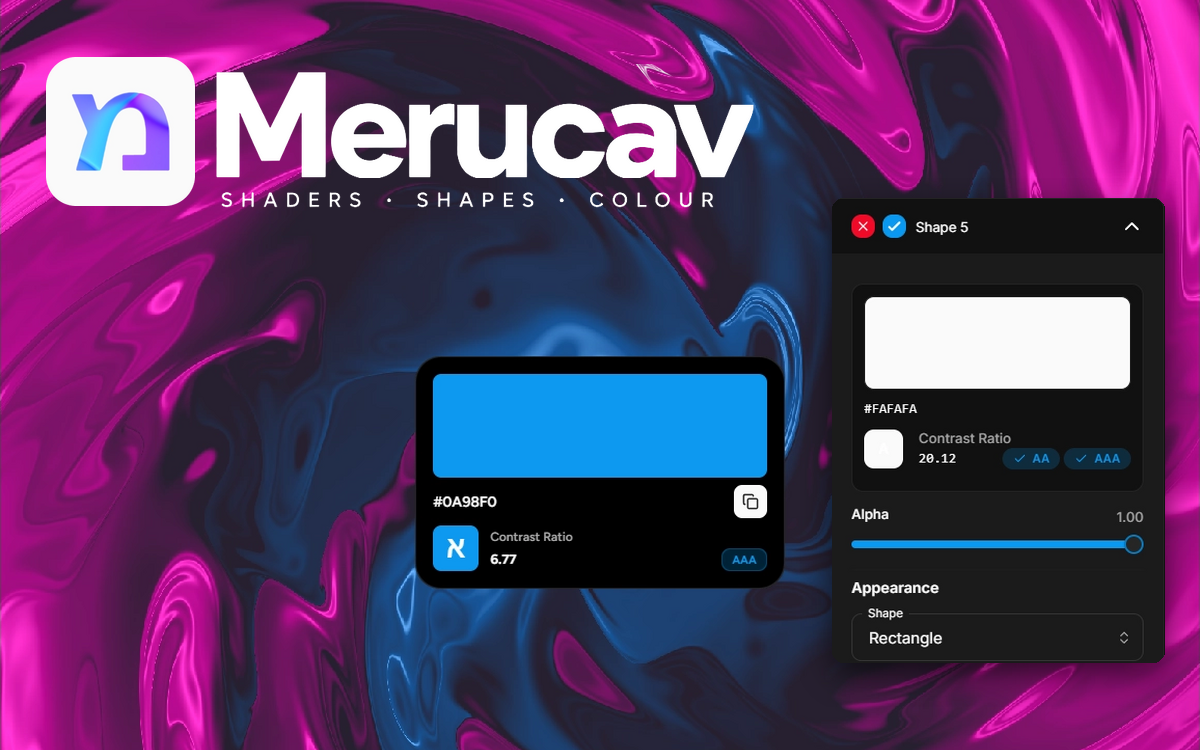
A free browser editor for gradients and shader effects, with shapes, text, icons and JSON configuration import and export.
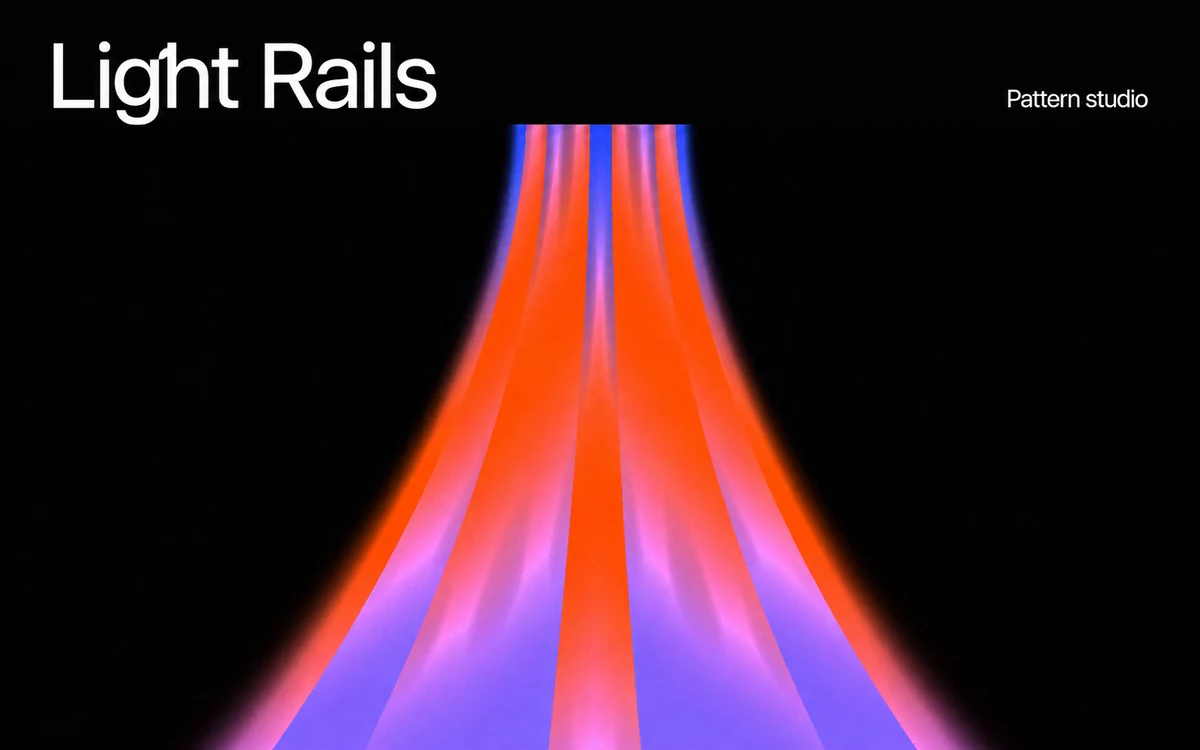
A browser-based studio for geometric patterns, glowing lines, gradients and motion. Explore shapes and timing, preview compositions in mockups, and prepare visuals for your next design.
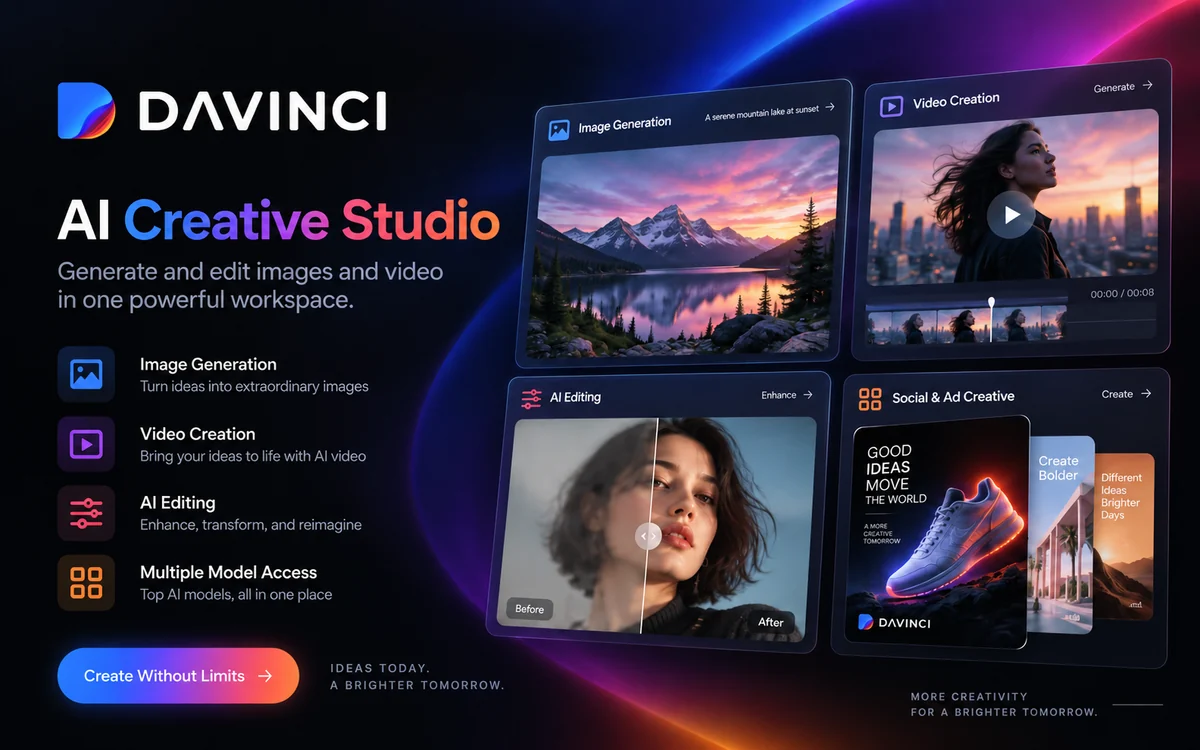
An all-in-one platform for generating and editing images and video with access to Sora, Veo, Kling, Flux, Seedream and other AI models.
Adobe’s workspace for generating and editing images, video, and audio, with limited free daily generations.