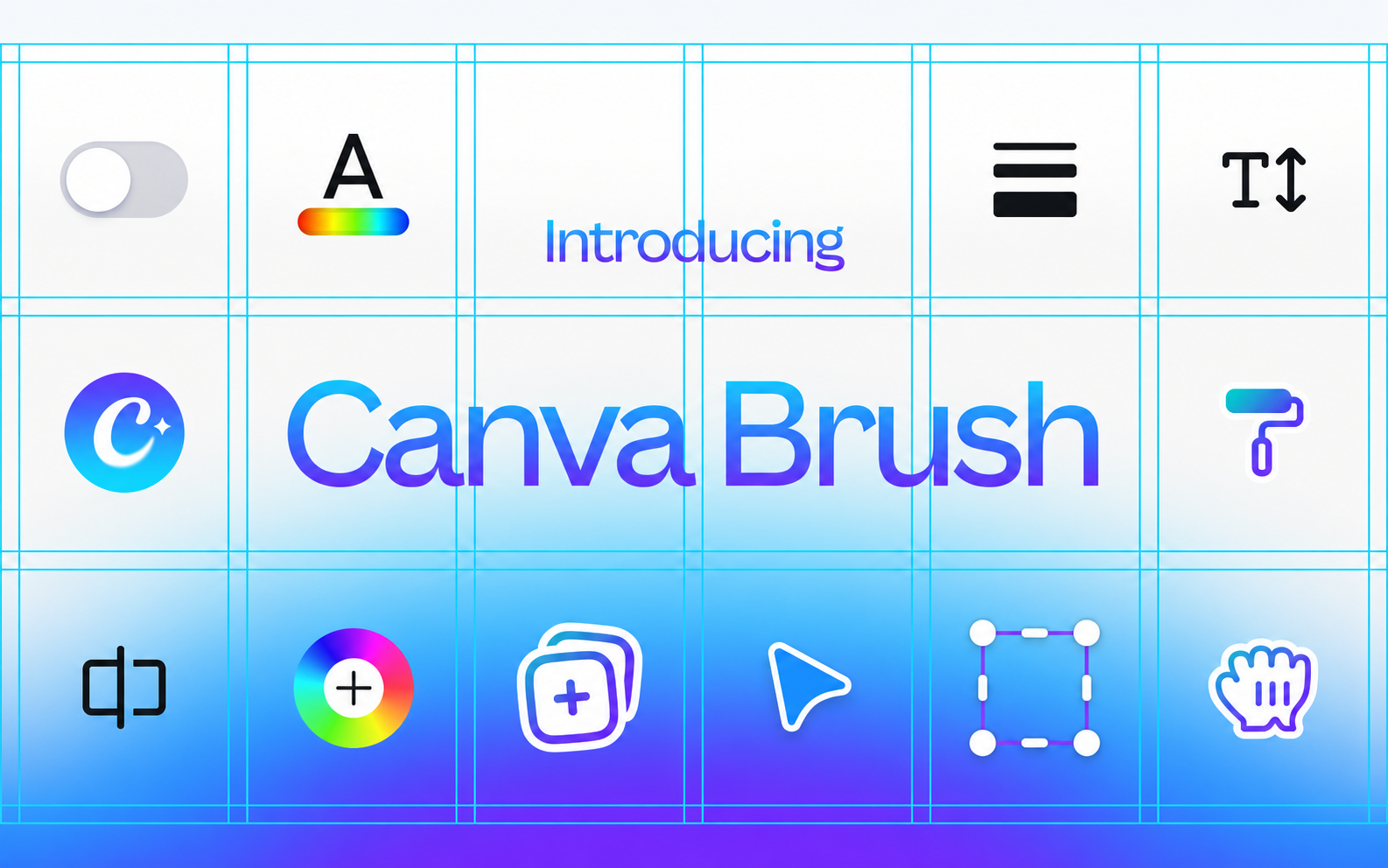
Canva Brush – AI Design Editing in Canva
AI model for editing Canva designs with prompts: change colours, text and multi-page layouts or adapt graphics. Available with Canva Pro.
Discover useful things. Build your library. Share your finds.
AI model for editing Canva designs with prompts: change colours, text and multi-page layouts or adapt graphics. Available with Canva Pro.
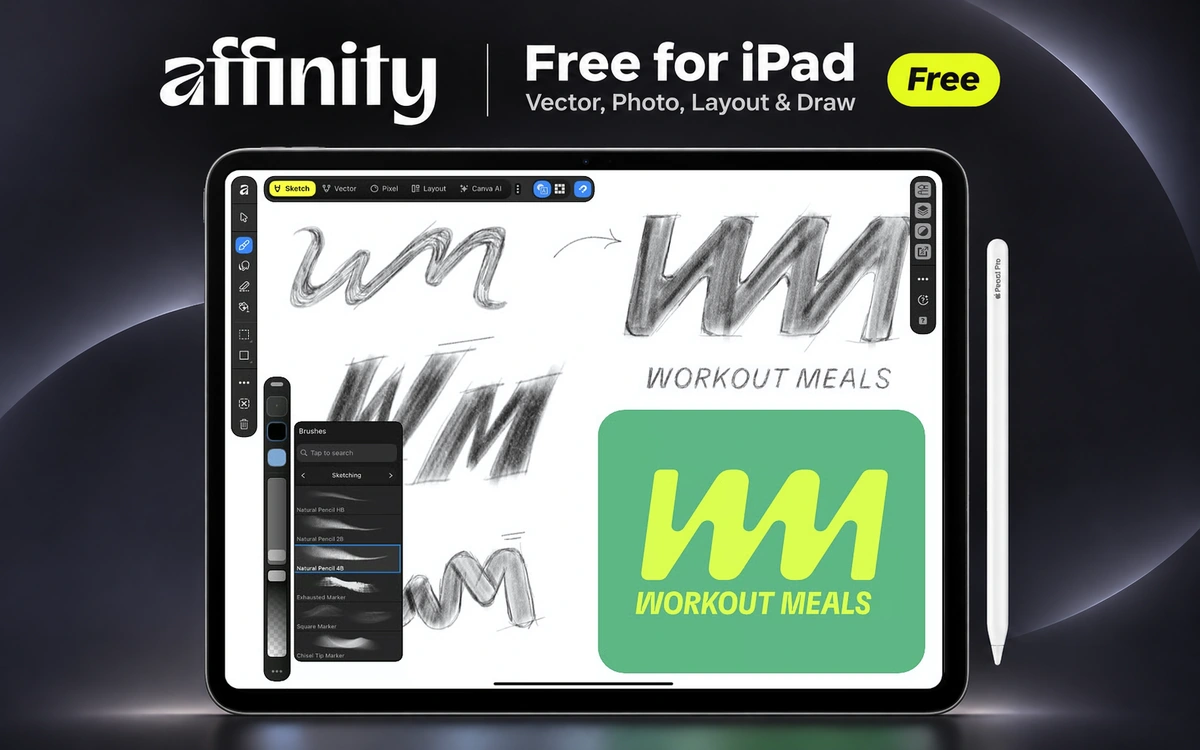
Free graphic design app for iPad, combining vector design, logo creation, illustration, photo editing and page layout with Apple Pencil.
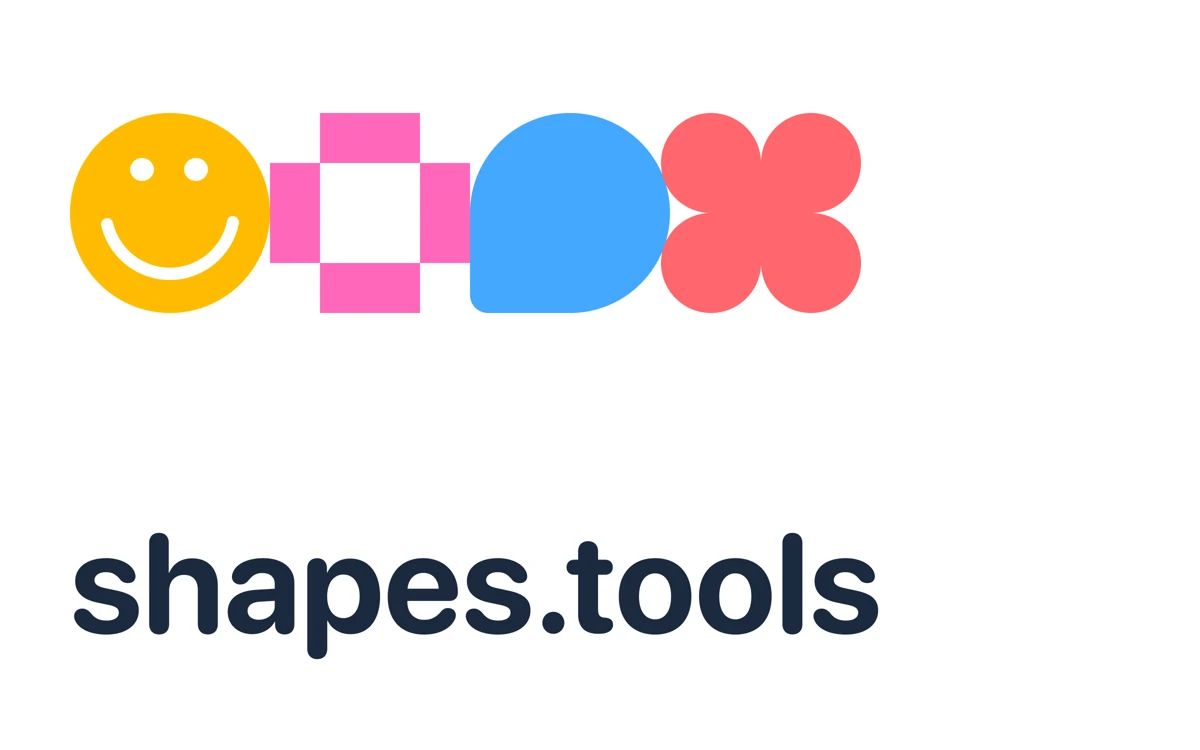
Generate geometric, star-like and floral shapes, choose a color, and copy or download the result as SVG.
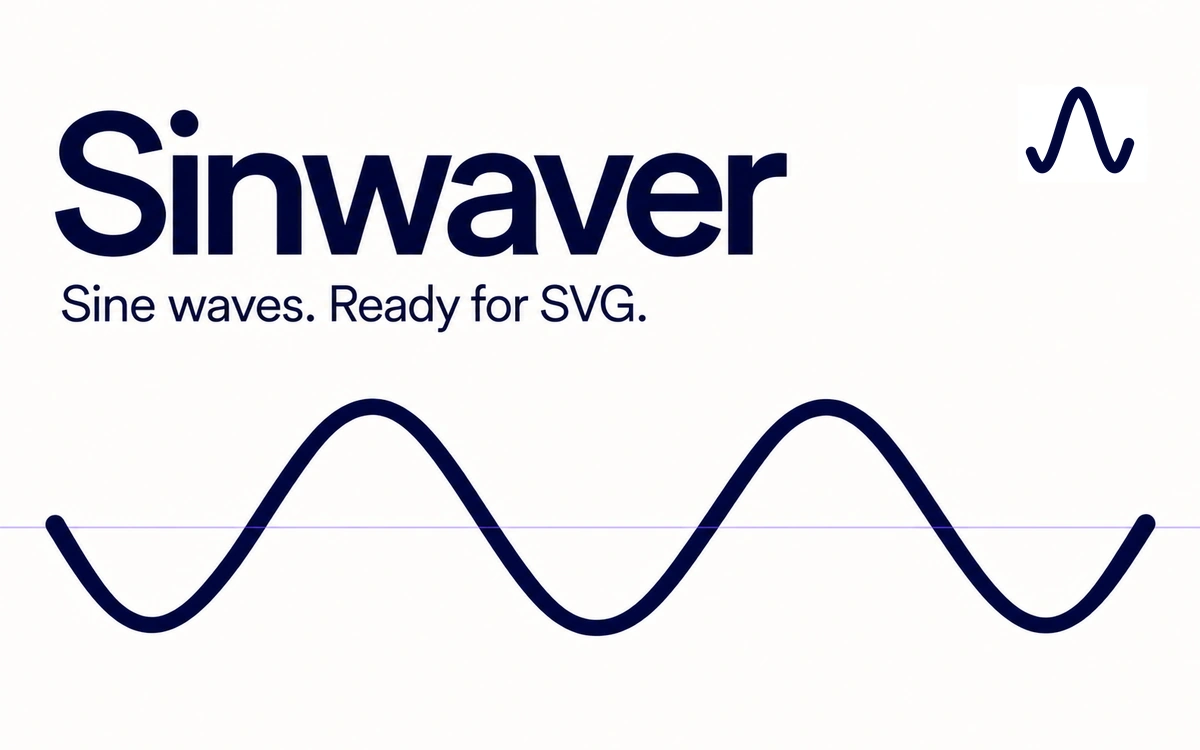
A focused browser tool for sine-wave lines with amplitude, wavelength, phase and stroke controls, plus SVG export.
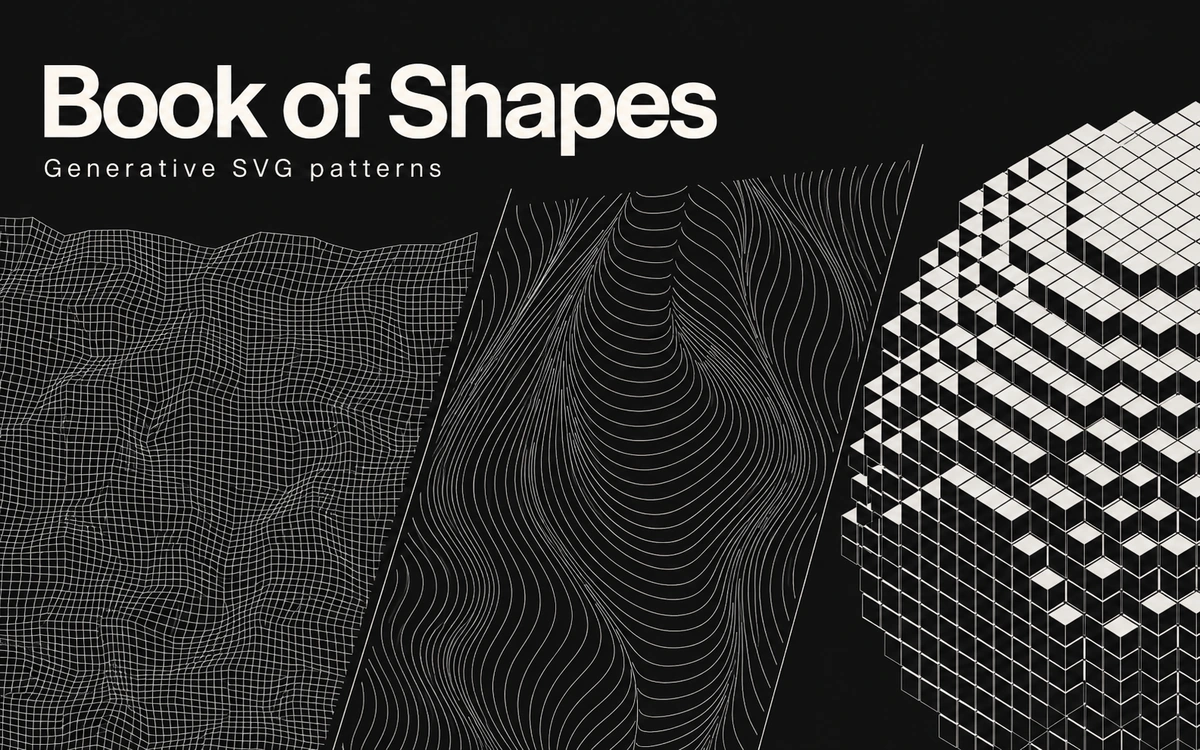
A collection of geometric and organic patterns with adjustable parameters, SVG downloads and copying for Figma.
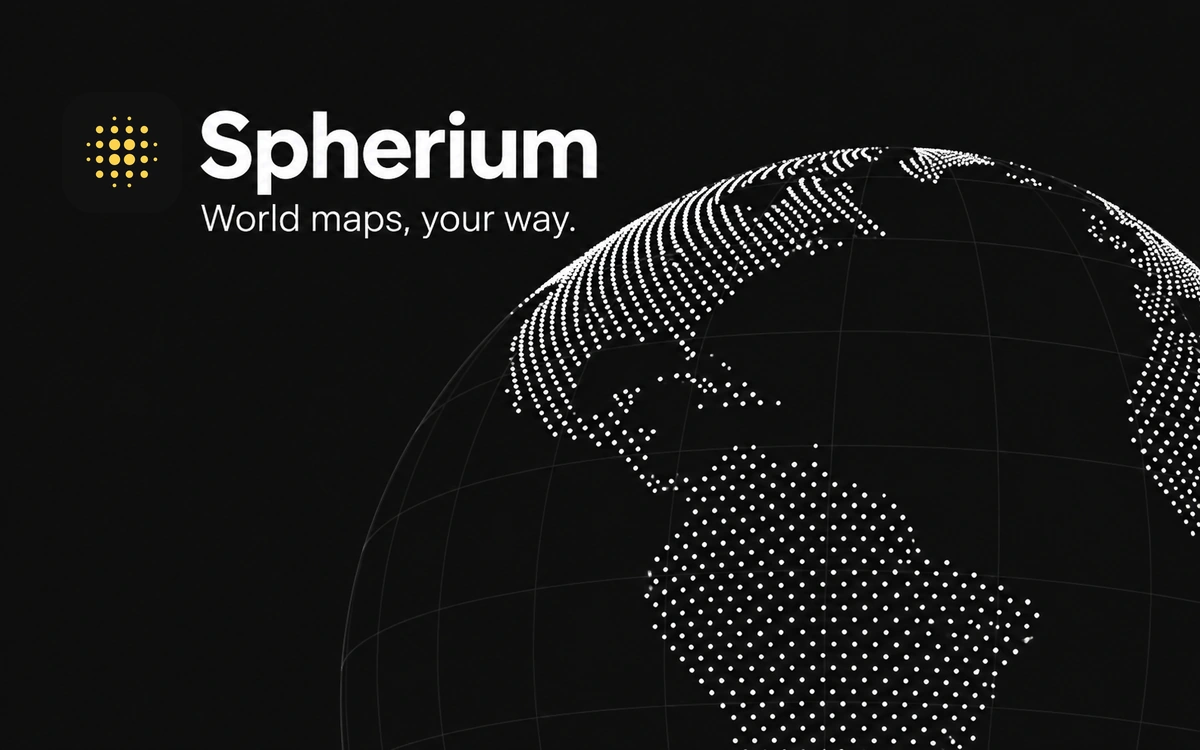
A browser tool for styling world maps on a 3D globe, with point and grid controls plus SVG, HTML, GLB and OBJ export options.
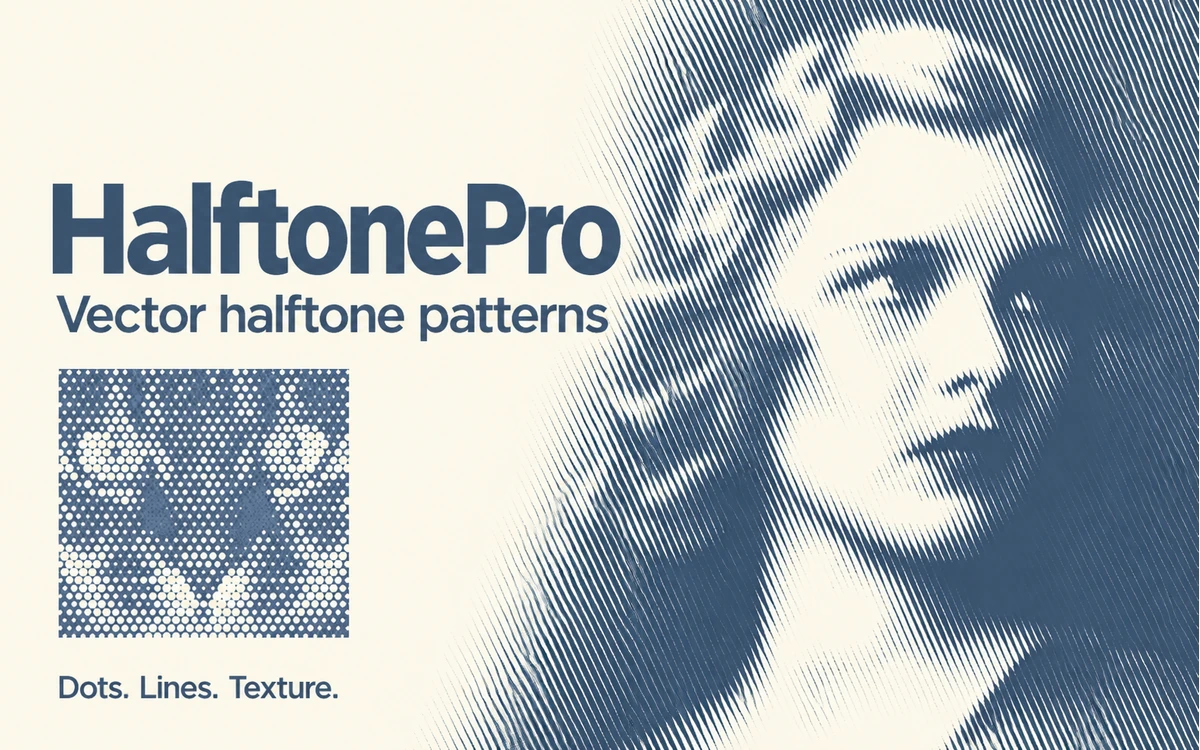
A browser tool for halftone patterns and textures with adjustable grids, shapes and colors. Free PNG export is available; SVG requires a paid account.
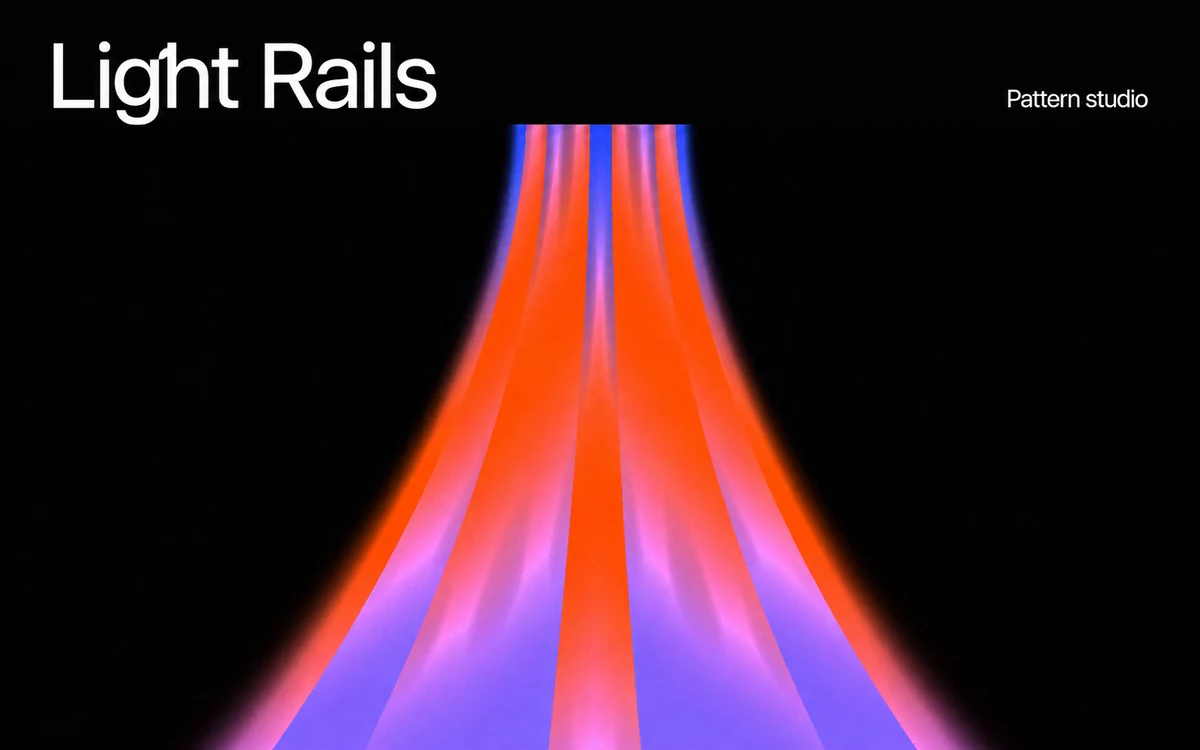
A browser-based studio for geometric patterns, glowing lines, gradients and motion. Explore shapes and timing, preview compositions in mockups, and prepare visuals for your next design.
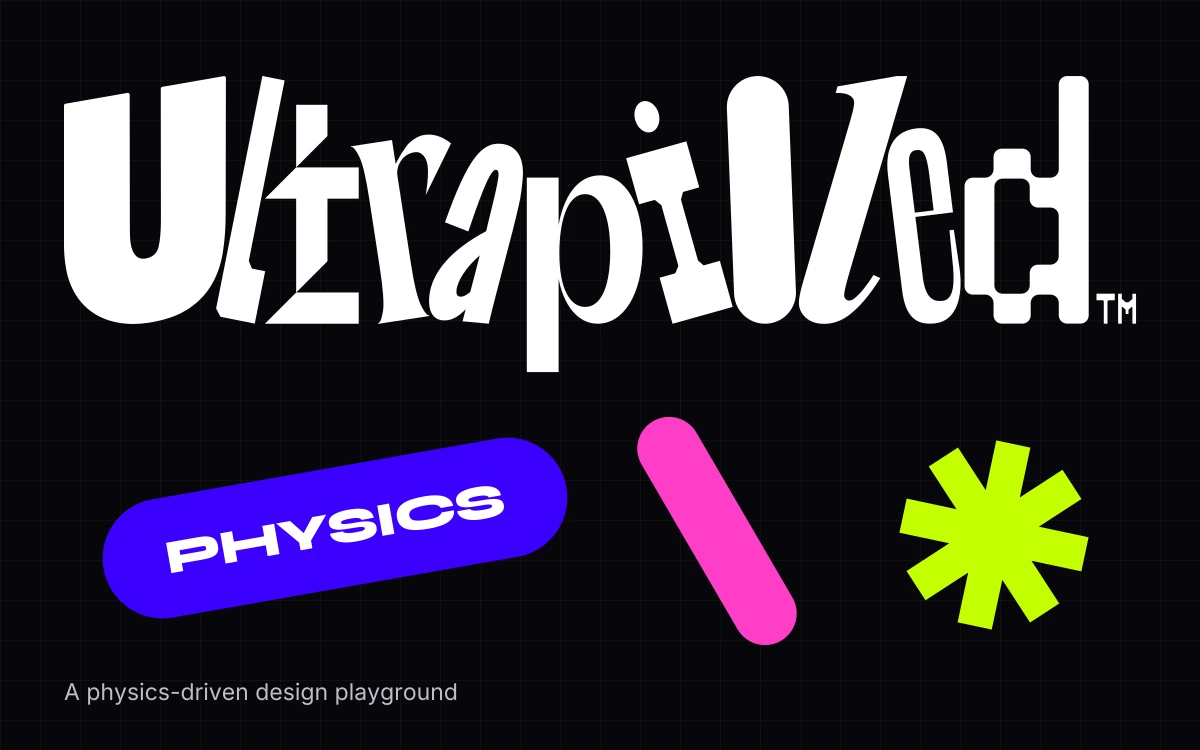
A free browser-based design tool that turns text, shapes, icons and images into playful compositions that fall, bounce and stack.
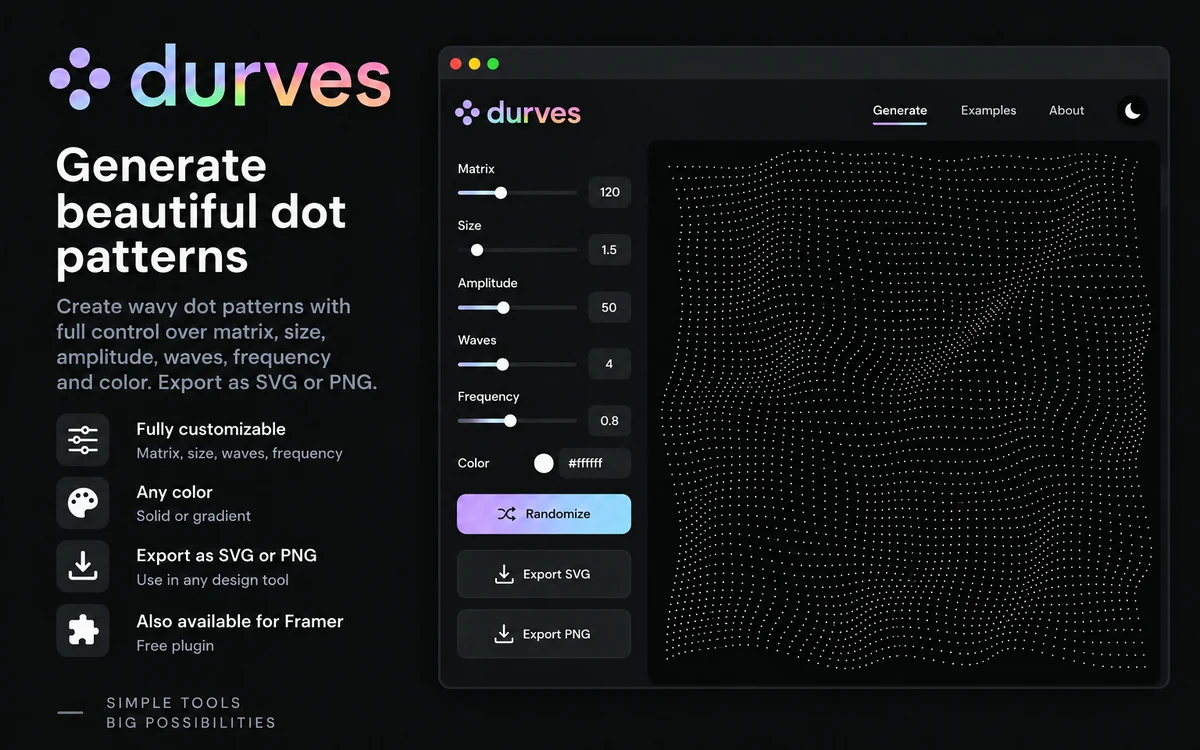
A free online tool for creating curved dot patterns with controls for matrix, size, amplitude, waves, frequency and color, with SVG or PNG export.
An online editor for presentations, social posts and visual materials, with free and paid plans.